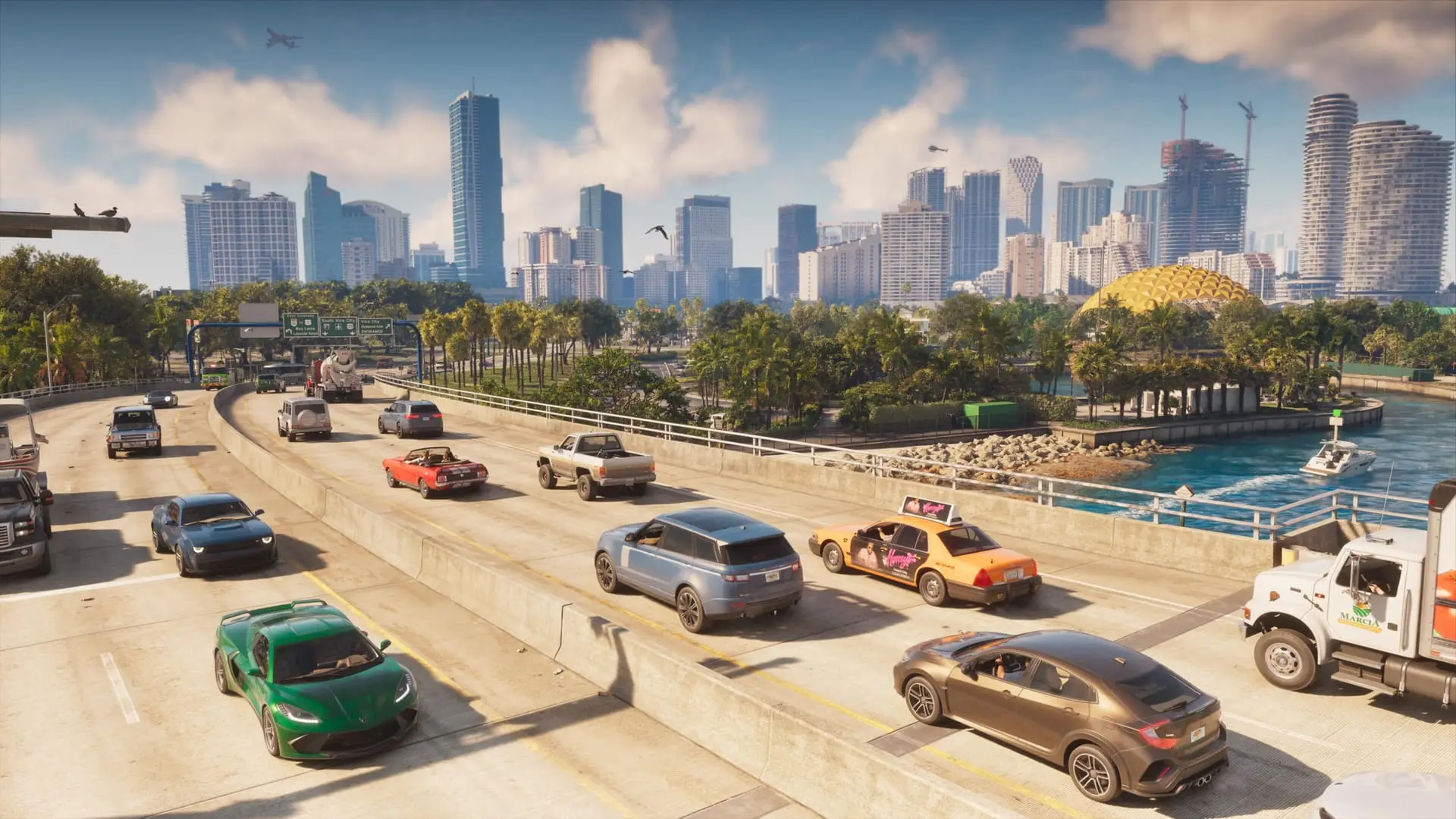
How long is a day in GTA 6? Day/night cycle length
How long a full in-game day lasts in GTA 6 in real time, how it compares with GTA 5, and how to skip ahead to morning, noon, evening or night by sleeping.
Reported. Established outlets report this. Rockstar hasn't said so.

A full 24-hour day in GTA 6 lasts two real-life hours. Each in-game minute takes five real seconds, so an in-game hour goes by in five real minutes.
 Rockstar Games
How in-game time converts to real time
The clock runs at a steady rate of five real seconds per in-game minute. That works out like this:
| In-game time | Real time |
|---|---|
| 1 minute | 5 seconds |
| 1 hour | 5 minutes (300 seconds) |
| 6 hours | 30 minutes |
| 12 hours | 1 hour |
| 24 hours (full day/night cycle) | 2 hours |
So if a mission or event wants you somewhere at a certain hour, each hour you wait is about five real minutes.
How GTA 6 compares with GTA 5
A day in GTA 5 lasted 48 real minutes, so GTA 6's day is much longer. TheGamer links the change to the size of Leonida: with GTA 5's smaller map, a two-hour day would have let you cross the whole thing several times before the sun set. The longer cycle means a drive across the six regions of Leonida doesn't burn through days.
How to skip time by sleeping
There's no way to make the clock run faster, but you can jump ahead by sleeping:
- Go to a bed.
- Choose to sleep.
- Set the alarm for the time of day you want to wake up: morning, noon, evening or night.
- Wake up at that time.
The exact clock times behind each of the four options aren't known yet.
It doesn't matter when you go to bed: you can sleep through to any of the four options. If you pick a time that's earlier than the current time (setting the alarm for morning while it's evening, say), the game moves you to that time on the next in-game day.
When skipping time helps
Some events only happen at certain times of day, and some tasks make you wait until the next day. Sleeping skips that wait, so you don't have to sit through up to two real hours of in-game time for one appointment. If you're chasing something that only happens at night or first thing in the morning, the fastest route is a bed and the right alarm setting.
Sources: TheGamer
Written by AI from the sources listed here, then checked automatically for copied wording and for claims stronger than the sources. How we work