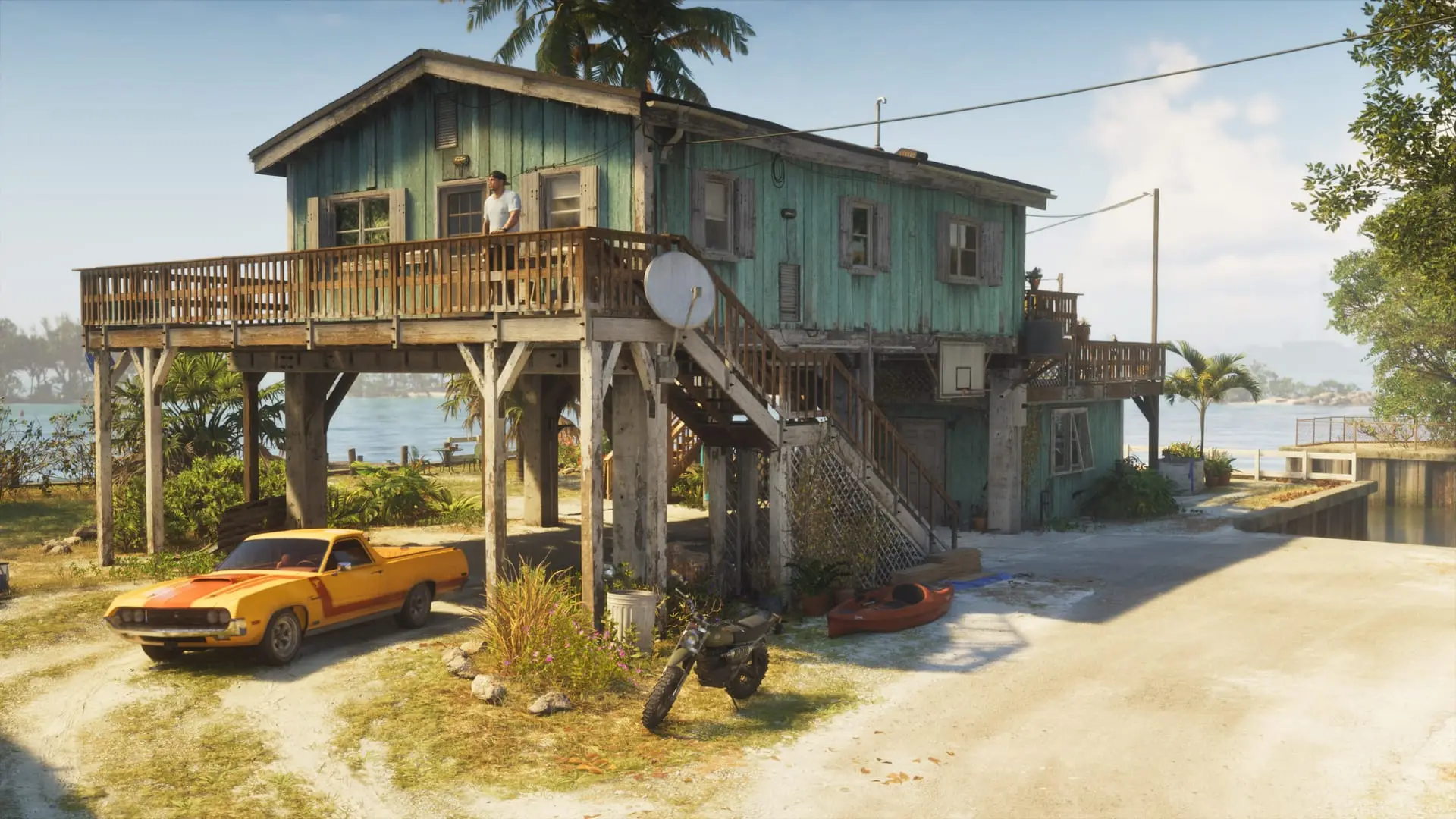
How to make GTA 6 easier: the two settings to change
GTA 6 has no easy mode, but two Gameplay settings cut enemy health, enemy damage and vehicle damage. Here is where to find them and what each one changes.
Confirmed. Rockstar Games or Take-Two said this on the record.

GTA 6 has no difficulty slider, but you can make it easier: open Settings, go to Gameplay, and switch on Accessible Combat and Reduced Vehicle Damage. They're free, available from the start, and work in the main story, unlike cheats.
How to turn on the easier settings
- Open the Settings menu.
- Select Gameplay.
- Find Accessible Combat and switch it on.
- Find Reduced Vehicle Damage and switch it on.
- Accept the warning prompt. Rockstar cautions that these modifiers will "significantly change the balance and experience of the gameplay".
You can use one without the other. If gunfights are the problem but driving is fine, Accessible Combat alone will do.
What each setting changes
| Setting | What it does |
|---|---|
| Accessible Combat | Enemies have less health and deal less damage to you. It works like the "easy" step of a traditional difficulty slider. |
| Reduced Vehicle Damage | Your vehicle takes less damage and holds together longer. It covers gunfire, environmental hazards and crash impacts. |
This isn't a god mode. You can still die and still wreck a car. The difference is noticeable, though: in Eurogamer's hands-on time with both settings on, Jason and Lucia soaked up far more melee hits and gunshots, and Jason's battered old pickup took serious effort to push even into the "slightly smoking" state.
It isn't known yet whether either setting affects trophies or achievements.
Why not just use cheats?
Cheats are much more restricted in GTA 6 than in earlier games:
- They only unlock after you finish the main story.
- Turning one on locks story progression.
- Saving is disabled while cheats are active.
- Cheats disable trophies.
Cheats are fine for a quick rampage, but they won't get you through a mission you're stuck on. The two Gameplay settings will help there. Our GTA 6 cheats guide lists every code and how to unlock it.
Other accessibility options worth a look
The two difficulty toggles are part of a much bigger set of options. Besides them, GTA 6 offers:
- 23 other gameplay accessibility options
- 12 display options
- 70 UI options
- 24 camera options
- 14 audio options
Rockstar's associate UI director, Sam Grosset, said accessibility is "considered from the outset" and that the studio wanted every player to have "options to play the game how they like". His examples were a larger font size, a more minimal screen layout and a controls tweak for sprinting. If a particular action is what's tripping you up, check the Gameplay and controls menus before you reach for the difficulty toggles.
Missions are also more forgiving than in past GTA games. Rockstar has reportedly made them more open-ended and "harder to fail", with more ways to reach each objective. If you're stuck on a specific job, our full GTA 6 mission list can help you find it.
Sources: Eurogamer
Written by AI from the sources listed here, then checked automatically for copied wording and for claims stronger than the sources. How we work