GTA 6 Get A Bank Account mission walkthrough
How to finish Get A Bank Account in GTA 6: the Fleeca Bank visit, the BuckMe app, the dialogue choice for Lucia, the $5,000 savings goal and the $15,000 limit.
Reported. Established outlets report this. Rockstar hasn't said so.
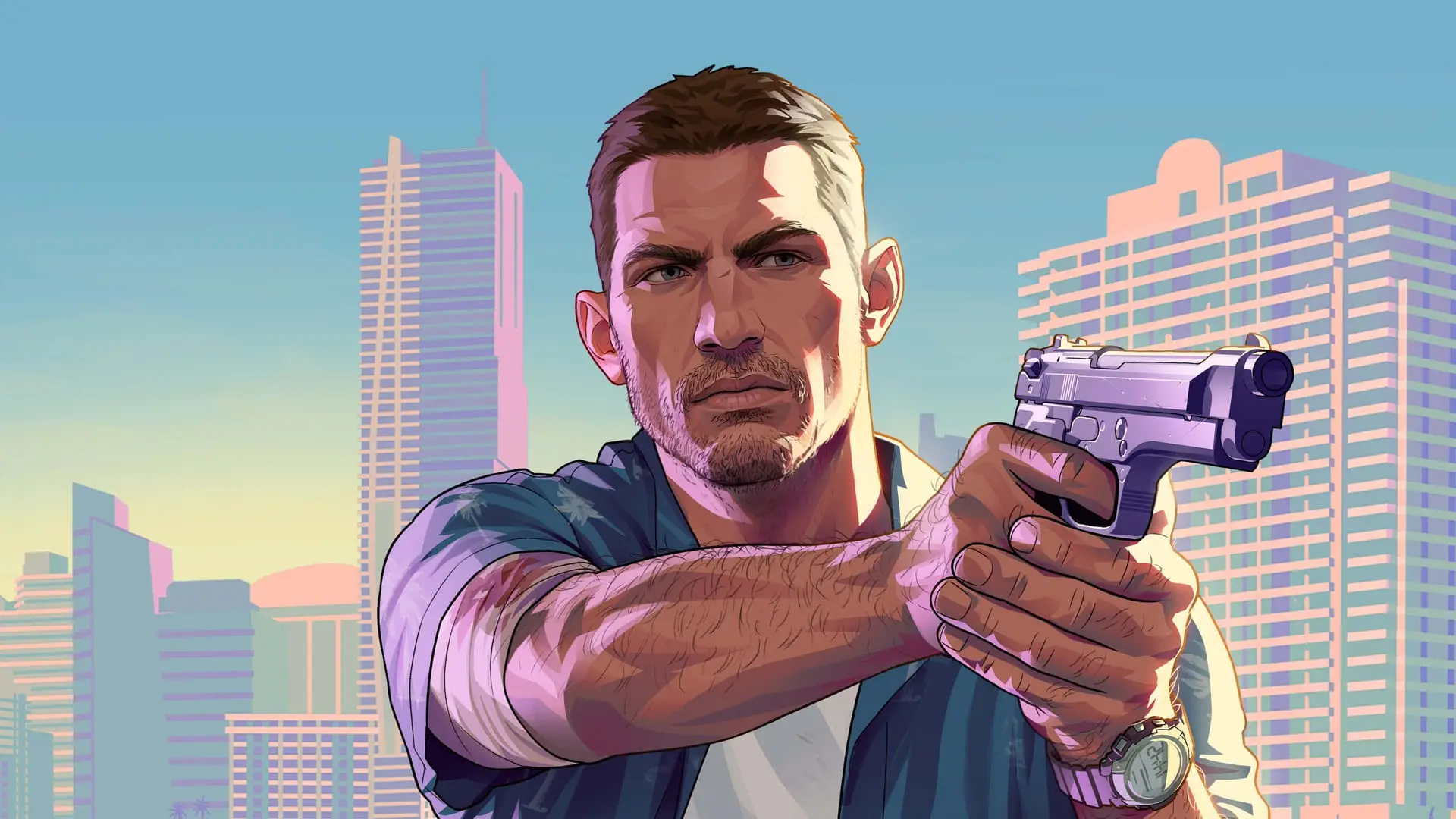
To finish Get A Bank Account in GTA 6, drive Jason to the Fleeca Bank, walk inside and talk to the manager. You leave with the BuckMe app on your phone, and the mission is done. It costs nothing, has no combat and takes a few minutes. Some players know it as the Buck Me mission.
When Get A Bank Account unlocks
This is a Chapter 1 story mission. It becomes available after Jason is reunited with Lucia and you've finished Earn Money. It starts after you drop off the first of Donnie's Packages: Lucia calls, realises Jason doesn't have a bank account and tells him to go open one, offering to help since he clearly hasn't managed it alone. If the mission doesn't show up, check our full story mission list to see what you might have skipped.
The dialogue choice with Lucia
During the conversation, Jason can either say nothing or tell Lucia he has some cash saved. Telling her about the savings helps their relationship, so pick that one.
Step by step
- Drop off the first of Donnie's Packages to trigger Lucia's call.
- Answer the call and, when the choice appears, tell Lucia that Jason has saved cash.
- Drive to the Fleeca Bank marked for the mission.
- Go inside and speak with the manager.
- Let the conversation play out. The manager turns Jason down for a regular account (fairly, given his situation) and sets him up with a BuckMe account instead.
- The BuckMe app is now on your phone and the mission ends.
What BuckMe does
BuckMe is Leonida's version of PayPal. Once you have it, you can:
- deposit and withdraw cash at ATMs
- buy items that require a bank account, such as special guns in Ammu-Nation stores
- put money into the Family Savings account that Jason and Lucia share
It's also the safest place for your money. Cash in your pocket is gone if you're arrested or killed (see what you lose when you die), and the stash in Jason's bedroom is a worse option than the bank.
The two objectives that follow
Two short objectives unlock as soon as the mission ends. Do them early:
| Objective | What to do |
|---|---|
| Deposit Cash into BuckMe | Open the ATM Finder in the BuckMe app, go to an ATM and deposit some cash. There's one very close to Jason's home. |
| Save for the Future | Save up $5,000 and transfer it to the family savings account. |
Think before you transfer: money in Family Savings is locked for good. You can't withdraw it or spend it. The $5,000 is only the first goal, and each savings goal is needed for later chapters of the story, so there's no hurry to fill it now. If you need cash fast, our money guide has the quickest methods.
The $15,000 checking limit
The BuckMe checking account holds up to $15,000. You can't raise that limit yourself: it goes up through story progression, when the app sends you notifications about an upgrade package. Until then, keep main missions going if you're sitting on a lot of cash.
After the mission
Cal texts Jason four new package locations for Donnie. Now is a good time to go and pick them up.
Written by AI from the sources listed here, then checked automatically for copied wording and for claims stronger than the sources. How we work