How to get and wear a mask in GTA 6
Where to buy a mask in GTA 6, starting with Chuck's Tackle & Shot in Key Lento, plus how to add it to your loadout and pull it over your face.
Reported. Established outlets report this. Rockstar hasn't said so.

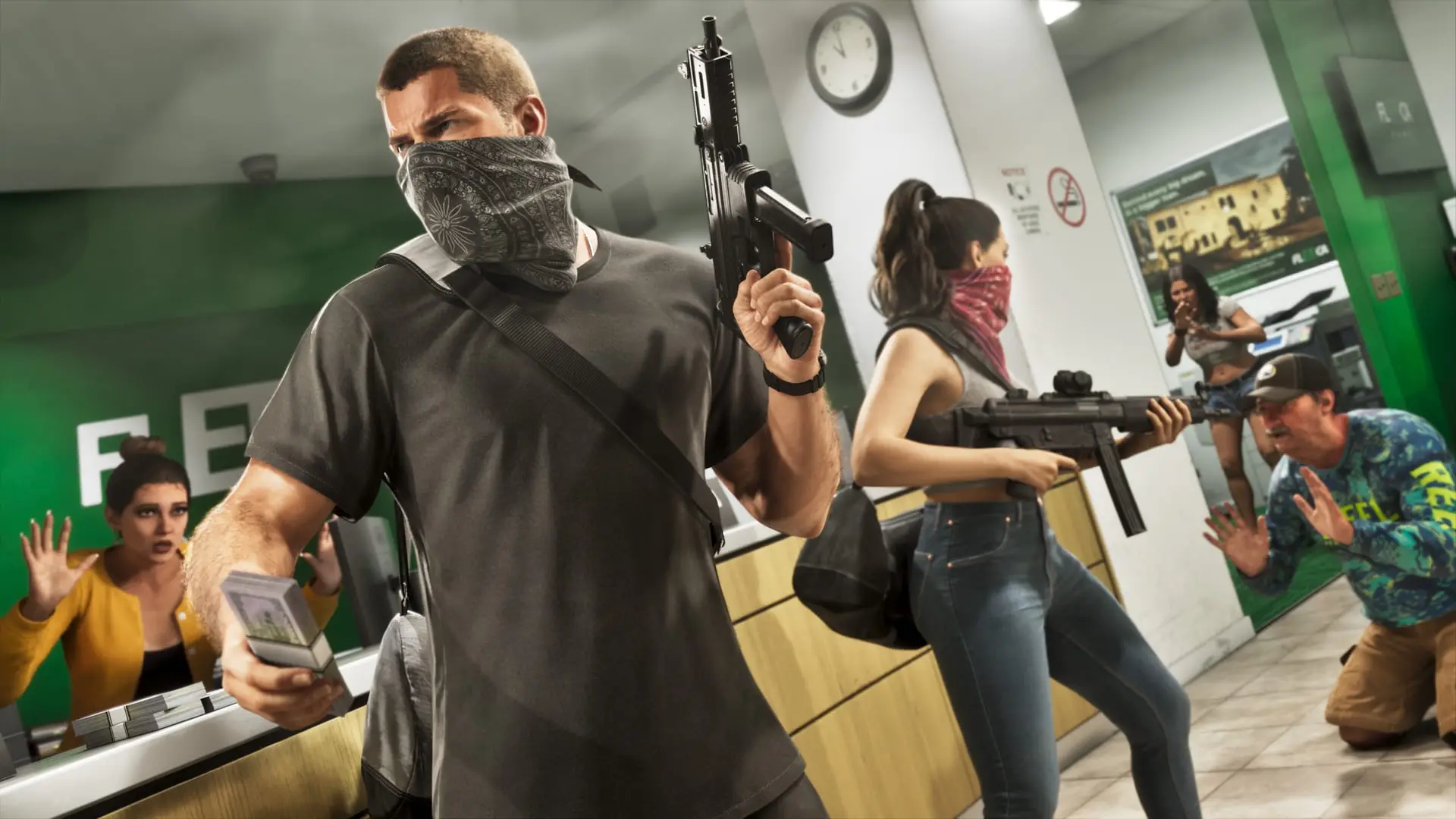
You can buy a mask in the Neckwear section of any Ammu-Nation gun store. The first one you can reach is Chuck's Tackle & Shot in Key Lento, just down the road from Jason's house, and it sells masks from the very start of the game. Jason wears a new mask around his neck, so switch it to Wear Style 1 in the loadout's items menu to cover his face.
The effort pays off because police in GTA 6 track you partly by how you look. A covered face helps you shed some Appearance Heat, for example after robbing a store that has CCTV.
 Rockstar Games
Where to buy a mask
| Shop | What it sells | When you can use it |
|---|---|---|
| Chuck's Tackle & Shot, Key Lento | Masks in the Neckwear section | From the beginning of the game |
| Any Ammu-Nation | Masks in the Neckwear section | Once you can reach the store |
| Thrift stores in Vice City and Vice Beach | Novelty masks | Once you start exploring those areas |
| High-end retailers | Fancy, expensive face coverings | Once you start exploring Vice City |
Mask prices haven't been reported yet. To find the gun stores, open the Index from the map and go to the weapons tab, where every Ammu-Nation is listed and marked. Our GTA 6 map guide covers Key Lento, Vice City and the other regions.
Finding the masks inside Chuck's Tackle & Shot
- Walk in through the front door and turn right.
- Walk a short way forward.
- Turn left down the aisle.
- Check the shelf on your right for the Neckwear section. It is the central stand with an alligator head on top.
- Buy the mask you want.
Getting a mask into your loadout
You can only wear a mask that is in your loadout. A mask you just bought can be equipped right away. To swap in another one later:
- Go to the wardrobe in one of your residences.
- Open the accessories tab.
- Select the Masks option. Masks are sorted by brand.
- Pick a mask to add it to your loadout.
To keep spares while you're driving around, store masks in the trunk of your personal vehicle: highlight one and press Square (PS5) or X (Xbox). For how the loadout handles your guns, see our GTA 6 weapons and loadout guide.
How to pull the mask over your face
- Hold L1 (PS5) or LB (Xbox) to open the loadout wheel.
- Press R1 or RB to scroll to the items menu.
- Move the stick to the neckwear slot at the twelve o'clock position and select Mask.
- On Xbox, press A to put the mask on and A again to take it off. The PS5 button for this step hasn't been reported yet.
- While still on the neckwear slot, press up or down on the D-pad to change the Wear Style.
Wear Style 1 covers your face, which is the one you want for crime. The second style is a more casual look. With your face covered, shop clerks panic when you walk in, so switch styles before you go in just to shop.
If you're early in the story and want to see what's ahead, our GTA 6 mission list covers every chapter.
Sources: PC Gamer, GamesRadar+
Written by AI from the sources listed here, then checked automatically for copied wording and for claims stronger than the sources. How we work