How to get the Slim Jim in GTA 6 and how to use it
Moses gives you the Slim Jim in GTA 6's Chapter 2 mission Moses. Here's how to unlock it, the Triangle/Y controls, and the cars it won't open or start.
Reported. Established outlets report this. Rockstar hasn't said so.
You get the Slim Jim from Moses during the Chapter 2 story mission named after him, "Moses". It plays right after Girls' Trip. There's nothing to buy and nothing to hunt down: finish the mission and the tool is yours, for Jason and Lucia alike.
Without it, stealing a car means smashing a window. That's loud, it's slow, and it gives any passer-by time to report your description to the police. With the Slim Jim you can open doors (and trunks) without a sound.
What you need before the Moses mission
- All of Chapter 1 finished. Cars are of little use until Chapter 2, which is where the game opens up after the prologue.
- Girls' Trip completed. That's the Chapter 2 mission where Lucia goes shopping and makes a friend. Moses comes straight after it.
If you want to see where these sit in the story, check our full GTA 6 mission list.
Getting the Slim Jim from Moses
- Start the Chapter 2 mission "Moses" (the objective tells you to take a vehicle to Moses).
- Play through it. Moses is your first vehicle fence: he shows you how to sell cars and bikes and helps Lucia get her first personal vehicle.
- Moses gives you the Slim Jim during the mission. When the mission ends, both protagonists can use it.
The mission also introduces the WAiNK app, which checks a vehicle's security features before you try to steal it. Hold Up on the D-pad to open it at any time. Checking a car first tells you whether the Slim Jim alone will be enough.
How to use the Slim Jim
- Walk up to the driver-side or passenger door of the car you want.
- Press Triangle (PS5) or Y (Xbox) to take out the Slim Jim.
- Rotate the right thumbstick slowly in a curve.
- Stop when the controller rumbles and the semi-circle indicator turns slightly pink. That's the sweet spot.
- Hold the stick there for about a second, until you hear a small pop.
- Get in.
If the indicator doesn't change colour, keep sweeping the stick along the arc. The rumble is the easiest cue to feel for.
Trunks and loot
Once a car is open with the Slim Jim, you can open the trunk without setting off the alarm. It's worth a look: trunks can hold weapons, drugs or cash. If you end up with more guns than you can carry, our weapons guide explains the four-gun limit.
Cars the Slim Jim won't get you into
The Slim Jim only unlocks doors. Getting the car moving is a separate step:
| Vehicle type | What you need |
|---|---|
| Older cars with a standard ignition | Slim Jim to open it, then hotwire it and drive away |
| Cars with keyless ignition | Key Cloner, which you unlock in Chapter 3 |
| Cars fitted with a tracker | Tracker removal, which you also learn in Chapter 3 |
Until Chapter 3, stick to older, simpler cars.
Registering the cars you steal
The Moses mission unlocks something else too: registering stolen vehicles. Paying the fee swaps the plates and puts the car in your name, so you can keep it and have it delivered to you.
- Where: Moses, or a vehicle drop-off point you've unlocked, such as Watkins Auto Parts in Port Gellhorn. Pay n' Spray shops offer registration from Chapter 3.
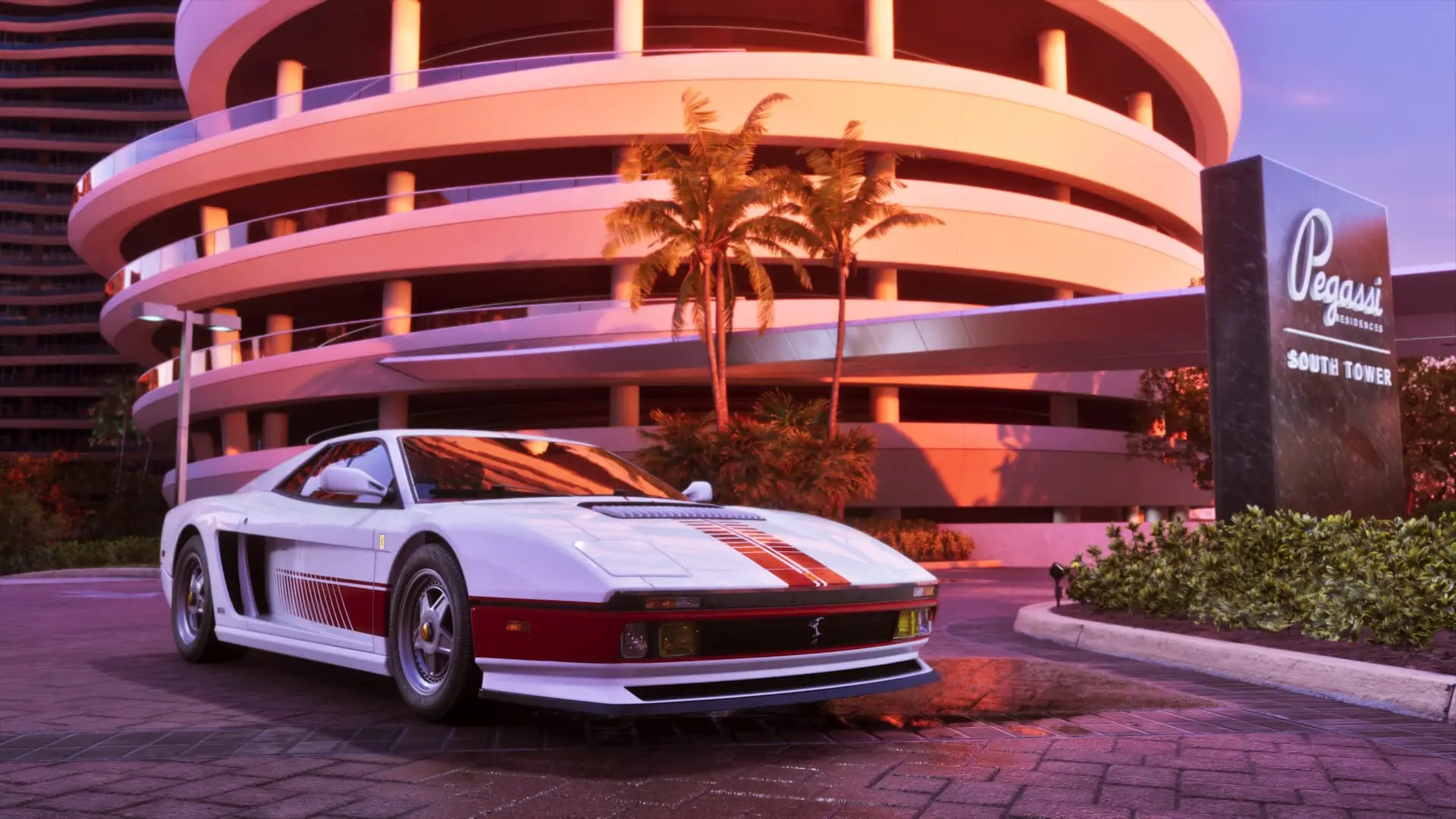
- Cost: the more the car is worth, the higher the fee. One example: a car styled on Paul Walker's Fast & Furious ride costs about $7,000 to register.
- Can't afford it yet? Park the car in a safehouse garage so it doesn't disappear, then register it once you have the cash. Garage space is tight early on but grows as the story goes on, and you can always sell a car to free up a slot.
If you need money for those fees, our money guide has the quickest options, and our vehicles list covers every car confirmed so far.
Sources: PC Gamer, TheGamer, Critical Hits, GamesRadar+
Written by AI from the sources listed here, then checked automatically for copied wording and for claims stronger than the sources. How we work