
Camera
Phone app
The Camera is an app on Jason and Lucia's phone for taking photos with a rear lens or selfies with the front one, with zoom, filters, a flash toggle and a gallery.
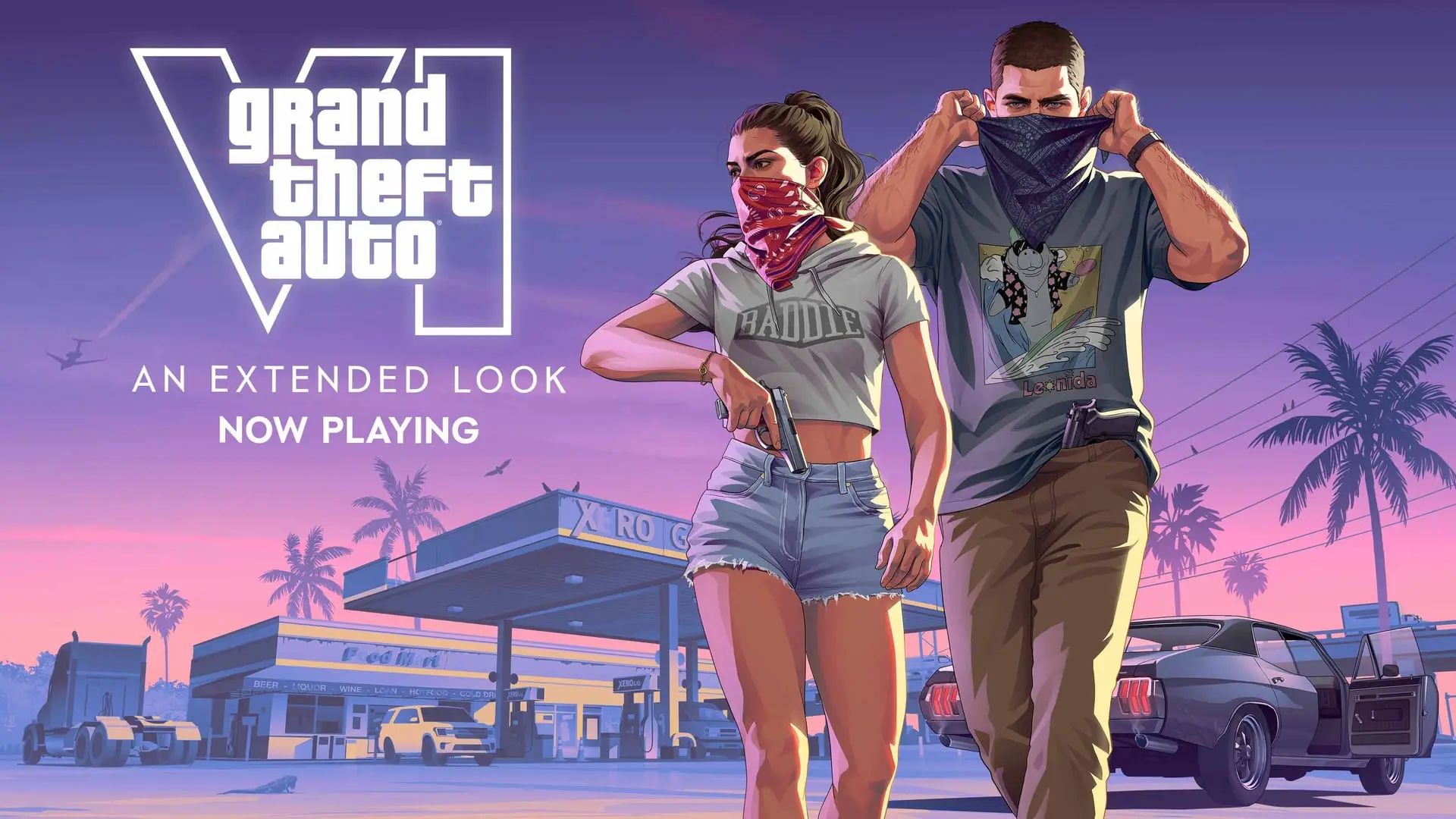
Fact file
- Type
- Phone appReported
- Opened with
- D-Pad Up, then Camera iconReported
- Zoom
- Up to 5x (rear camera)Reported
- Filters
- Up to 17Reported
- Selfie poses
- Up to 6Reported
- Selfie expressions
- Up to 7Reported
Rockstar or Take-Two said itoutlets report it, Rockstar hasn't
The Camera is an app on the in-game phone that lets Jason and Lucia take photos of Leonida and selfies. Photos are saved to the phone's gallery.
How to open it
According to Game Rant's walkthrough, the phone becomes available once you get through Lucia's part of the prologue and take control of Jason. Press D-Pad Up to pull out the smartphone, then pick Camera, the third icon in the first row.
This is separate from Photo Mode. That mode opens from the pause menu and has its own, much larger set of controls.
Rear and front cameras
Once the app is open you can use the rear camera or flip to the front one for selfies.
| Option | Rear camera | Front (selfie) camera |
|---|---|---|
| Take photo | Yes | Yes |
| Light (flash toggle) | Yes | Yes |
| Gallery | Yes | Yes |
| Show grid (3x3) | Yes | No |
| Zoom | Up to 5x | No |
| Filters | Up to 17 cosmetic filters | No |
| Selfie switch | Switches to front | Switches back to rear |
| Pose | No | Up to six for Jason |
| Expression | No | Up to seven for Jason |
| Partner pose | No | Changes your partner's pose |
IGN España adds that sending a selfie to your partner can get an interesting reaction. WhatUp, the messaging app, is also where selfies can be shared.
The gallery
IGN España says photos are kept in the phone's gallery, which has limited space. It sorts media into folders, so pictures another character sends you, such as images tied to a bank job, appear in their own folder.
First-person phone view
Holding up the phone camera gives a first-person view in which you can walk around Leonida, MeriStation reports. The picture is vertical, a framing mark sits in the middle of the screen and the phone menu stays visible. You cannot use your gear or do anything except take a photo.
This is different from the game's first-person camera. MeriStation reports that pressing left trigger and R3 switches to a first-person view, but you cannot move, turn or use items from it, so it works for static shots, for example during conversations. GTA 6 cannot be played normally in first person.
Not the same as security cameras
CCTV cameras in the world are a separate matter. Rockstar has confirmed that GTA 6 tells you when a CCTV camera has seen you, and that you can destroy the footage to avoid police. Rockstar has also confirmed that NPCs and police can identify Jason and Lucia by their outfits, including through security footage.
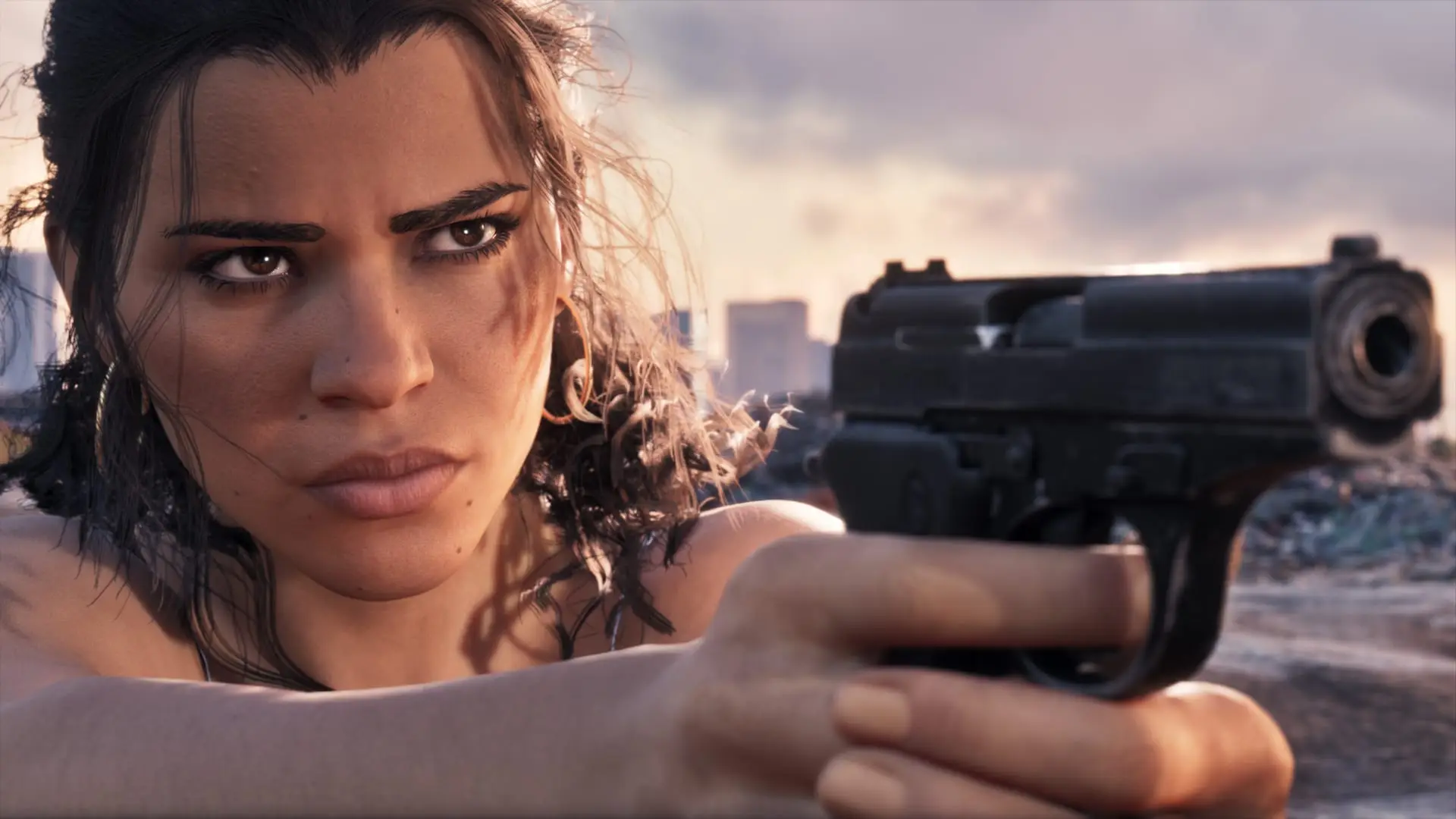
Official pictures
Image: Rockstar Games
In our coverage
- GTA 6's opening on four consoles: Series S dips to 24fps
- GTA 6 autosave cost one streamer 11 hours: save manually
- GTA 6 has its own WhatsApp: how WhatsUp works
- GTA 6 wanted level: star colors, Heat and how to escape
- GTA 6 first-person aiming: how to unlock it for $65
- GTA 6 auto-drive: how to let your car drive itself
- No first-person mode: 10 things missing from GTA 6
- Where to find Bigfoot in GTA 6: Cottonmouth Lake
Sources: Game Rant, MeriStation, IGN España, Polygon, HobbyConsolas
Written by AI from the sources listed here, then checked automatically for copied wording and for claims stronger than the sources. How we work