GTA 6 auto-drive: how to let your car drive itself
GTA 6's cinematic camera hides an auto-drive mode that steers to your waypoint. Here are the PS5 and Xbox buttons, speed controls and how to switch it off.
Reported. Established outlets report this. Rockstar hasn't said so.
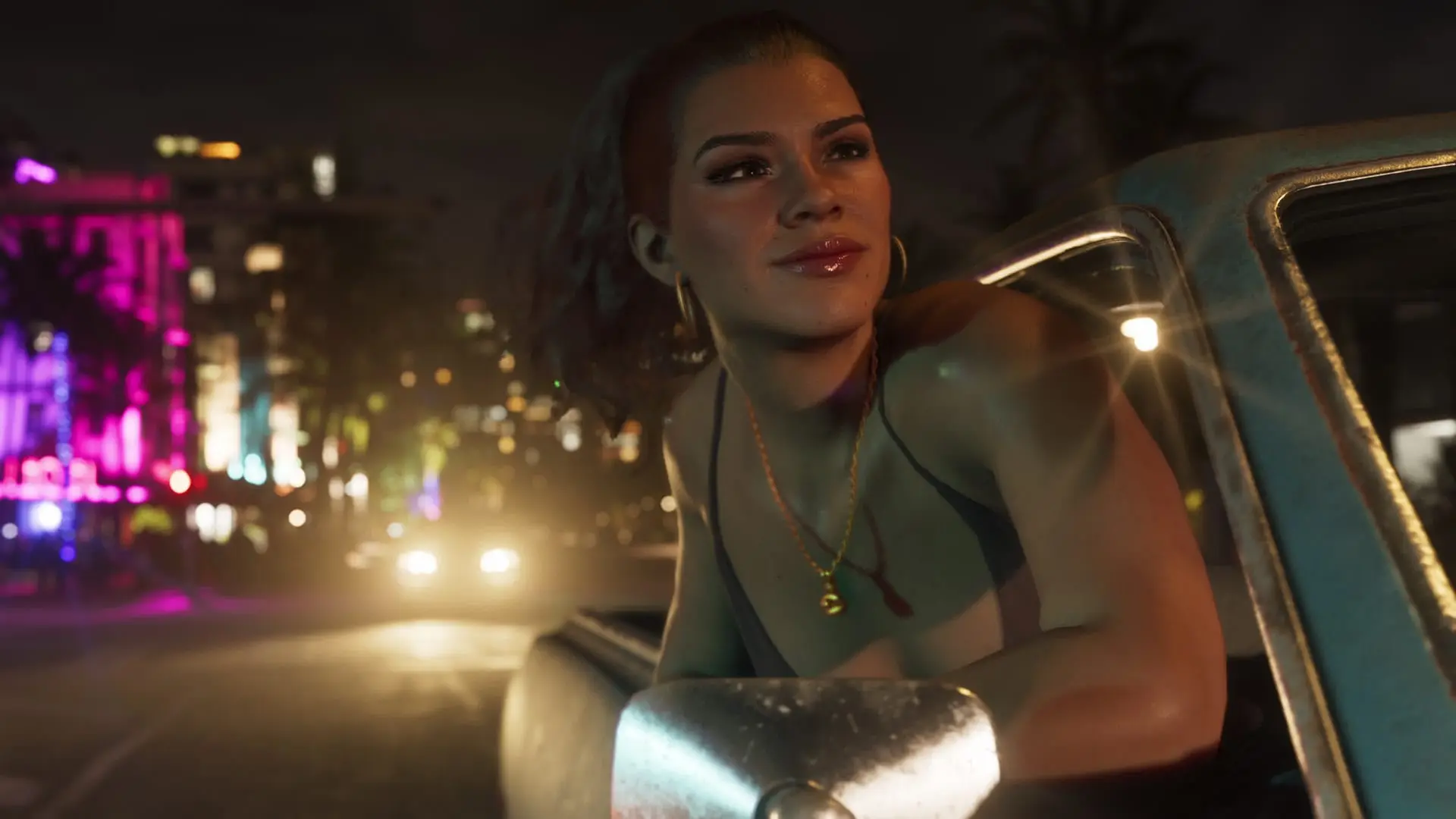
GTA 6 can drive for you. Set a waypoint, switch to the cinematic driving camera and turn on Auto Drive, and Jason or Lucia takes the wheel and heads for the marker on their own. It's slow and obeys every traffic law, but it's a relaxed way to see the scenery on a long trip, and it still clears the map as you go.
 Rockstar Games
How to turn on auto-drive
- Set a waypoint. Mark a destination on the map first. Without one, cinematic mode won't work.
- Get in a car. Press Triangle (PS5) or Y (Xbox) to open the door and climb in.
- Get moving, then enter cinematic mode. With the car rolling, hold down on the D-pad and, while holding it, press Options (PS5) or Menu (Xbox). The camera starts cutting between different cinematic angles.
- Switch on Auto Drive. Give the car a little throttle and an Auto Drive option appears in the bottom-right corner of the screen. Holding Circle (PS5) or B (Xbox) turns it on.
- Pick your speed. Use L2 and R2 (PS5) or LT and RT (Xbox) to change how fast the car cruises.
- Take back control. Hold down on the D-pad to leave cinematic mode.
Controls at a glance
| Action | PS5 | Xbox |
|---|---|---|
| Enter vehicle | Triangle | Y |
| Enter cinematic mode | Hold D-pad down + Options | Hold D-pad down + Menu |
| Turn on Auto Drive | Hold Circle | Hold B |
| Change auto-drive speed | L2 / R2 | LT / RT |
| Exit cinematic mode | Hold D-pad down | Hold D-pad down |
It isn't limited to cars, either: it seems to work in most vehicles. For a look at what's in Leonida's garages, see our GTA 6 cars and vehicles list.
What auto-drive does well, and what it doesn't
Once Auto Drive is on, your character sticks to the road and follows traffic, so you won't crash or miss a turn. The catch is that they drive like they're sitting a driving test. Even the top speed setting is slow, and the car follows the rules of the road the whole way. If you need to get somewhere fast, drive yourself.
Where it pays off is exploring. Auto-driving still clears the fog of war, so you can set one very long waypoint early in the game, sit back and let large stretches of Leonida reveal themselves. That makes it a handy tool if you're working toward a full map. Our Leonida map guide covers the six regions you'll be driving through, and the 100% completion guide covers what full completion takes.
Red Dead Redemption 2 players will recognise the idea: that game let you send your horse to a waypoint on its own. GTA 6 applies the same trick to its cars, and with a map this size it gets plenty of use.
For more help getting around, browse the GTA 6 guide hub.
Written by AI from the sources listed here, then checked automatically for copied wording and for claims stronger than the sources. How we work