GTA 6 at 60fps and DLSS 5: a PC streaming trick explained
A modder tool streams GTA 6 from a PS5 to a gaming PC, adds DLSS 5 and uses frame generation to reach 60fps. How it works, what it needs and the catches.
Reported. Established outlets report this. Rockstar hasn't said so.
GTA 6 runs at 30fps on consoles, and a community tool now gives PC owners a way to get past that, with caveats. Veyra takes the game as it streams from a PS5 to a gaming PC, puts DLSS 5 neural rendering over the image and uses frame generation to push the output to 60fps. The game itself still runs on the console. Everything else happens on the PC, so this is not a PC version of GTA 6 (here is what is known about that).
How the Veyra setup works
The console's picture reaches the PC in one of two ways: a capture card or Remote Play. From there, the process is:
- Run a PowerShell command, which installs Veyra through a setup tool made by the modder Phosphen.
- Link up Remote Play with your PS5.
- Run the short setup inside the new Veyra executable.
You also need a graphics card that can handle the extra DLSS 5 work. Getting it to connect is not guaranteed: a PC Gamer staffer who tried it could not get the tool to link to his PS5.
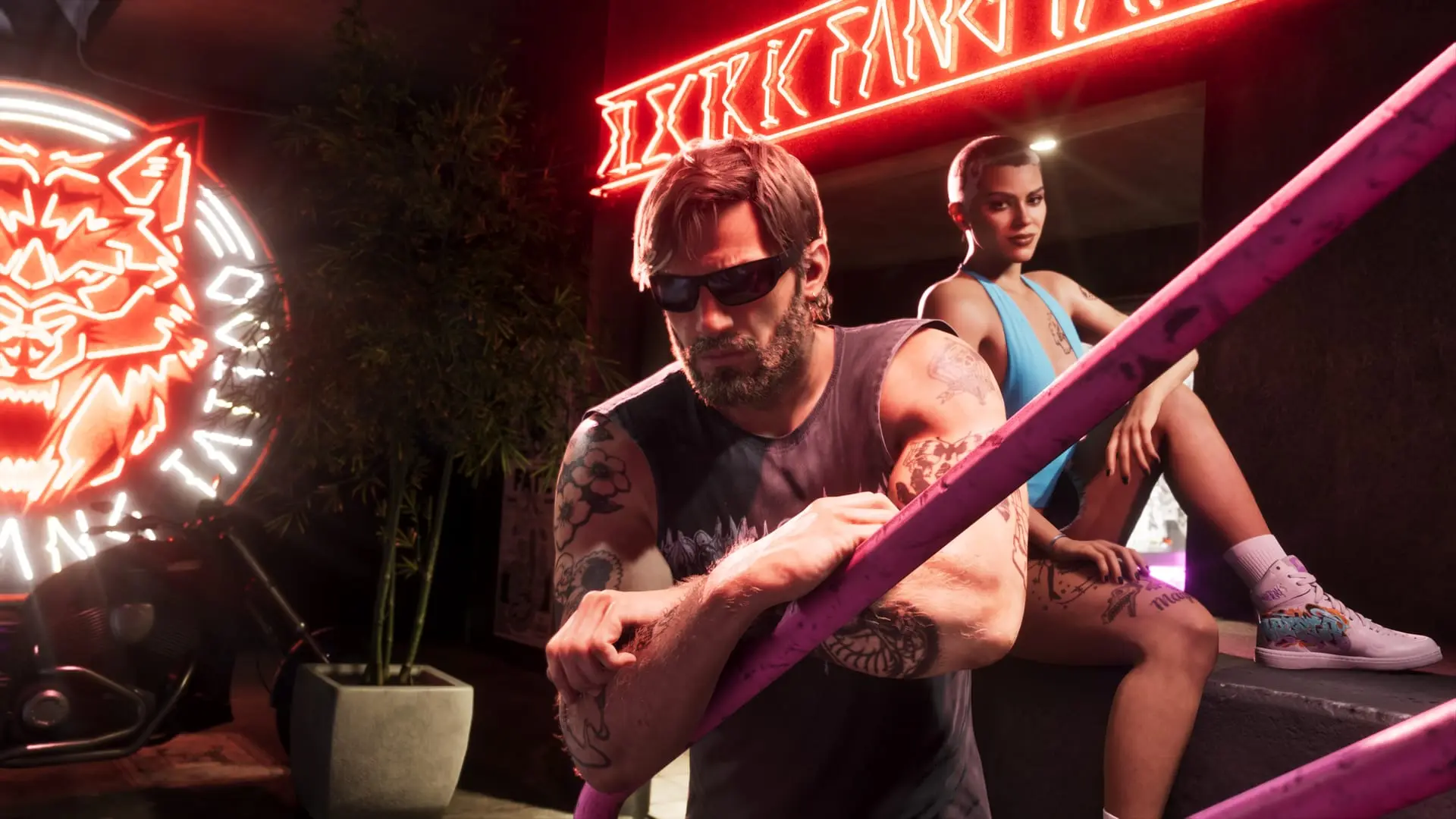
When it does work, the DLSS 5 pass changes the look of both the environments and the characters, and PC Gamer called gameplay capture of the result very graphically impressive.
Where the extra 30 frames come from
The console still renders 30 frames per second. A 60fps capture card or Remote Play stream shows each of those frames twice, so the feed is 60fps on paper but still looks like 30. Veyra spots and drops the duplicates, then uses frame generation to create new frames between each pair of real ones. The output is a genuine 60fps, but half of those frames are interpolated rather than rendered by the game.
That costs responsiveness. Frame generation adds input latency, and the delay is most noticeable when the starting frame rate is low, as it is at 30fps. Motion should look smoother while the controls may feel slower. For how GTA 6 performs natively on each console, see our frame rate explainer.
The Lossless Scaling alternative
You can skip Veyra and run Lossless Scaling over the Remote Play stream instead. It is a paid app on Steam that adds upscaling and frame generation to many games and windows, not just GTA 6.
There is a catch with its frame generation. The Remote Play stream already contains the duplicated frames, and the modder's readme warns that "frame generation fed with copies makes stutter instead of smoothness." Since Lossless Scaling does not strip out those copies, using it this way is likely to stutter. With this method, stick to upscaling and leave frame generation off.
Sources: PC Gamer, Critical Hits
Written by AI from the sources listed here, then checked automatically for copied wording and for claims stronger than the sources. How we work