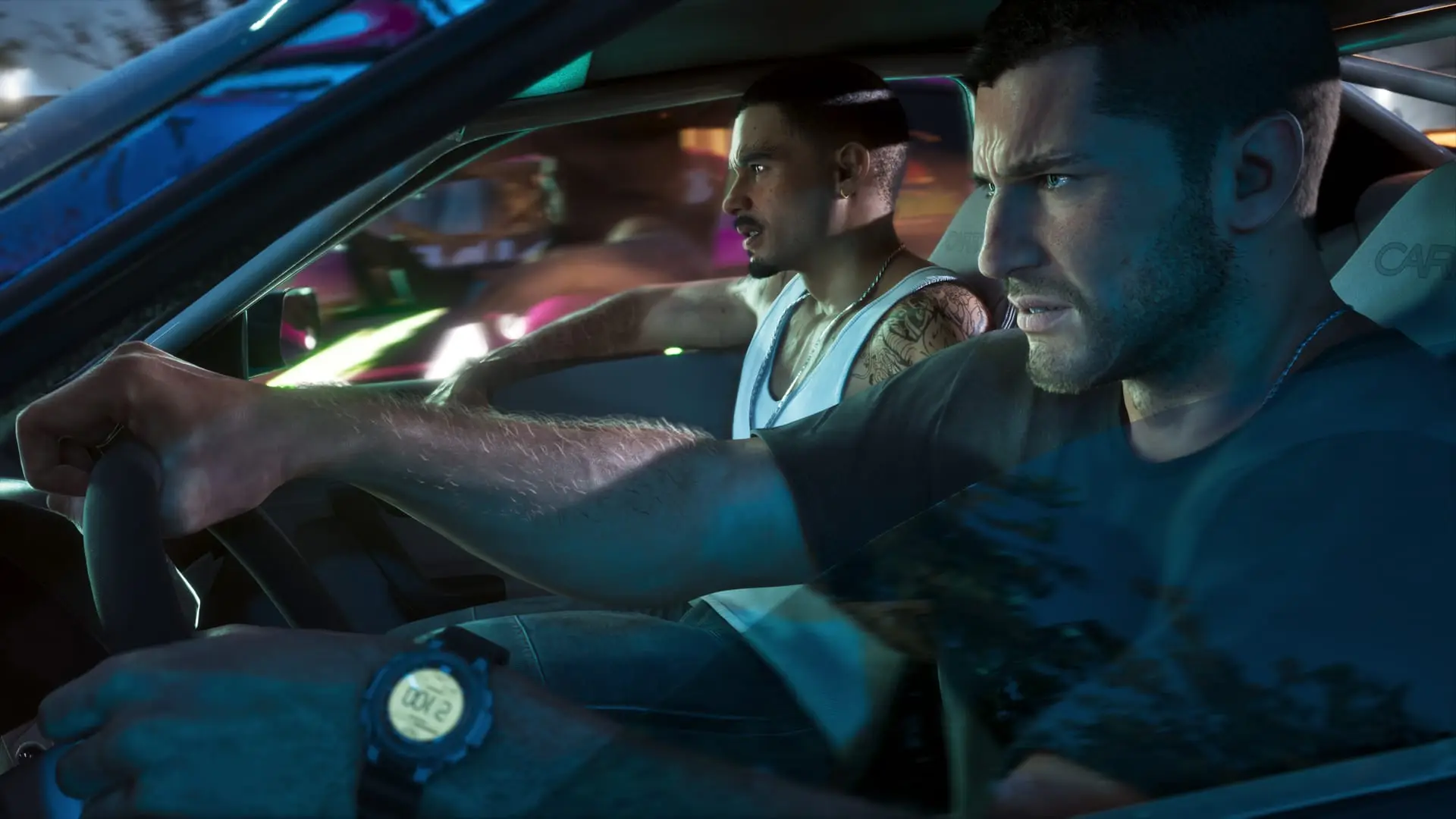
GTA 6 accessibility options: Auto Drive, easier combat
Where to find GTA 6's accessibility options, what Auto Drive, Accessible Combat, Simplified Mini Games and Reduced Vehicle Damage do, and whether trophies are safe.
Confirmed. Rockstar Games or Take-Two said this on the record.
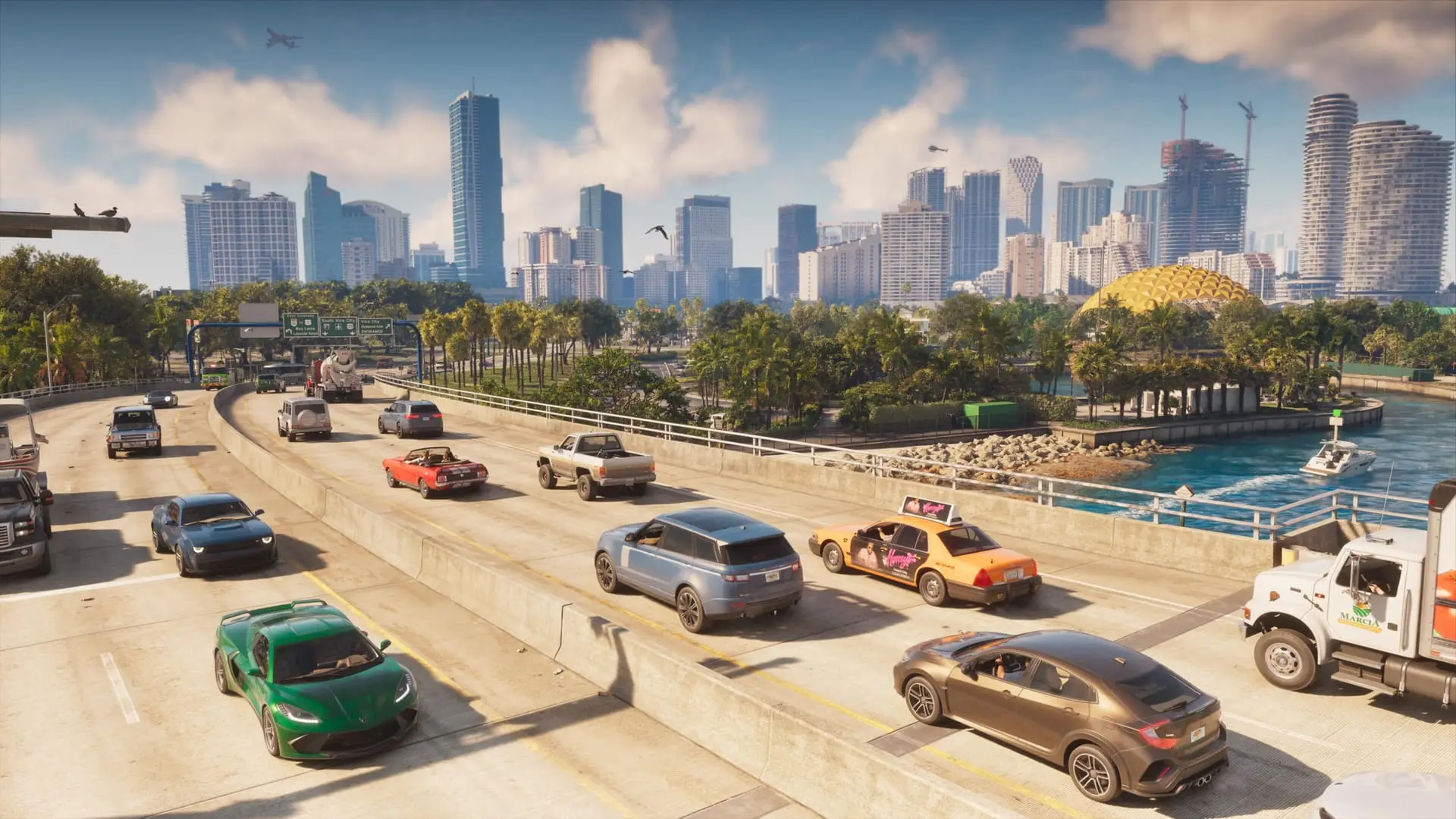
GTA 6 has a set of accessibility options that can take a lot of the friction out of Leonida. Some let the game drive for you, some make gunfights gentler, and some take the timing out of the minigames. They are available from the first minute, with nothing to unlock. Unlike cheats, they don't switch off trophies or achievements and they don't stop you from saving.
How to find the accessibility menu
You can change these settings at any point, including mid-mission:
- Open the pause menu.
- Scroll all the way down to Settings and select it.
- Press R1 on PS5 or RB on Xbox to switch to the Gameplay tab.
- Scroll to the bottom to reach the Accessibility section.
The Settings menu also holds the visual options, which our display settings and HDR guide covers.
The four options that matter most
| Option | What it does | Warning in the menu |
|---|---|---|
| Simplified Mini Games | Makes exercising, hotwiring cars and shooting hoops easier and less dependent on timing or on easing off the triggers | None |
| Auto Drive | The game drives for you. It has its own sub-options, including an Unrestricted setting | The driving AI can still hit objects and other cars |
| Accessible Combat | Enemies have less health and you take less damage | The game wasn't designed around it and it makes things much easier |
| Reduced Vehicle Damage | Your vehicle shrugs off collisions and gunfire far better | Same as Accessible Combat |
Simplified Mini Games
This is the one to reach for if hotwiring keeps failing on you or you're tired of the trigger control on the exercise and basketball activities. It makes those actions easier without changing the rest of the game.
Auto Drive
By default, Auto Drive is meant for relaxed trips, such as getting across the map to the start of a mission. Set it to Unrestricted and you can use it during police chases or while pursuing enemies. It isn't a guarantee, though: the menu warns that the AI driver can still crash into things.
Accessible Combat and Reduced Vehicle Damage
These two change the game the most. Accessible Combat cuts enemy health and the damage you take, so you hurt enemies more and they hurt you less. Reduced Vehicle Damage keeps your car running after a T-bone or two that would normally leave it wrecked. Both come with warnings that the game wasn't balanced for them, so if a shootout is only mildly annoying, you may be better off without them. If health is the problem, see our guide to healing first.
Smaller tweaks
The Accessibility section has more options that ease specific controls, such as making boosting while driving more forgiving. If any action keeps tripping you up, check the list for a setting that changes how it works.
Sources: Kotaku
Written by AI from the sources listed here, then checked automatically for copied wording and for claims stronger than the sources. How we work