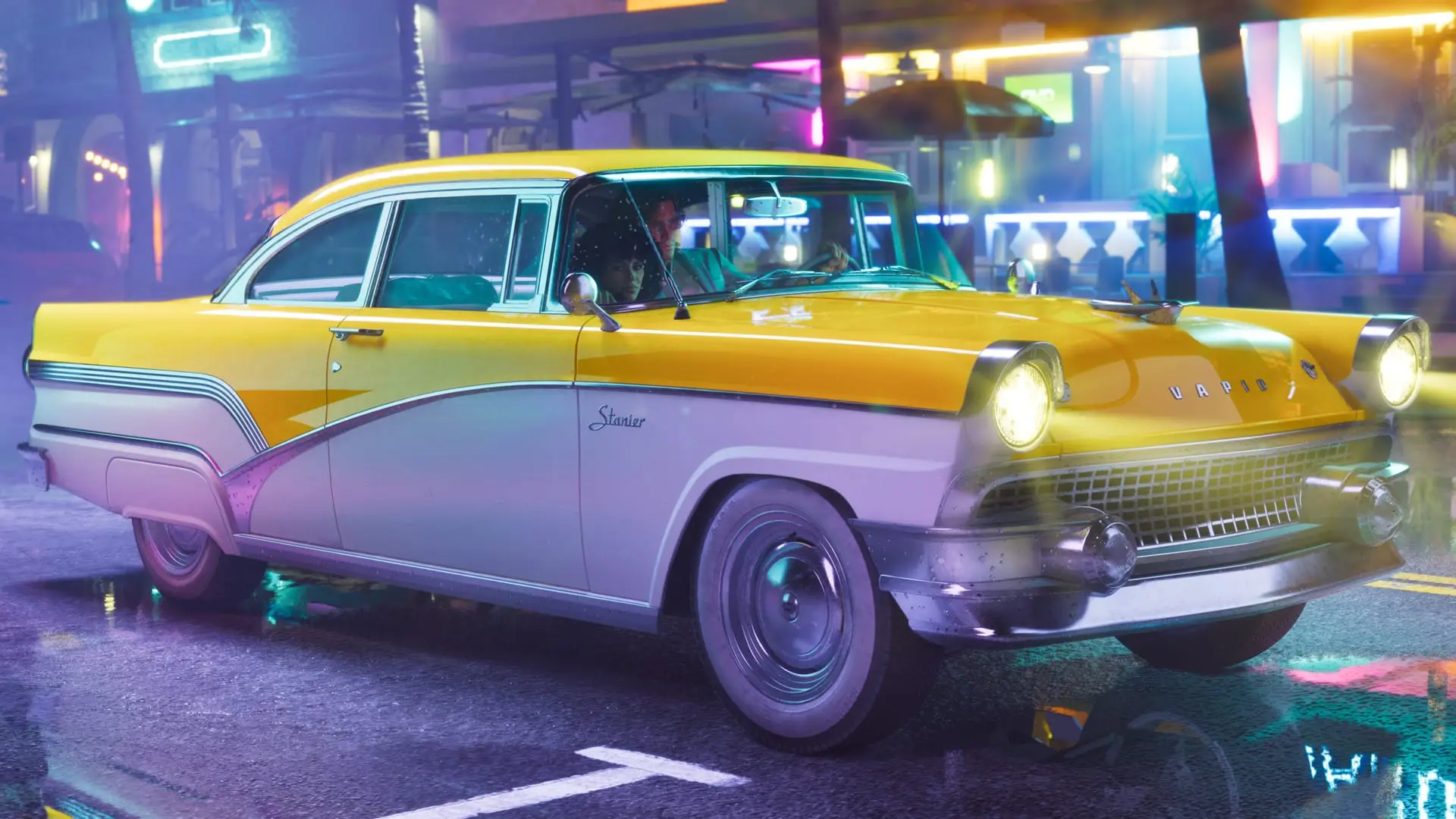
How to use blinkers and hazard lights in GTA 6
Turn signals, hazard lights and headlights in GTA 6: the buttons on PS5 and Xbox, how blinkers switch off, and the hazards menu bug to watch for.
Reported. Established outlets report this. Rockstar hasn't said so.
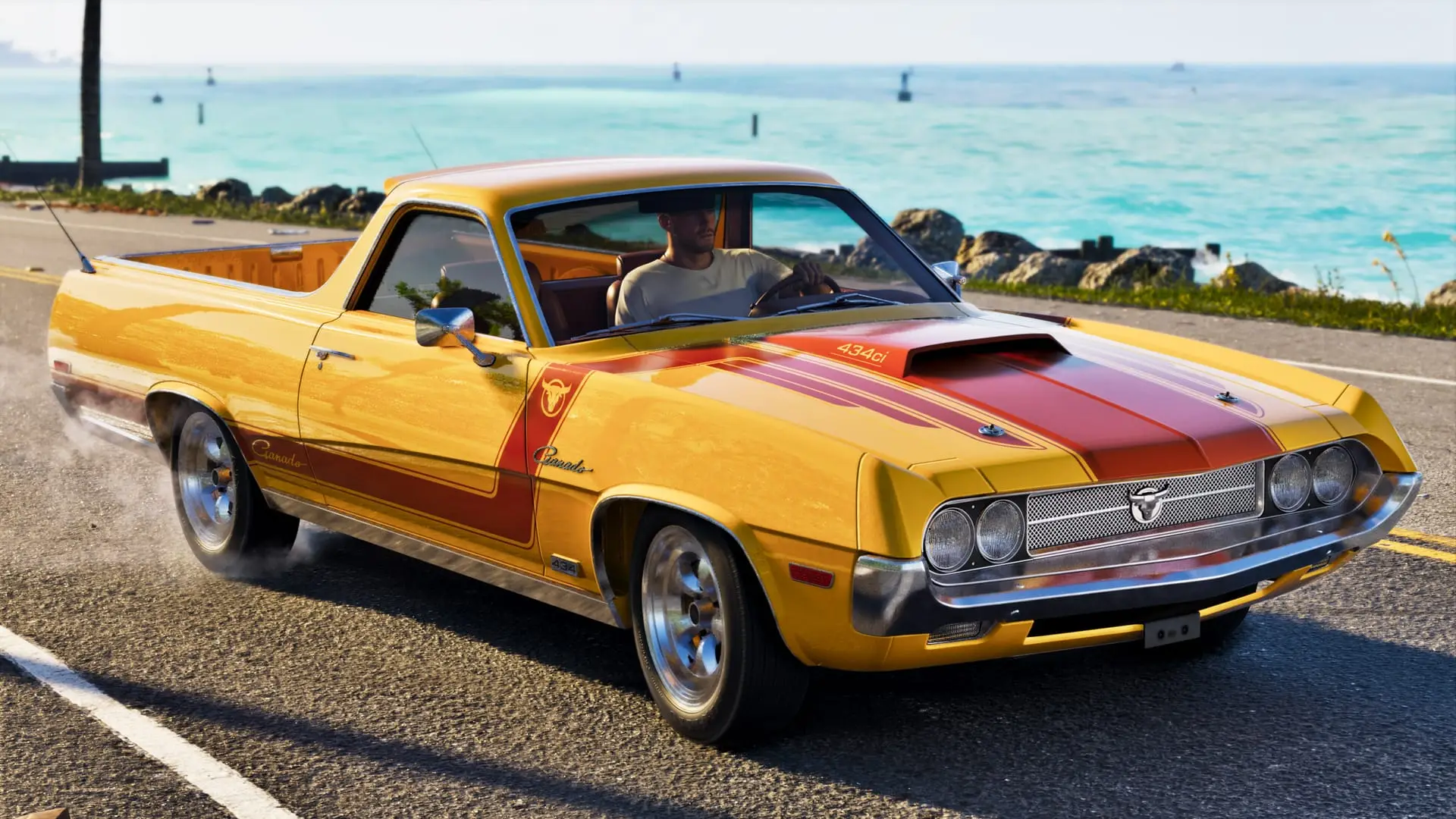
To turn on a blinker in GTA 6, give the D-pad a quick tap in the direction you're turning: Left for the left signal, Right for the right one. It works the same on PlayStation and Xbox, and the blinker turns itself off once you've made the turn.
This is the first GTA where you control the indicators yourself. Earlier games only let NPC drivers use them.
Turn signals: the controls
| Action | PlayStation | Xbox |
|---|---|---|
| Left blinker | Tap Left (D-pad) | Tap Left (D-pad) |
| Right blinker | Tap Right (D-pad) | Tap Right (D-pad) |
| Blinker off | Tap the same direction again | Tap the same direction again |
| Headlights | Circle | B |
| Hazard lights | Vehicle controls menu (below) | Vehicle controls menu (below) |
A few things to know:
- Tap, don't hold. A longer press on Left opens the radio station menu, not the blinker. If the radio wheel keeps popping up, your press is too long.
- They cancel themselves. Once you turn toward the side you signalled, the blinker switches off on its own, the way a real car's does. To cancel one before that, tap the same direction again.
- Traffic may not care. One player who tested signalling at crossroads saw no clear change in how NPC drivers reacted, though they couldn't rule out a small effect.
How to turn on hazard lights
Hazards flash both indicators at once. No single button turns them on. They sit in the vehicle controls menu, which is hidden behind the radio menu:
- Get into a vehicle.
- Hold Left on the D-pad. The radio station menu opens first.
- Push the right stick up to switch from radio to the vehicle controls.
- Use R1 or L1 (PlayStation) or RB or LB (Xbox) to move through the options to Hazards.
- Press Cross (PlayStation) or A (Xbox) to switch them on.
To turn hazards off, go through the same steps and select Hazards again.
The icon bug: after you press Cross or A, the Hazards icon in the menu may not change, so it looks like nothing happened. Close the menu and look at the car: both sides should be flashing. It looks like a bug, so don't keep pressing the button, or you'll just switch them back off.
Headlights and high beams
Press Circle on PS5 or B on Xbox Series X|S to switch your headlights on or off. For more choice, open the same vehicle controls menu (hold Left, push the right stick up) and go to the Headlights option, which has four settings:
- Automatic
- Low Beam
- High Beam
- Off
You'll want them. Nights in GTA 6 get properly dark away from streetlights, and on rural roads, in forests and in other unlit areas outside Vice City you can struggle to see the road without lights. High beams help most on those stretches. The Leonida map guide covers the regions where that happens.
The same menu is also why holding Left changes radio stations: the radio guide lists every station on it. For more about cars, see how to store weapons in your vehicle and every confirmed GTA 6 car.
Written by AI from the sources listed here, then checked automatically for copied wording and for claims stronger than the sources. How we work