How to holster weapons in GTA 6
The button that puts your gun away in GTA 6 on PS5 and Xbox, how to switch vehicle holstering to manual, and why a drawn rifle brings the police.
Reported. Established outlets report this. Rockstar hasn't said so.

To holster your weapon in GTA 6, press L1 on PlayStation or LB on Xbox. It works both on foot and in a vehicle, and pressing the same button again draws the weapon you just put away.
Holster and draw controls
| Action | PlayStation | Xbox |
|---|---|---|
| Holster current weapon | L1 | LB |
| Draw the same weapon again | L1 | LB |
The button brings back the weapon you holstered, not a different one. To change what you're carrying, see our guide to GTA 6 weapons and the 4-gun limit.
Why you should holster after a fight
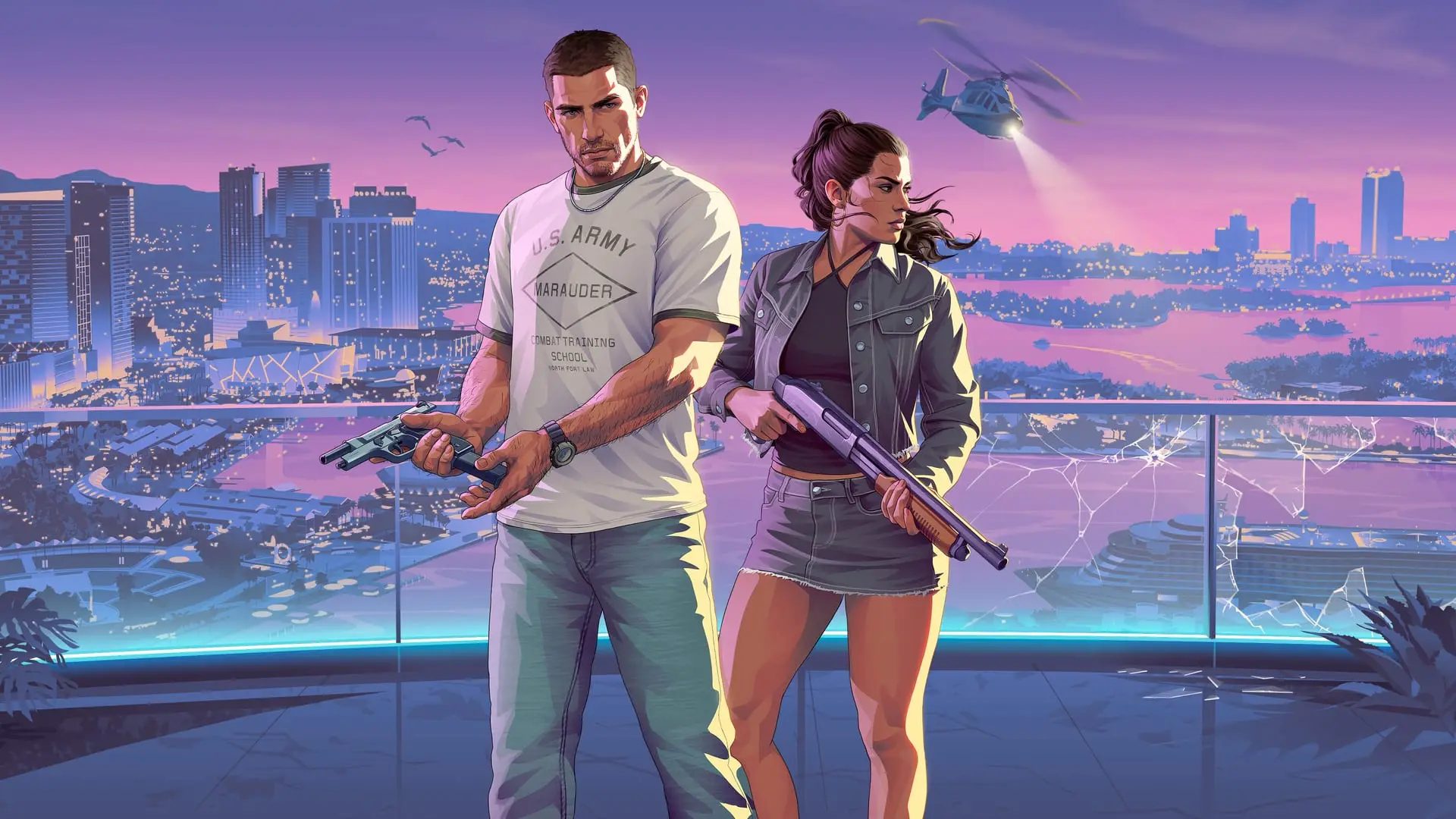
Pedestrians react to what you're holding. Pistols and other sidearms are the safer choice: your character keeps them close to the body, so NPCs have a harder time spotting them. Big guns are a different story. Walk around with a shotgun or an assault rifle out and people get scared and call the cops. Holster the long gun once the shooting stops.
 Rockstar Games
Turning off automatic holstering in vehicles
The game holsters your weapon for you every time you get into a vehicle. If you'd rather handle that yourself:
- Open Settings.
- Go to the Gameplay tab.
- Find the Combat section.
- Set Holster in Vehicle to Manual.
From then on, your weapon stays out when you get in, and you put it away with L1 or LB.
How to tell if your weapon is holstered while driving
Check the top right corner of the screen. A drawn weapon shows its icon there with its ammo count beside it. Once the weapon is holstered, the icon goes away. This is most useful with Holster in Vehicle set to Manual, because then the game no longer puts the gun away for you.
Sources: Game Rant
Written by AI from the sources listed here, then checked automatically for copied wording and for claims stronger than the sources. How we work