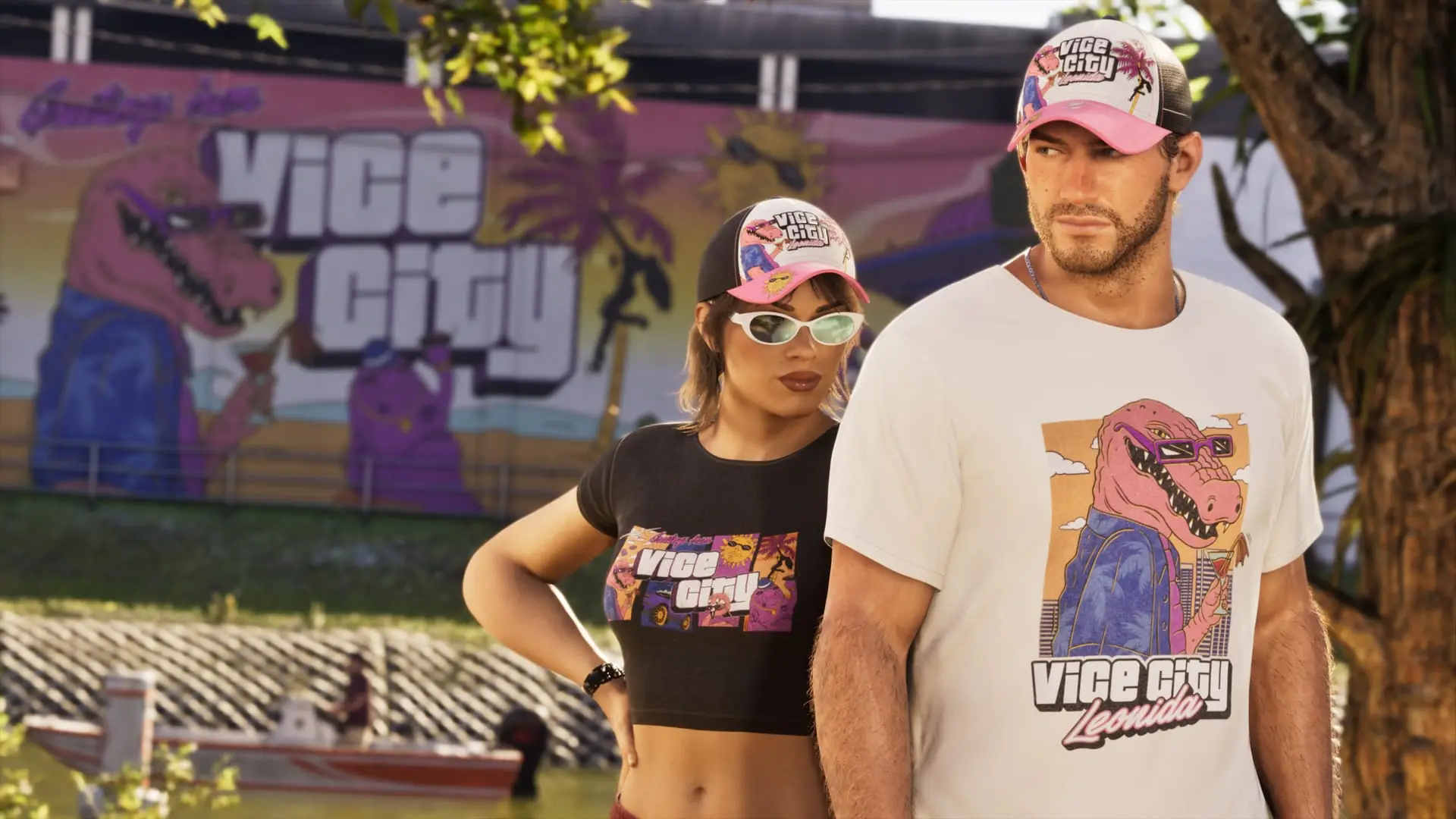
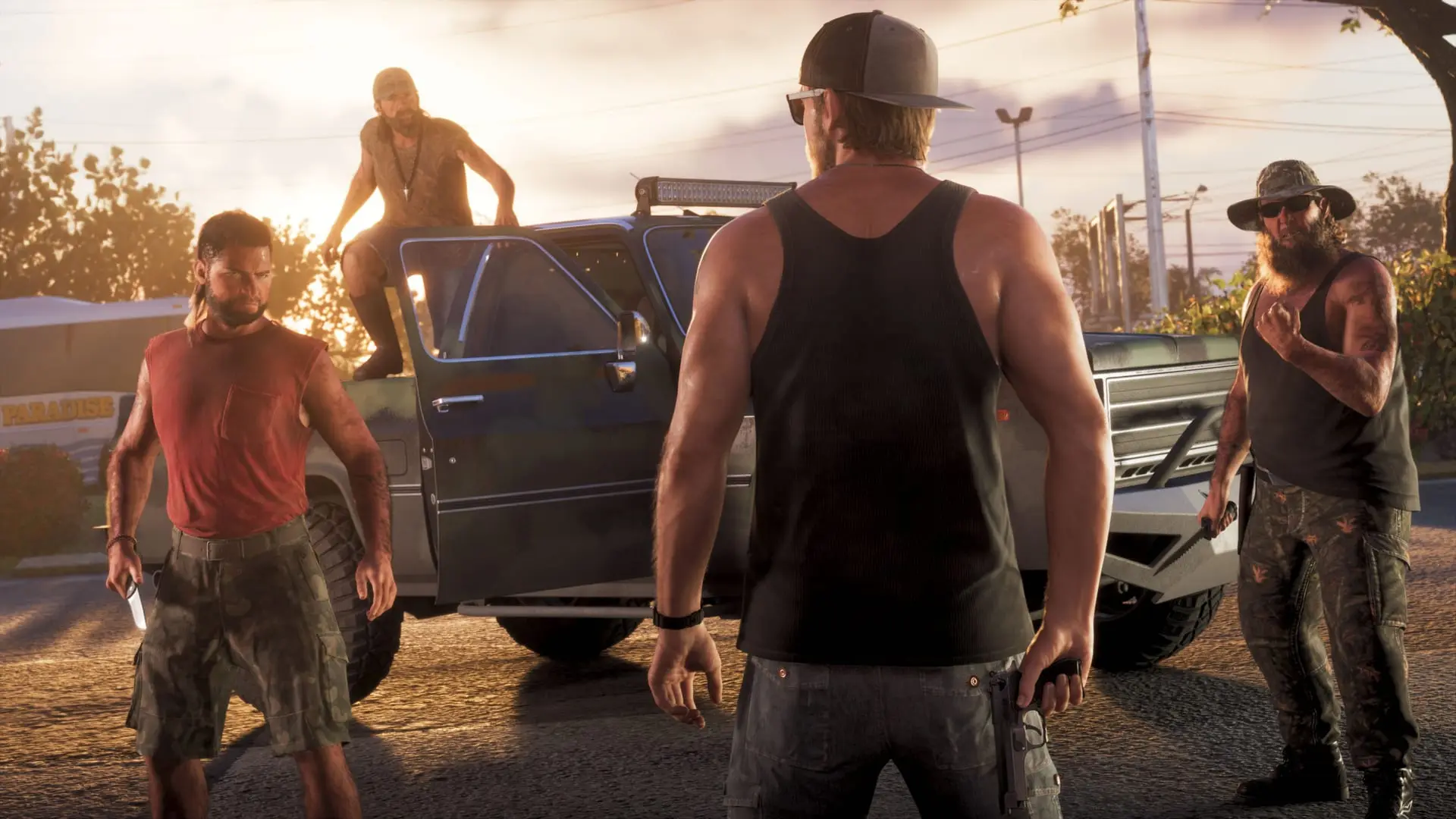
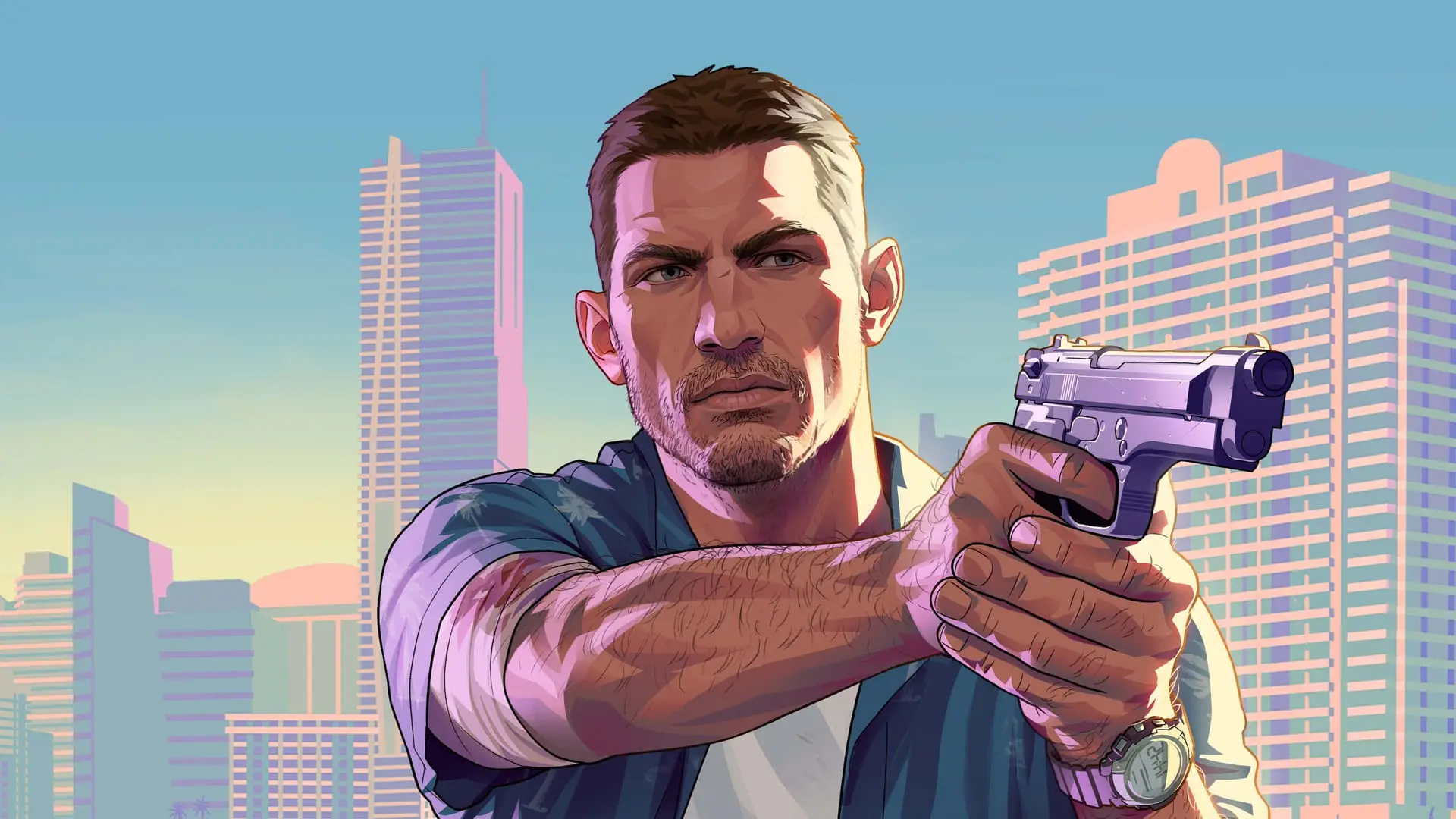
How to change your appearance in GTA 6
Where to get a haircut, change your beard, buy and store clothes, and use accessories in GTA 6, plus how a new look helps lower your Heat with police.
Reported. Established outlets report this. Rockstar hasn't said so.
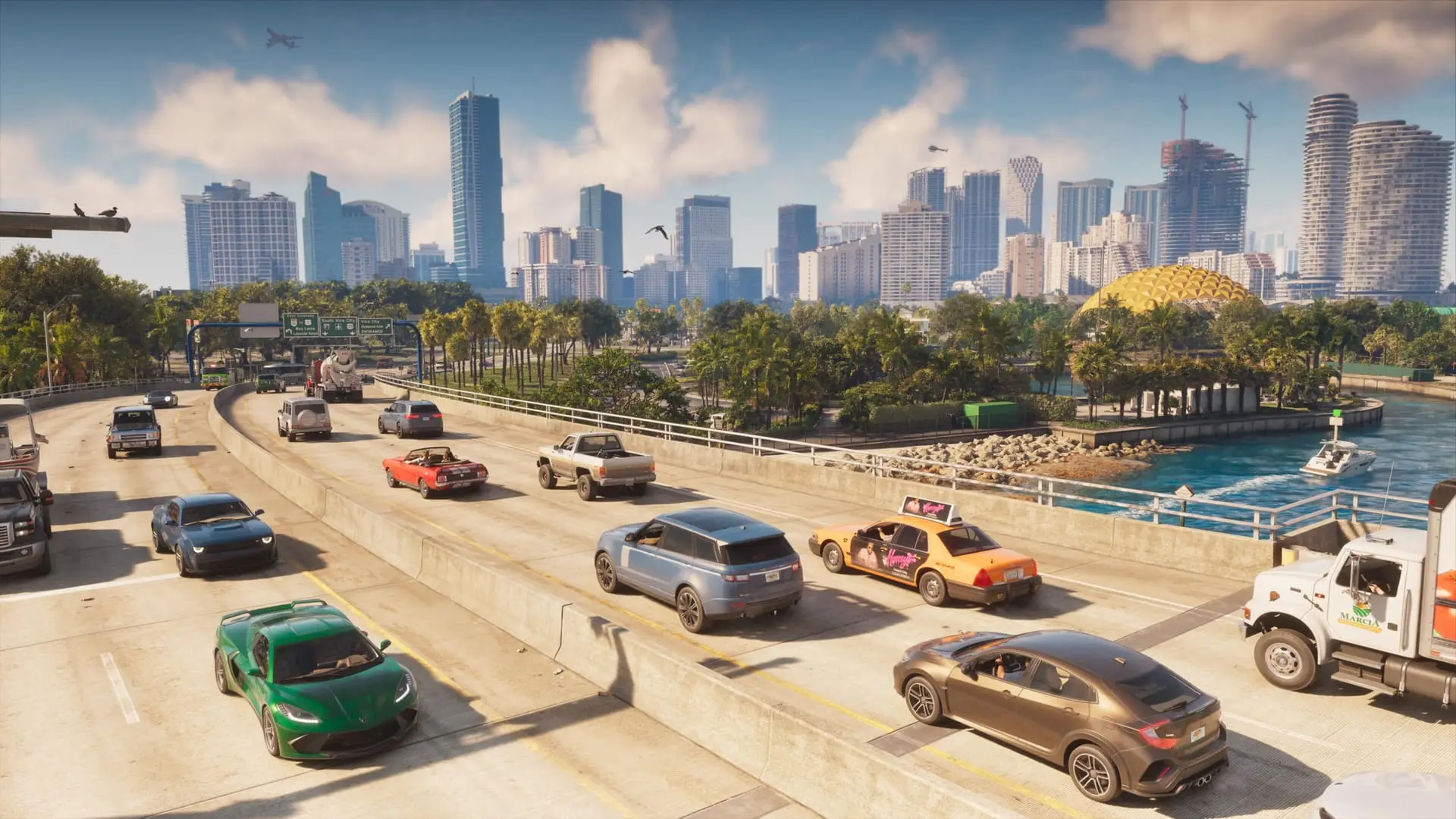
To change your hair or beard in GTA 6, visit a barber or salon (the scissors icon on the map) or use a mirror. Most haircuts cost under $100. For clothes, buy them at a clothing store (T-shirt icon), pick an outfit from the wardrobe at Jason's house, or swap into one you've stored in your personal vehicle's trunk. Accessories go on and come off through the loadout menu on L1 (LB on Xbox).
Changing your look also has a practical use: police remember what Jason and Lucia looked like during a crime, and a new outfit and haircut can help lower your Heat.
Haircuts, beards and hair colour
Salons open up as soon as you finish the prologue and can explore. The first one is close to home:
- Drive southeast from your house to Barnacle Beauties.
- Go inside and talk to the Stylist.
- Browse the hairstyles. Most cost less than $100.
- After picking a style, choose a new hair colour if you want one. This costs extra.
- Browse the facial hair options to change Jason's beard or moustache.
There's also a reason to hold off. A little further into the first chapter, Lucia is released from jail a day later in the story, and a batch of shops and activities shows up on your map. Clearing them wins Lucia's approval, and a haircut is one of those small jobs, so you can tick it off and get a new look at the same time.
You can also change hairstyles and beards by interacting with a mirror instead of visiting a salon.
As you unlock more of Leonida, more places to get your hair done turn up:
| Salon or barber | Notes |
|---|---|
| Barnacle Beauties | Southeast of your house, available right after the prologue |
| Pearl House Salon | Hairstyles, beards and other makeovers |
| Kurt's Barber Shop | Found as you explore more regions |
| Sara's Unisex Salon | Later offers some Deluxe Edition items |
For tattoos, head to a tattoo parlor.
Where to buy clothes
Clothing stores carry a T-shirt icon. To find a particular kind of shop, open the map, go to Style and choose a category: Casual & Street, Souvenir & Swimwear, Thrift and others. Footwear stores are listed in the same menu.
Some examples of what's on offer:
- Key Lento Kahuna: summer wear such as tank tops.
- Nifty Threads Island Wear: a thrift store with bargain prices.
- Flip Flop House: sandals, sneakers and other footwear.
Inside, look through the rails and shelves and buy as much as your bank balance allows. Before paying, glance just under the price, in the lower-left of the screen: a message there tells you whether that outfit clears one of your Heat factors. Short on cash, or already wanted with nothing to change into? You can steal clothes from the store instead. The "How do I look?" mission also nudges you to pick up more clothing. If you need funds first, see our money guide.
Using the wardrobe at Jason's house
The wardrobe at Jason's house has preset outfits such as T-Shirt & Board Shorts, Workout Wear and Swimwear. You can also mix and match tops, bottoms and accessories, and anything you buy shows up here. You can save up to 10 custom outfits.
Wardrobe controls:
| Action | Control |
|---|---|
| Spin your character | Right stick left/right |
| Zoom in | R2 / RT |
| Focus on a clothing item (while zoomed) | Up/Down |
Accessories you pick up out in the world should be stored here. If you skip that, switching outfits can cost you them.
Changing clothes on the go
You don't have to go home to get changed. Clothing stores and gyms (the blue weight icon on the map) have changing rooms where you can swap outfits.
A wardrobe or changing room also lets you store outfits in the trunk of your personal vehicle:
- Each character can keep up to 5 outfits in the car.
- You can keep up to three of each type of accessory in the trunk.
Changing from the trunk is the quickest way to swap looks while you're on the move.
Accessories, masks and bandanas
Open your loadout with L1 (LB on Xbox) to wear or remove accessories. You start with a pair of sunglasses. A few more options:
- Caps are sold at clothing stores.
- Bandanas are sold at Ammu-Nation.
- Masks are found around Leonida.
- To change how some clothing items are worn, open loadout items (L1 / LB, then R1 / RB) and press Up/Down.
Wearing a bandana or other disguise while committing a crime is one of the easiest ways to keep your Heat down afterwards.
Headphones and helmets
Headphones from any electronics store let you listen to the radio on foot:
- Open your loadout with L1 / LB.
- Press R1 / RB to find the headphones.
- Hold Left to pick a station.
- Toggle them with X on PlayStation or A on Xbox.
Getting into a brawl can send the headphones flying, so grab them off the ground once it's over.
Helmets come with every bike, scooter and motorcycle. Wear one through your loadout items, or have it go on automatically by enabling auto-equip under Settings, in the Gameplay tab.
Changing your look to lose the police
Police track your clothes and your physical appearance as two separate Heat markers. Change both to lower your Heat: a new haircut won't help much if you're still in the same T-shirt. Some tips:
- Keep a few outfits bought and stored in the trunk, so you can change right after a job.
- Even a small swap, like trading sunglasses for a hat, can confuse officers hunting for you. Changing every accessory you're wearing works better.
- If Jason and Lucia commit a crime together, change both of their looks.
- Check the Heat message under the price in clothing stores to pick outfits that clear a factor.
If the police catch you anyway, here's what happens when you get busted.
Sources: Eurogamer, Game Rant, GTABase
Written by AI from the sources listed here, then checked automatically for copied wording and for claims stronger than the sources. How we work