How to change clothes and outfits in GTA 6
Change clothes in GTA 6 at Jason's wardrobe, clothing store and gym changing rooms, or your car trunk. Stores, controls, outfit limits and police tricks.
Reported. Established outlets report this. Rockstar hasn't said so.

To change clothes in GTA 6, use the wardrobe in Jason's house, which opens up once you finish the prologue and get access to your car. New clothes come from stores marked with a T-shirt icon on the map, and you can also change in the changing rooms at some clothing stores and gyms, or from outfits kept in your car's trunk.
Using the wardrobe at home
The wardrobe starts with a few preset outfits, including:
- T-Shirt & Board Shorts
- Workout Wear
- Swimwear
You can also combine tops, bottoms and accessories yourself. Anything you buy in a store lands here automatically, and the wardrobe holds as many as 10 custom outfits of your own design.
Wardrobe controls:
| Action | Control |
|---|---|
| Spin your character around | Right stick left and right |
| Zoom in | R2 / RT |
| Focus on a single clothing item | Up and Down while zoomed in |
If you pick up an accessory out in the world, save it in the wardrobe. Otherwise it can disappear the next time you switch outfits.
Where to buy clothes
Clothing stores show up on the map with a T-shirt icon, and the icons vary from store to store. Each one has a short description under its name that tells you what it stocks: some lean toward artistic accessories and clothing, others carry far more summer outfits. To find a specific type, open the map and use the Style filter, which groups stores into categories such as:
- Casual & Street
- Souvenir & Swimwear
- Thrift
- Footwear (dedicated shoe stores)
A few examples of what you'll find:
| Store | What it sells |
|---|---|
| Key Lento Kahuna | Summer wear such as tank tops |
| Nifty Threads Island Wear | Thrift store with bargain prices |
| Flip Flop House | Sandals, sneakers and other footwear |
Caps and other accessories are sold in the same stores. The starting area already has plenty of shops, and more open up as you reach other parts of Leonida (see our map guide).
Paying for clothes
Clothes cost money. Early on, take cash from the stash at home. Your Bank Account unlocks fairly early in Chapter 1, and you can pay from it after that. If you're short, our money guide covers the quickest earners.
Changing clothes on the go
You don't have to drive home to change. These places have changing rooms:
- Some clothing stores, where you can browse everything you own and put together a new look
- Gyms, shown on the map with blue weight icons
The most useful trick is to keep spare outfits in the trunk of your personal vehicle:
- Go to your home wardrobe or any changing room.
- Put together the outfit you want to keep.
- Store it in the trunk of your personal vehicle.
- Open the trunk whenever you want to change into it.
Each character can keep up to 5 outfits in the car, and up to three of each type of accessory.
Changing clothes to lose the cops
A fresh outfit helps you shake the police, and switching out every accessory you have on makes it harder for officers to pick you out once a crime is over. That's why it pays to keep a few outfits in the trunk. Caught with a wanted level and nothing to change into? Clothing stores are fair game: you can swipe an outfit from one. A mask is another way to hide your face.
Accessories and how you wear them
Accessories are handled from your loadout:
- Press L1 / LB to open your loadout.
- Put accessories on or take them off from there. You start with a pair of sunglasses.
- To change how certain clothing items are worn, go to your loadout items (L1 / LB, then R1 / RB) and press Up or Down.
Headphones
Electronics stores sell headphones, and wearing them lets you play the radio while walking around:
- Press L1 / LB to open your loadout.
- Press R1 / RB to find the headphones.
- Hold Left to pick a station.
- Press X / A to switch the headphones on and off.
They can fly off your head in a brawl, so grab them from the ground when it's over. Our radio guide lists every station.
Helmets
Motorcycles, scooters and bicycles all include a helmet. Equip it through your loadout items, or open Settings, go to the Gameplay tab and enable automatic helmet equipping so you never have to think about it.
Hair, tattoos and other changes
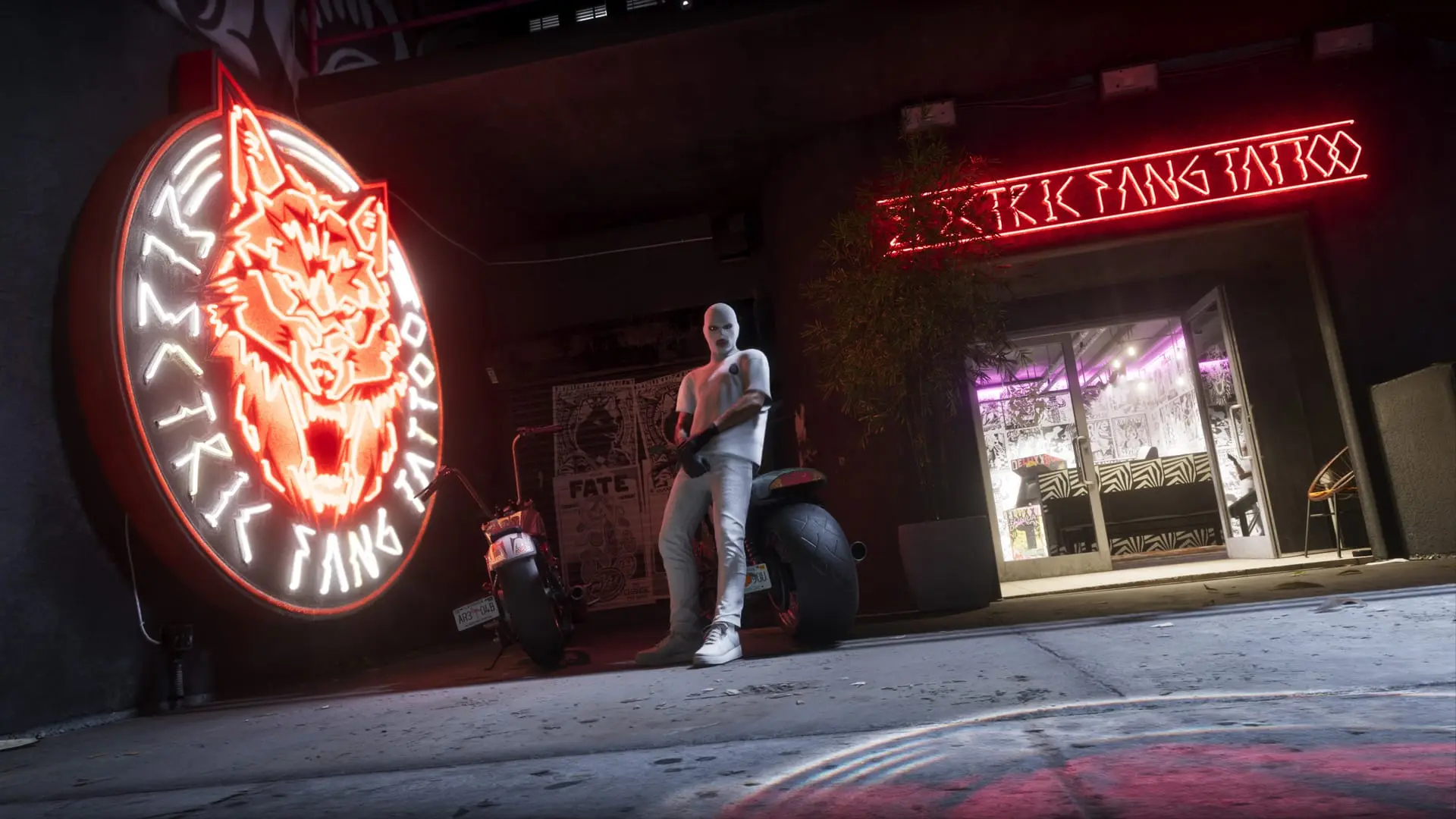
Clothes are only part of it. Visit a tattoo parlor or a salon to change Jason or Lucia's hairstyle, facial hair or tattoos. More on both protagonists is in our characters guide.
Written by AI from the sources listed here, then checked automatically for copied wording and for claims stronger than the sources. How we work