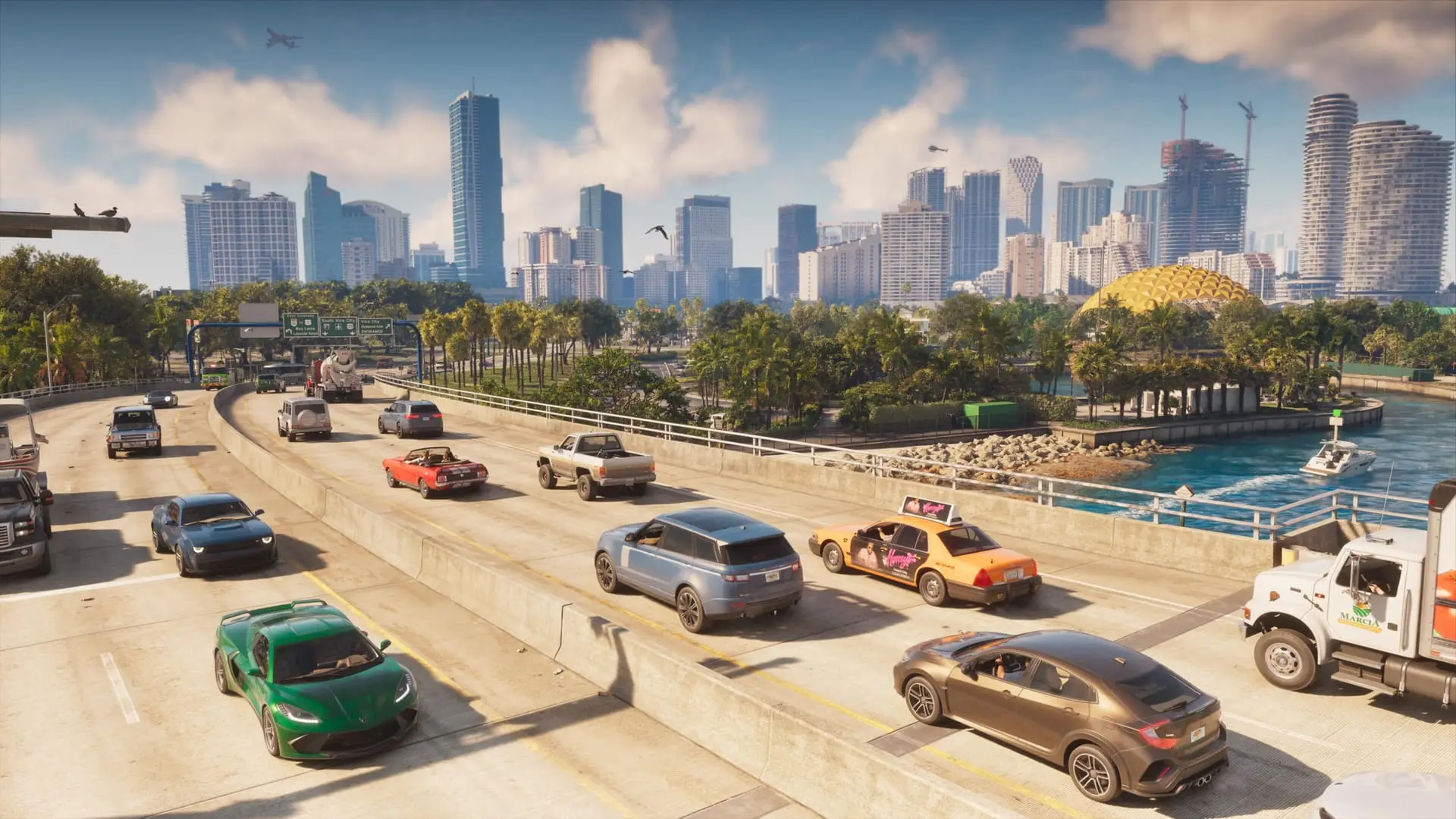
GTA 6 hidden controls: 16 shortcuts the game won't teach
GTA 6 hides many controls: double-tap radio, headlight cycling, pushing cars, first-person look, earbuds for music on foot. All 16 shortcuts on PS5 and Xbox.
Confirmed. Rockstar Games or Take-Two said this on the record.
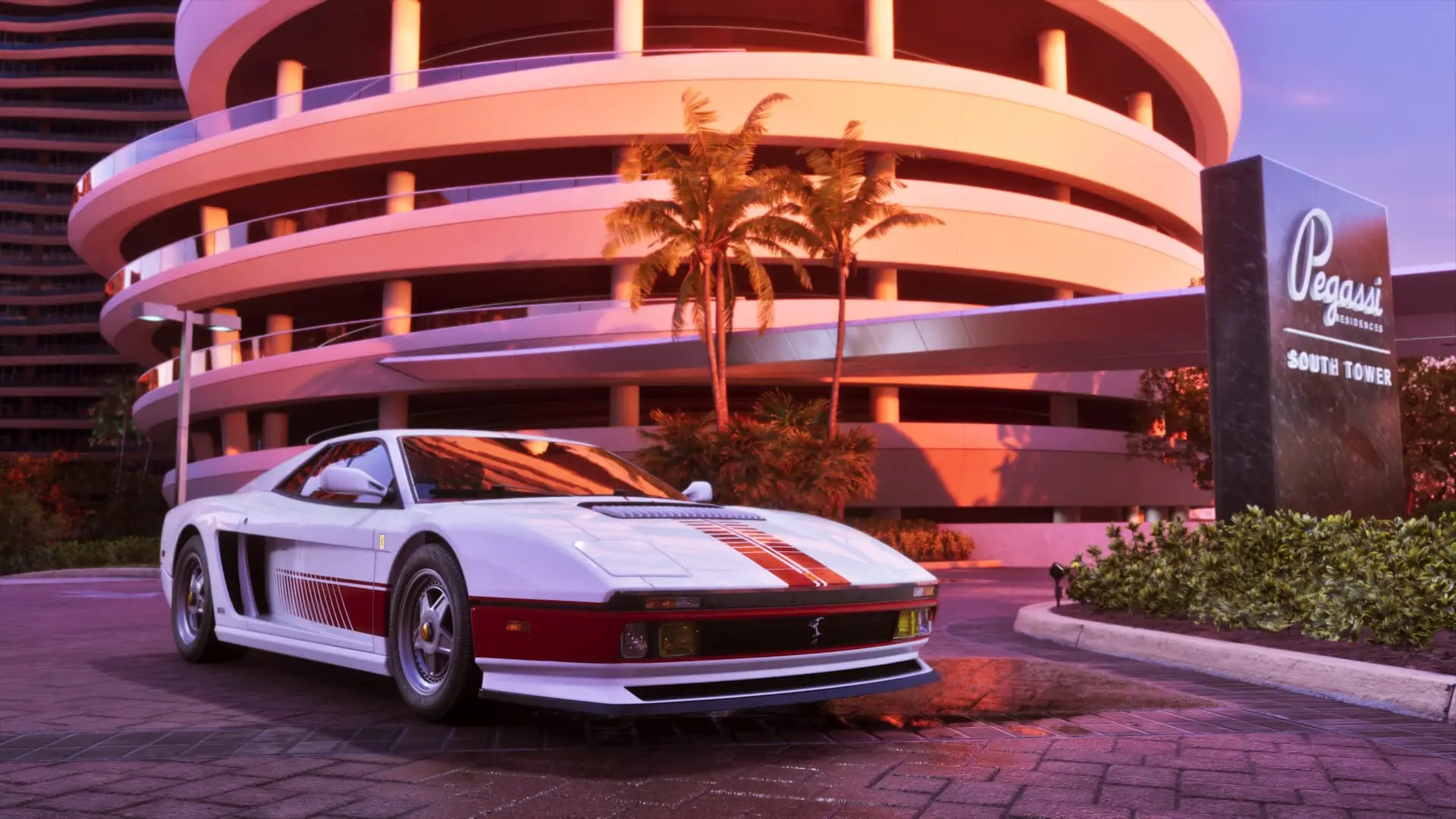
GTA 6 has plenty of controls it never stops to explain. Some are listed in the in-game help menu but never prompted during play, and a few, like the quick radio toggle, don't seem to be in the help menu at all. Here are 16 of them, from pushing a stalled car to listening to the radio on foot. Buttons are given PS5 first, with the Xbox equivalent in parentheses.
Vehicle shortcuts
Holding Left on the D-pad opens the vehicle menu, where most car options live. Several of them have faster shortcuts that skip the menu entirely:
| Action | PS5 | Xbox | What it does |
|---|---|---|---|
| Radio on/off | Double-tap Left on D-pad | Double-tap Left on D-pad | Switches the radio on or off |
| Headlights | Tap Circle | Tap B | Cycles off, low beams and high beams |
| Turn signals | Left or Right on D-pad | Left or Right on D-pad | Left or right indicator |
| Road rage | Click R3 | Click right stick | Your character yells at nearby drivers |
| Talk to locals | Hold Up on D-pad | Hold Up on D-pad | Same interaction options as holding L2 (LT) on foot |
| Open the door | Square | X | Swings the driver door open |
| Duck down | Hold Circle | Hold B | Hides you lower in the seat |
| Leave the engine running | Double-tap Triangle | Double-tap Y | Exits with engine, lights and radio still on |
A few of these are worth a closer look:
- Headlights: some players describe the shortcut as a double tap of Circle (B) rather than a single press. Holding the button instead makes you duck.
- Talking from the driver's seat: the game flashes the Up prompt in a handful of story moments, but it works any time you're behind the wheel.
- The door as a weapon: swinging it open on the move can clip passing cars, knock bikers off or catch a police officer trying to drag you out.
- Ducking: handy when you're already laying low and the cops are still searching the area.
- Engine running: the help menu points out you can do this at speed, letting the car carry on into whatever is ahead while you roll out the side. It also makes for a faster getaway, since the engine is already on when you get back in. On a boat, the same double tap lets you get up and walk around the deck while the boat keeps cruising forward.
You can also push vehicles whenever you like. Walk into a car while pressing L3 (left stick), then hold L3 to shove it. It's the fix for a beached boat that needs to go back in the water, a car wedged somewhere awkward, or a car that ran dry and needs to reach a gas station.
Navigating without the minimap
Turning the minimap off doesn't leave you lost. The options menu has alternatives:
- Turn-by-turn navigation is on by default and keeps working with the minimap hidden.
- GPS alerts can signal upcoming turns with a tone, voice directions, or both.
- The compass can be switched on to show icons for important missions, drop-offs and nearby stores, and it works as a regular compass too.
Other settings that change how the game plays, including Auto Drive, are covered in our accessibility options guide.
On-foot controls
- First-person look: hold L2 (LT), then press R3. You can't walk in this view, but you can look around and keep a conversation going, which makes it ideal for reading the posters and signs all over Leonida.
- Rest: hold Circle (B). What happens depends on where you are: you'll lean on a railing, sit at the edge of a dock or pool and dip your feet in, or just stand around casually in the open.
- Flip people off: hold L2 (LT), then press R1 (RB). Locals take it badly.
The game has no official first-person mode. A mostly working one, with driving, shooting and running, can currently only be reached through a bug.
To hear the radio away from a car, buy earbuds or earphones at Zeke's Gadgets, a tech shop that opens up early in the game. Open the map directory, pick the clothes icon and set a route to the store. A pair costs around $150 and you choose the color. Once bought, equip them from the item wheel and the radio plays wherever you go. Every station and song is in our radio guide.
Aiming controls
- Switch shoulders: press Left on the D-pad while aiming.
- Use gun optics: aim, then press R3 to look down an attached scope in first person. On a gun without a scope, R3 still tightens the spread, at the cost of slower camera movement.
How many guns you can carry and how to get lost ones back is explained in our weapons guide.
Written by AI from the sources listed here, then checked automatically for copied wording and for claims stronger than the sources. How we work