How to listen to music in GTA 6 in cars and on foot
Hold Left on the D-pad for the radio in any GTA 6 vehicle. To listen on foot, buy earbuds ($120) or headphones ($220) at an electronics store. Full steps here.
Confirmed. Rockstar Games or Take-Two said this on the record.

Hold Left on the D-pad to open the radio wheel in any GTA 6 vehicle. To listen on foot, buy earbuds (around $120) or headphones ($220) from an electronics store, and the same D-pad Left menu then works wherever you are.
How to change the radio station in a vehicle
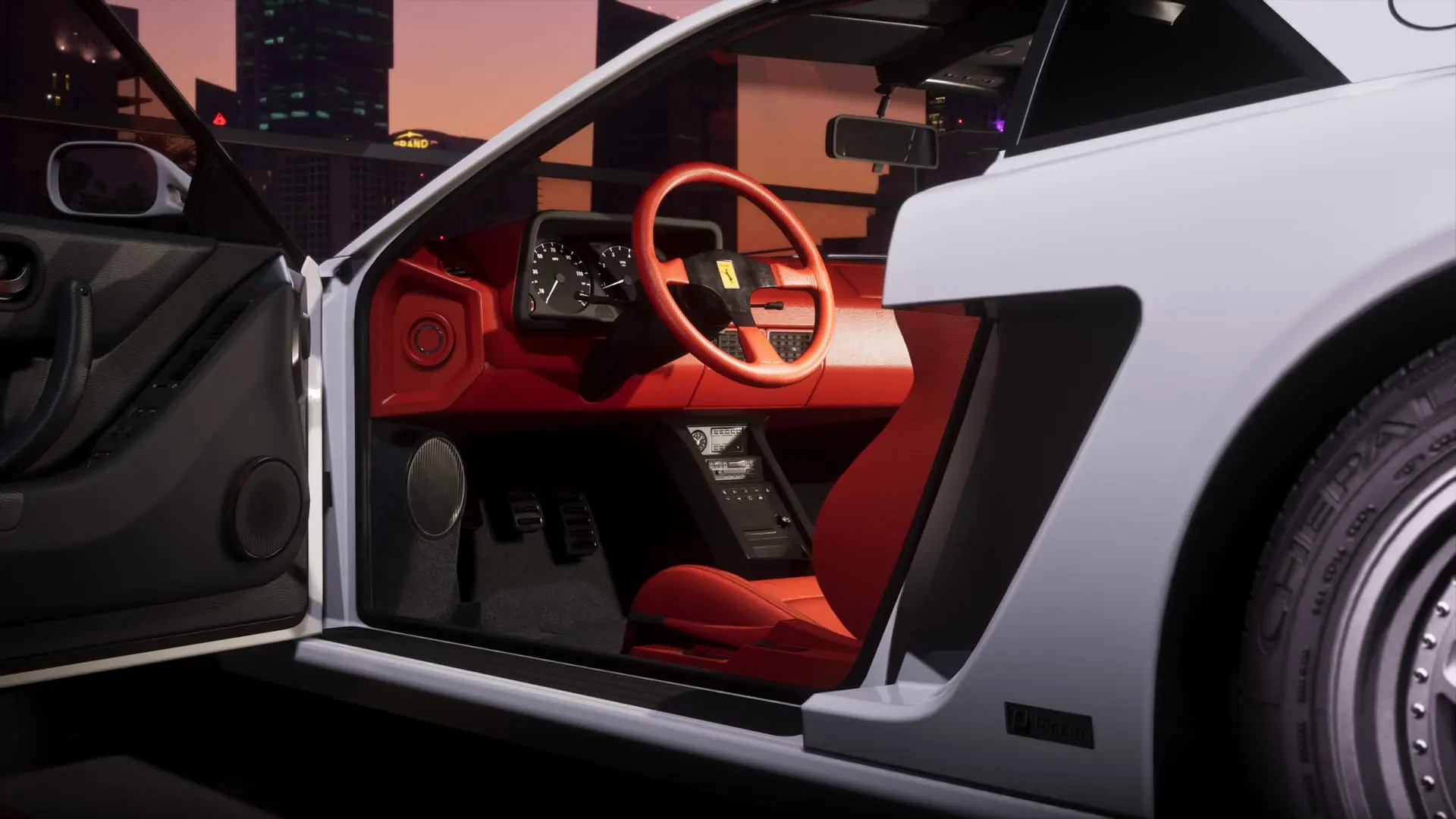
The radio menu works the same in cars, bikes, boats and planes, and on the radios you find in your safehouse and around the world.
- Get into a vehicle, or walk up to a radio.
- Hold Left on the D-pad to open the radio wheel.
- Keep holding it and scroll through the stations with L1/LB and R1/RB, or with the right thumbstick.
- Let go of the D-pad on the station you want, and it starts playing.
To switch the radio off completely, open the same menu and press X/A. Not sure which station to pick? Our GTA 6 radio guide lists every station, host and song found so far.
One mix-up to avoid: some early descriptions put the radio wheel on L1/LB. In the game, holding L1/LB opens your loadout. The radio lives on D-pad Left.
How to play podcasts and on-demand shows
Podcasts sit in the same menu, in an On Demand section.
- Hold Left on the D-pad to open the radio menu.
- Push the right thumbstick Down to switch to On Demand.
- Press Square/X to scroll through a show's episodes.
- Press X/A to play the one you want.
You can fast-forward podcasts and skip episodes you don't want. If you pause a podcast from the On Demand section, it picks up where you stopped the next time you open it, on foot or in a vehicle.
Where to buy headphones and earbuds
Listening outside a vehicle needs a pair of headphones or earbuds, sold at electronics stores. There are two ways to find one:
- The map: electronics stores have a headphone icon.
- The GTA 6 Index: open the Style tab and pick Electronics. It lists every shop that sells them, nearest first.
Vice City has plenty of electronics stores. Key Lento has none, so if you're down there the closest one is in Hamlet (see our Leonida map guide for where each area sits).
| Item | Price | What it does |
|---|---|---|
| Earbuds | Around $120 | Radio and podcasts on foot |
| Headphones | $220 | Same as earbuds |
The two do exactly the same job, so earbuds are the better buy unless you want the look. Prices vary by store, and some shops sell more expensive models. Jason and Lucia each need their own pair, so buying for one doesn't cover the other.
How to equip headphones
Your character should put them on as soon as you buy them. If they're not on (or you took them off), equip them from the loadout:
- Hold L1/LB to open your loadout.
- Press R1/RB to move to the items tab.
- Use the right thumbstick to select the second slot, headgear.
- Press X to equip your headphones or earbuds.
Now hold Left on the D-pad anywhere to pick a station or open On Demand, exactly as in a car. Headphones also work while riding a bike or bicycle. For more on the loadout wheel, see how to manage your loadout.
How to lose your headphones (and how not to)
- Water: headphones and earbuds aren't waterproof. Dive in and they come off at once, but they stay in your inventory, so just equip them again.
- Fights: if the police or a civilian attacks you while you're wearing them, they can get knocked to the ground. Pick them up once the fight is over, or they're gone for good. If yours have vanished from the menu, this is the likely reason.
Other things headphones do
- Dancing: with headphones or earbuds on inside your house, hold R2/RT to dance.
- Phone calls: calls come through your headphones, and Jason or Lucia keep them on to answer.
- Taxi rides: in a cab you can chat with another passenger or put your headphones on and listen to music instead.
Sources: Critical Hits, GamesRadar+, Game Rant
Written by AI from the sources listed here, then checked automatically for copied wording and for claims stronger than the sources. How we work