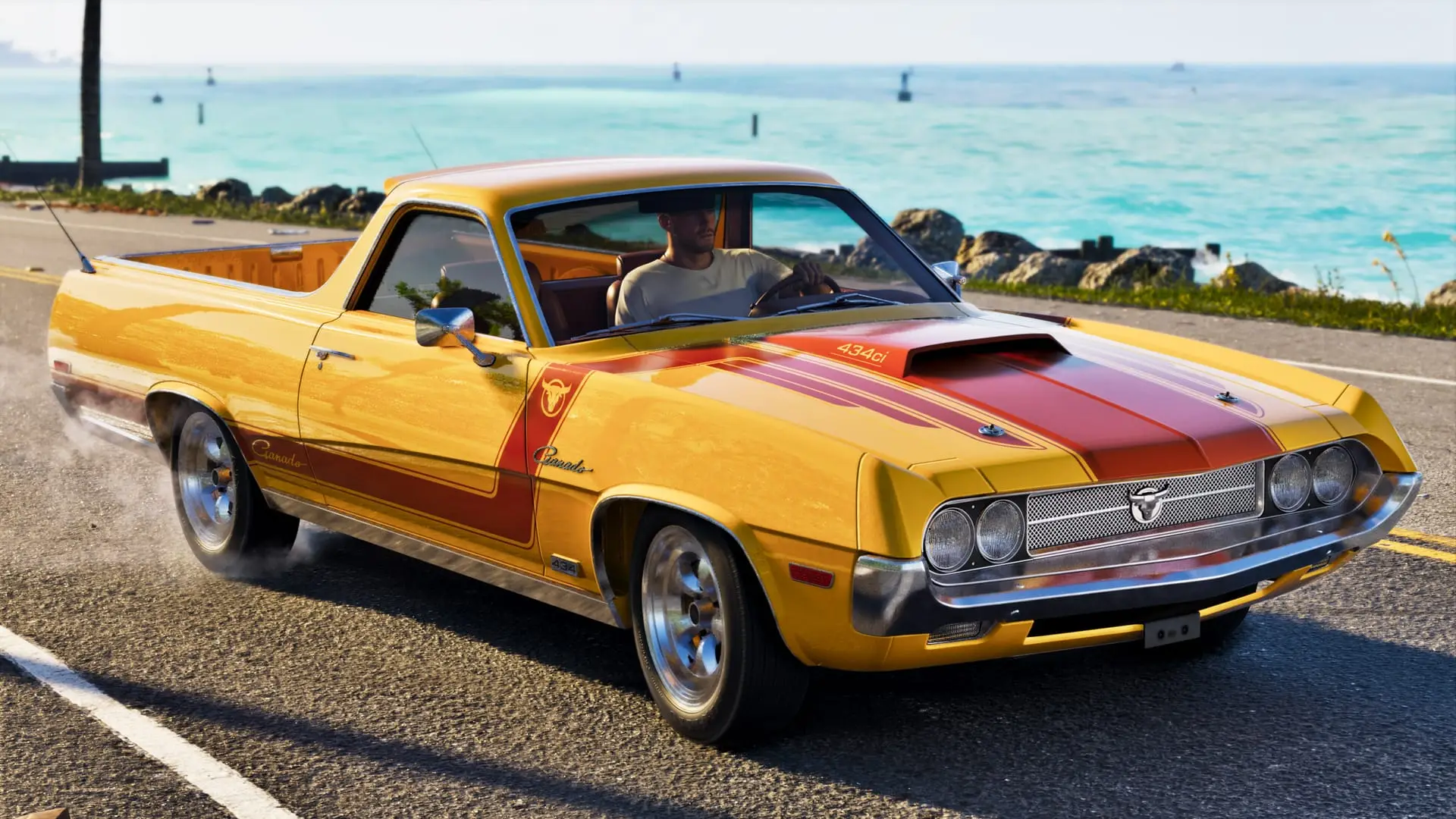
How to manage your loadout and store guns in GTA 6
Store, recover and swap guns in GTA 6: hold L1/LB for your loadout, use the green Ammu-Nation weapon locker and your Personal Vehicle trunk. Every button here.
Confirmed. Rockstar Games or Take-Two said this on the record.

Hold L1/LB to open your loadout, and swap guns in and out at the green weapon locker inside most Ammu-Nation stores or at the trunk of your Personal Vehicle. At the locker, press Triangle/Y and pick Manage Weapons to see every gun you own, recover lost ones, and choose which go in your trunk (Square/X on each category).
GTA 6 caps what you carry, so the rest of your arsenal lives in those two places. For the bigger picture on the carry limit and ownership, see our weapons and loadout explainer.
What your loadout holds
Hold L1/LB on foot or in a vehicle. The loadout has two tabs, Weapons and Items, and R1/RB switches between them.
| Weapons tab | Items tab |
|---|---|
| Two sidearms | Masks |
| Two longarms | Headgear |
| One melee weapon | Headwear |
| One explosives slot | Outfits |
| One hands slot | Bags |
| One equipment slot (binoculars, flashlight and similar) | Gear |
| Eyewear | |
| Smokes |
- Move over a slot with the right thumbstick and press X/A to equip it.
- X/A also puts accessories on or takes them off.
- Up/Down on the D-pad changes how some clothing items are worn.
- Swapping accessories here is a quick way to stop the cops recognizing your look.
You can't swap weapons into these slots from the menu alone. That only happens at a weapon locker or your Personal Vehicle trunk. The equipment list covers what goes in the equipment slot.
How to use the Ammu-Nation weapon locker
Not every Ammu-Nation has one: the Pawn shop variants don't. Every other branch does.
- Open the Index and go to the weapons tab to find your nearest Ammu-Nation.
- Go inside and walk up to the green weapon locker.
- Press L1/LB to manage your loadout, or Triangle/Y to manage your weapons.
- Choose Manage Weapons to see every weapon you own plus every Unique Weapon Variant you've bought or found.
- Pick any owned weapon you lost or that got destroyed to get it back.
You can also equip sidearms, longarms, explosives, melee weapons and other items straight from the locker if you're in a hurry. Pulling a rifle in the shop can upset the staff, though, so holster it before you walk out.
How to add or remove guns from your trunk
The locker decides which guns your Personal Vehicle trunk carries.
- Open Manage Weapons at the locker.
- Go to a weapon category.
- Press Square/X to add that weapon to the trunk or take it out.
Take out anything you've unlocked but never use. A shorter trunk list means less scrolling for the gun you actually want, which matters when cops or a gang are on your tail.
How to swap weapons at your Personal Vehicle trunk
- Walk to the trunk of your Personal Vehicle and press Triangle/Y to open it.
- Hold L1/LB when the prompt appears to open your loadout.
- Use the thumbstick to move to a slot.
- Press left or right on the D-pad to cycle through the weapons and items stored there.
- Press Square/X to stow a longarm.
Other cars work differently. Here's how your own car compares with one you broke into:
| Personal vehicle | Unowned vehicle | |
|---|---|---|
| Store and carry items | Yes | Yes |
| Swap loadout weapons | Yes | No |
| Change outfit | Yes (up to 5 outfits) | No |
| If you're wasted or busted | Items stay | Items are removed |
If you break into another car's trunk, hold Square/X to empty it and put your own items in. You can stow only a few unowned weapons in a trunk. For what else you lose in an arrest, see what happens when you get busted.
How to equip Unique Weapon Variants
In the locker's Manage Weapons screen, a golden gun icon in the bottom left corner means that weapon has a unique variant available.
- Highlight the weapon showing the golden gun icon.
- Press Triangle/Y to open the sub-menu.
- View and equip the unique variant, or choose your own modified version if you own the base gun.
Unique variants are found while exploring. You can't modify them, but once you pick one up it stays unlocked for good, for both Jason and Lucia. The Weapons section of the Progress menu tracks the ones you've found.
Which guns you can get back
- Owned weapons: bought at Ammu-Nation. One purchase gives the gun to both Jason and Lucia, and each can modify it separately. If you lose one, get it back from your trunk or a weapon locker.
- Unowned weapons: dropped by enemies or found lying around. You can't modify or recover them, and they're gone if you're wasted or busted.
- Unique variants: permanent once found, but they can't be modified.
Mods, ammo and staying out of trouble
- You can add or remove suppressors and tactical flashlights from the loadout. Grips, magazines, optics and every other attachment can only be changed at an Ammu-Nation.
- Ammo packs and explosives packs you buy go straight to your Personal Vehicle trunk. Take one out to refill your equipped weapons' ammo or your explosives. Keeping spares there lets you restock before a job.
- Openly carrying a gun draws attention from cops and civilians. Press L1/LB to holster. You can hide a sidearm, but not a longarm: drop it or stow it in a trunk.
Need cash for the next gun? Our money guide covers the fastest ways to earn it.
Sources: GamesRadar+, GTABase
Written by AI from the sources listed here, then checked automatically for copied wording and for claims stronger than the sources. How we work