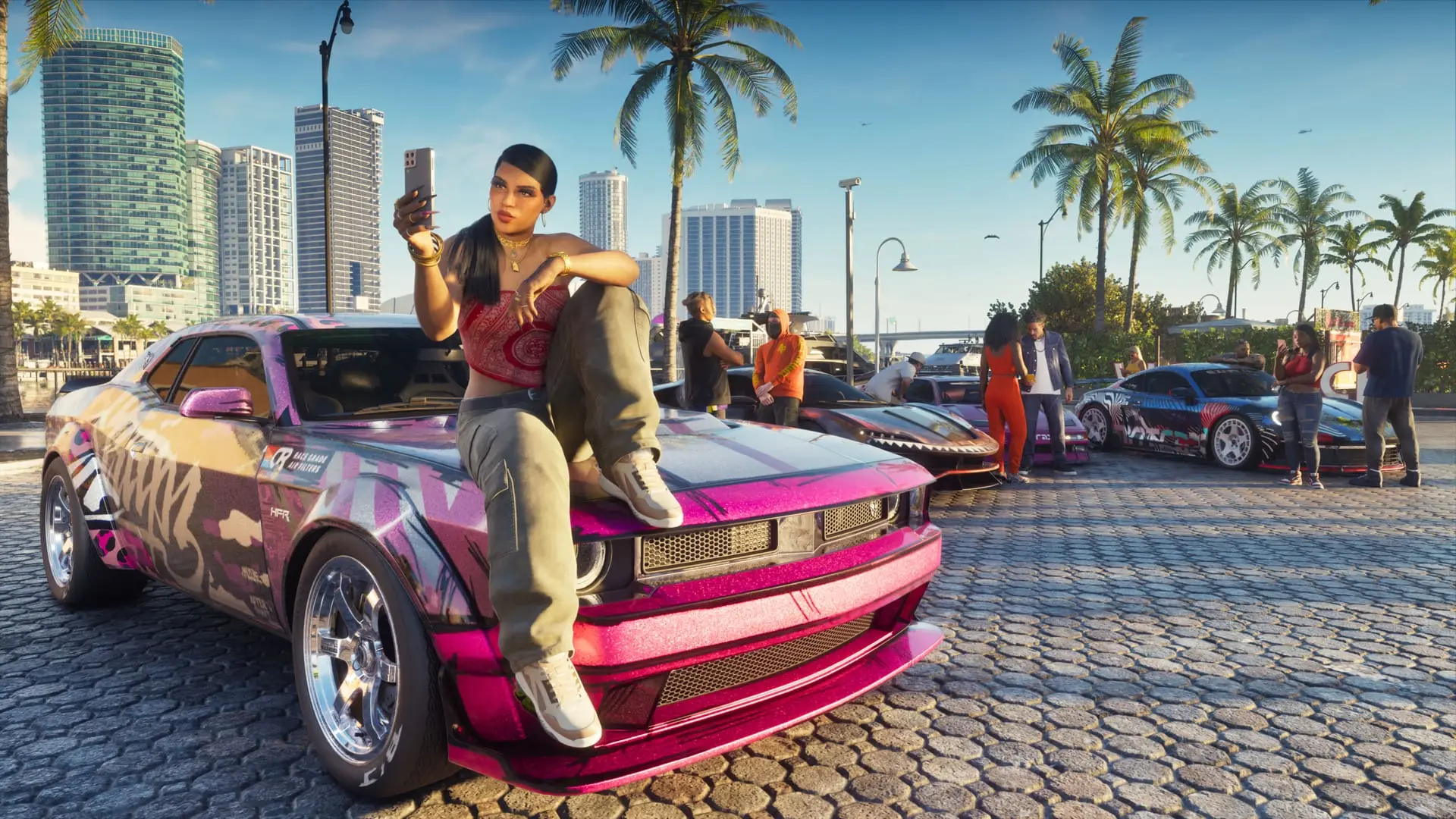
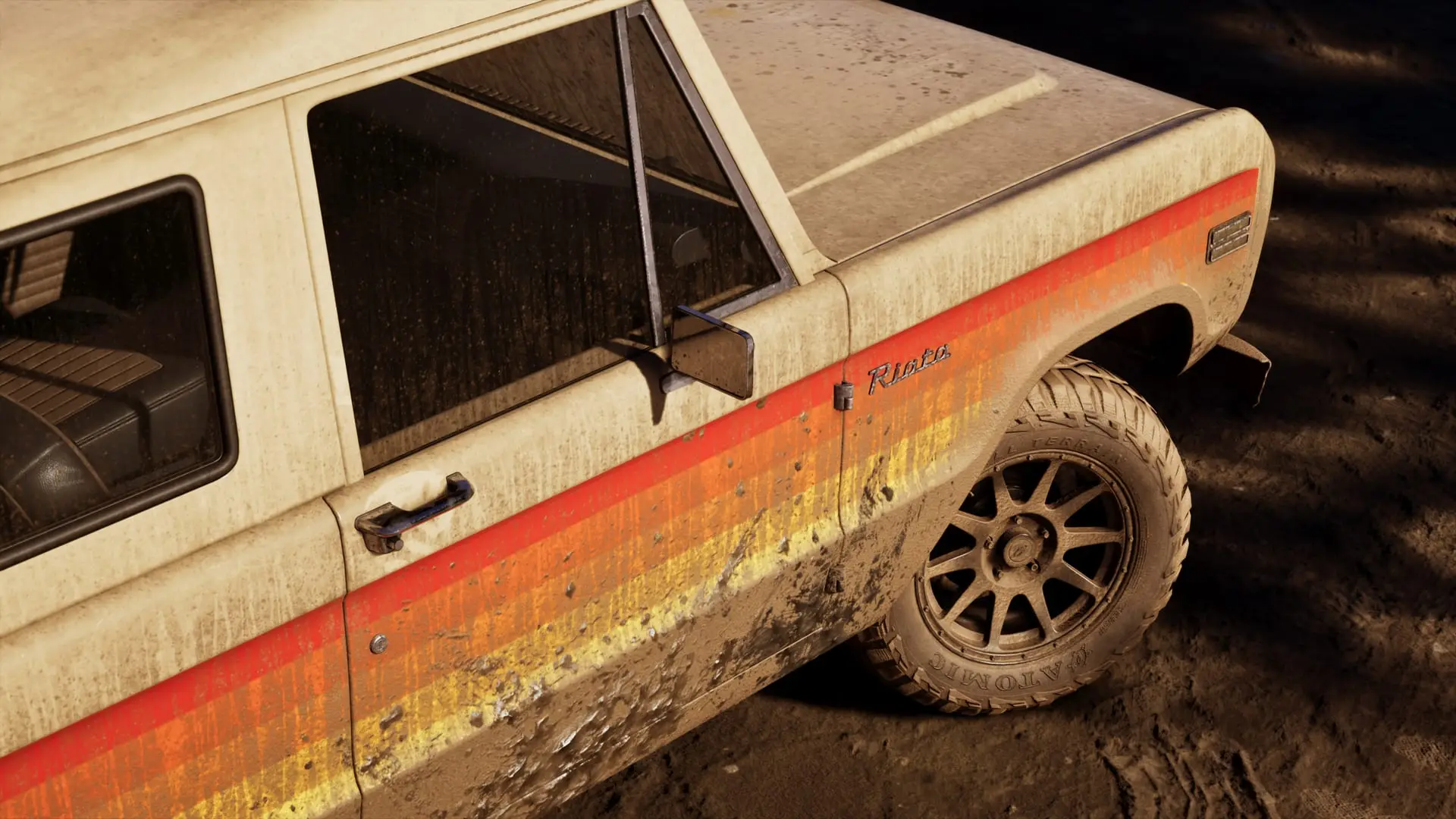
GTA 6 Photo Studio: how to use the photo mode
GTA 6 ships with a full photo mode, Photo Studio. How to open it on PS5 and Xbox, plus its camera, lighting and filter tools and what it can't do yet.
Reported. Established outlets report this. Rockstar hasn't said so.
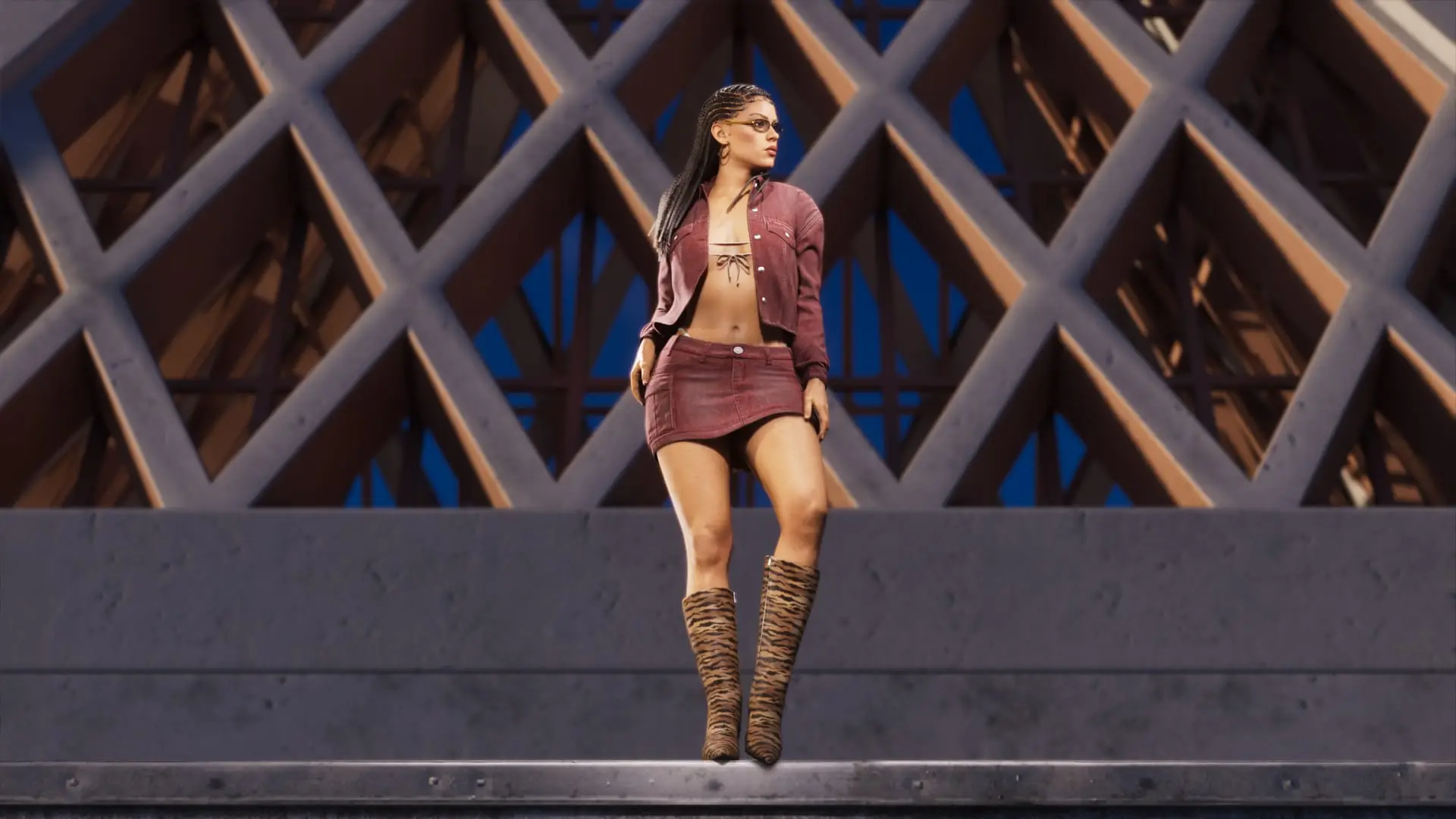
GTA 6 has a full photo mode, called Photo Studio, from day one. That's according to IGN's hands-on with the released game. You open it from the pause menu, and it gives you real camera settings, lights you can place in the scene and a set of filters. It can't yet pose Jason or Lucia, though.
That's a change for Rockstar. GTA 5 had a full director-style mode for making clips, and Red Dead Redemption 2 only got a photo mode with its PC release. This time it's there at launch.
How to open Photo Studio
Pause the game first, then press:
| Platform | Button |
|---|---|
| PS5 | Square |
| Xbox Series X|S | X |
IGN's guide doesn't list a separate shortcut outside the pause menu.
Camera, lighting and filter tools
IGN describes Photo Studio as "impressively well equipped". The tools fall into three groups:
- Camera: change the aspect ratio, aperture and depth of field, so you can blur the background behind your subject or keep the whole scene sharp.
- Lighting: drop light sources into the scene, including spotlights, floodlights and light boxes. That lets you light a subject the time of day or weather doesn't flatter.
- Post-processing: a range of filters and other finishing tools to change the look of the shot.
IGN's reviewer took 70 hours to finish a first run through Jason and Lucia's story and admits to spending a couple of those hours taking pictures. One reason: light catching the water at Ocean Beach. For the story itself, see our guide to how long GTA 6 is.
No poses or expressions for Jason and Lucia
The biggest gap IGN found is that you can't move Jason and Lucia into new poses or change their facial expressions. So when you've lined up a great background and one or both of them looks bored, your only choices are to keep the shot as it is or start over. The reviewer hopes Rockstar adds posing and expression controls in a future update, but Rockstar hasn't said whether it will. IGN still called the mode impressive overall and a minor complaint next to everything it can do.
For everything else in the game, see our GTA 6 hub.
Sources: IGN España, Insider Gaming
Written by AI from the sources listed here, then checked automatically for copied wording and for claims stronger than the sources. How we work