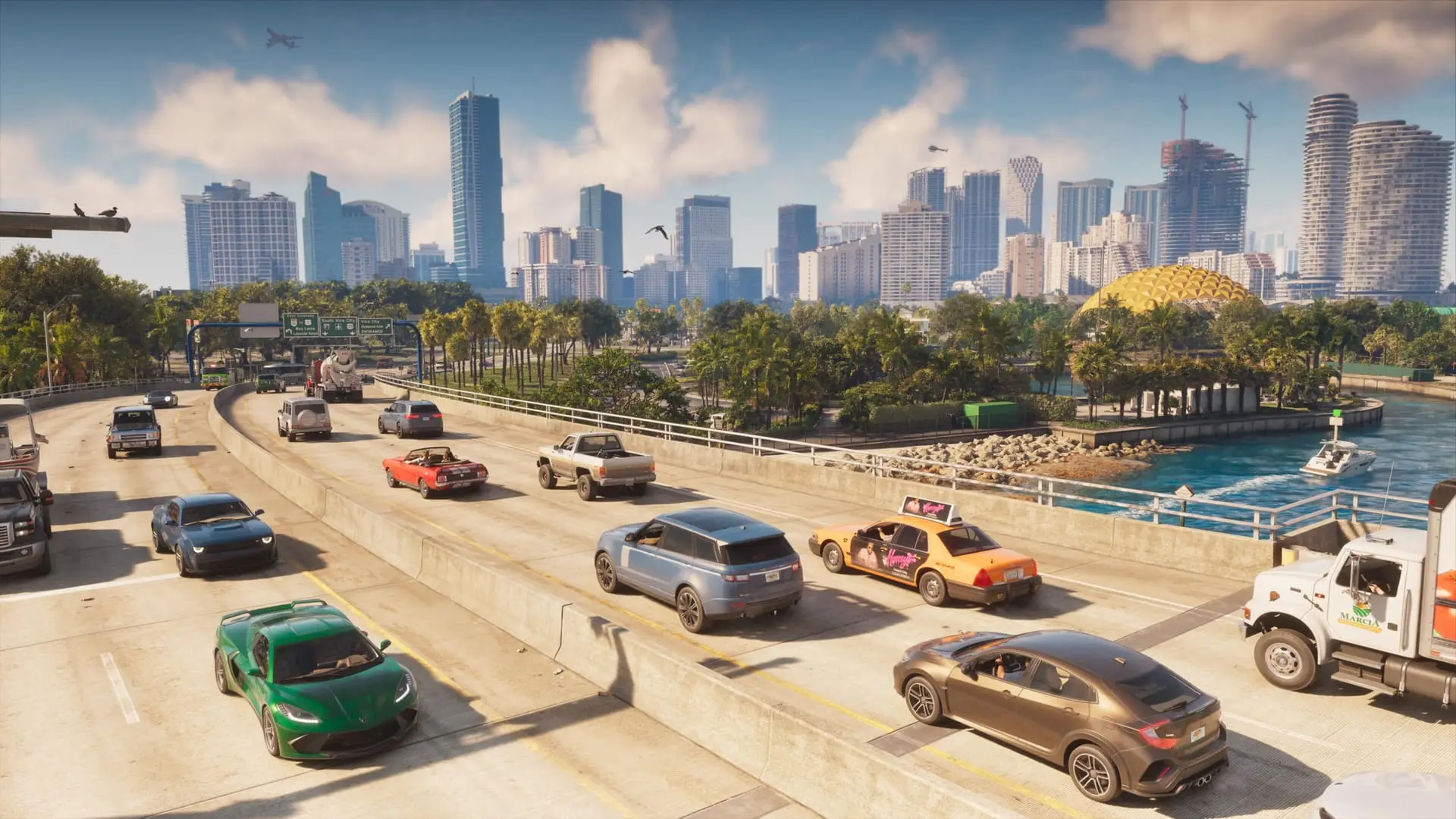
How to play GTA 6 on PC or phone with Remote Play
Stream GTA 6 from your Xbox Series X|S or PS5 to a PC, phone or ROG Ally with Remote Play: the exact settings to turn on and the apps to use on each device.
Reported. Established outlets report this. Rockstar hasn't said so.
You can play GTA 6 on a PC, phone or handheld by streaming it from your own console with Remote Play. On Xbox, turn on Enable remote features in the console settings, then connect through the Xbox Remote Play website on a phone or the Xbox app on a PC. On PS5, turn on Remote Play in the system settings and sign in to the PS Remote Play app on your phone. Remote Play costs nothing extra, but you still need the console and your copy of the game.
GTA 6 came out on November 19 for PS5 and Xbox Series X|S only, so this is the only way to get it onto other screens for now. Microsoft has confirmed Remote Play support for GTA 6 on Xbox, and the game's PlayStation Store page lists Remote Play as supported.
Xbox Series X|S: turn on remote features
Start on the console:
- Open Settings.
- Go to Devices & connections.
- Select Remote features.
- Check the box for Enable remote features.
- Use the Remote Play test option on the same screen to check how streaming will perform on your home setup before you try it on another device.
Xbox to phone
- On your phone, open the Xbox Remote Play website.
- Select the console you want to connect to.
- Select the device you want to play on, then launch GTA 6.
Xbox to PC or ROG Ally
The same steps cover a Windows PC and the ROG Ally handheld:
- Open the Xbox app for PC.
- Click your profile.
- Select Accessories & Remote Play.
- Select Remote Play and choose the device to play on.
GTA 6 can also be streamed through Xbox Cloud Gaming.
PS5: turn on Remote Play
- From the PS5 home screen, open Settings.
- Go to System.
- Open Remote Play.
- Select Enable Remote Play.
- Turn it on for each profile that will use it.
PS5 to iPhone or Android
- Download and install the PS Remote Play app from the App Store (iPhone) or Google Play (Android).
- Open the app.
- Sign in with the same account that plays GTA 6 on your PS5.
- Wait for the phone and the console to finish connecting.
- Start GTA 6 and play from your phone.
The PlayStation Store page also says PS5 and PlayStation Portal owners can use cloud streaming if they have a PlayStation Plus Premium membership.
Can you stream GTA 6 without a console?
No. Every option above streams from a PS5 or Xbox Series X|S that you own, and there is no official PC version yet (our GTA 6 PC guide tracks what is known). Take-Two CEO Strauss Zelnick has said he expects the industry to be "in commercial streaming mode within three years," meaning low-latency streaming that needs no expensive hardware, but nothing like that exists for GTA 6 yet. If you are still choosing a machine, see our best console for GTA 6 guide.
Written by AI from the sources listed here, then checked automatically for copied wording and for claims stronger than the sources. How we work