How to repair and modify cars in GTA 6
Where to fix a damaged car in GTA 6, how to read the engine icon, what gas stations can't repair, and how mod shops, pro builds and trackers work.
Reported. Established outlets report this. Rockstar hasn't said so.
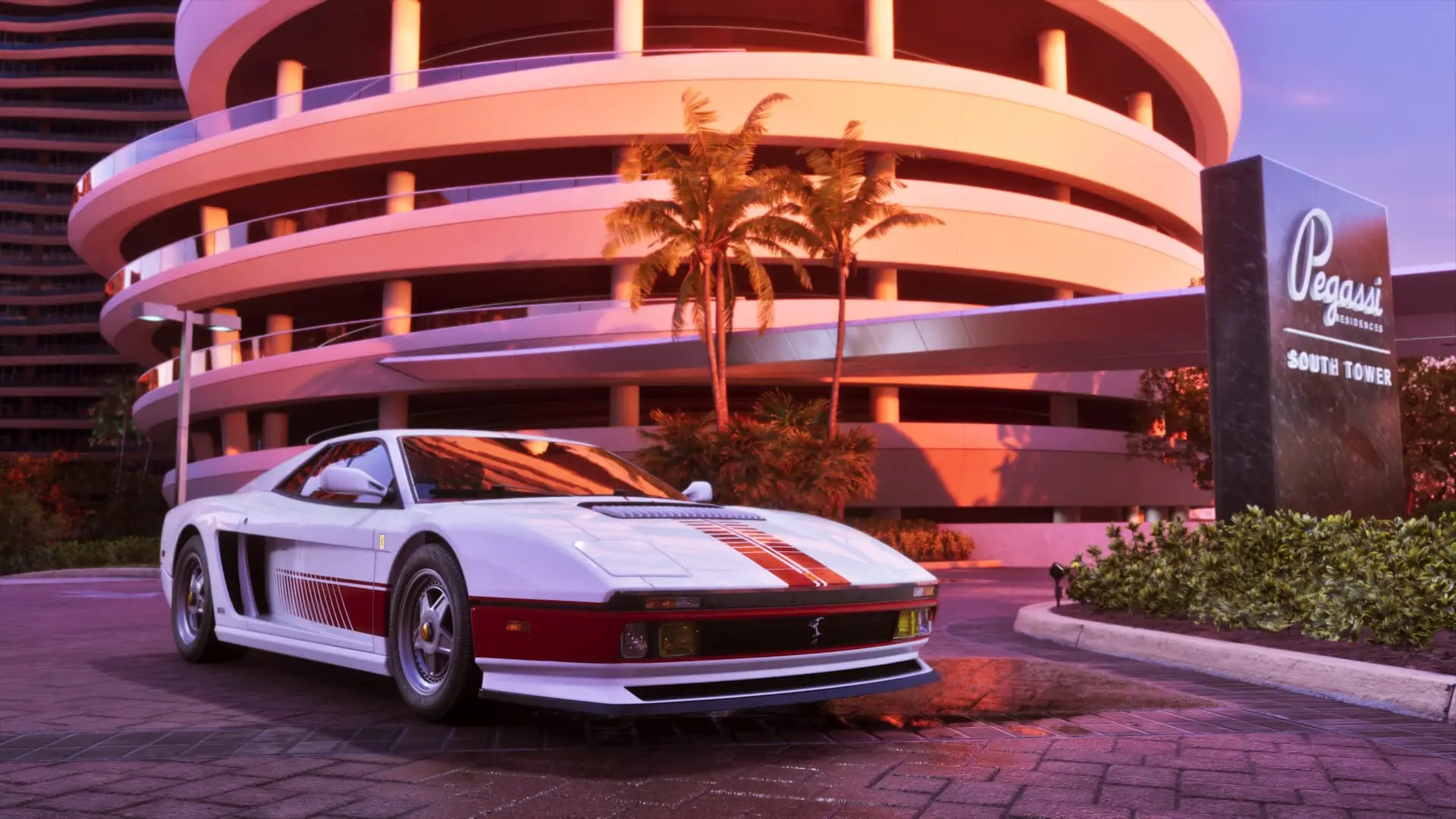
To repair a car in GTA 6, drive it into any Pay 'n' Spray or Mod Shop: a full repair is the first option offered when you pull into the lot, and you pay a fee based on the vehicle and how badly it's damaged. Gas stations can patch up minor damage, but they won't fix critical damage and charge a lot more for what they do.
How to check your engine damage
Scratches and dents are mostly cosmetic, but some damage changes how a car handles. Shot-out tires or axles bent in a crash pull the car off its line. Engine damage is the one that ends getaways: the car slows down first, then starts veering wildly around the road, and finally catches fire.
There are three ways to check the engine:
- From the driver's seat: press Down on the D-pad. An engine icon inside a coloured circle appears above the minimap.
- From outside: walk up to the hood of a vehicle you've been in and press L1 / LB to look at the engine.
- With WAiNK: hold Up, then hold R1 / RB to scan any car and see its condition.
| Engine icon | What it means |
|---|---|
| Green icon and circle | Good condition |
| Orange icon and circle | Moderate damage |
| Red icon and circle | Critical damage |
| Red icon with a cross | Engine destroyed |
Once the icon turns orange or red, it's time for a repair.
Where to repair your vehicle
| Place | What it does |
|---|---|
| Pay 'n' Spray | Full repairs and resprays |
| Mod Shop | Full repairs and resprays, plus modifications |
| Gas station | Minor repairs while you refuel; no fix for critical damage, and far pricier |
Repairs aren't cheap, and the price scales with the type of car and the amount of damage: a scuffed bumper costs much less than a car with its front end missing. Exact prices haven't been listed yet.
To find the nearest shop:
- Open the Index.
- Scroll to the Vehicles tab.
- Open the Pay 'n' Spray or Mod Shops tab.
- Pick from the shops you've already discovered, which are listed by shortest drive.
If your personal vehicle has been destroyed outright, you don't need a shop: call Joey from your Contacts and he'll have it repaired or delivered.
Respraying to lose the cops
A quick respray at a Pay 'n' Spray stops the police recognising your car. Some vehicles can be turned away depending on the tracker fitted to them. Once that feature opens up, Pay 'n' Sprays are also where you register or sell stolen vehicles that carry trackers. For other ways to shake a wanted level, see our disguises guide.
How mod shops work
Mods change either how a vehicle performs or how it looks, and the menu is long, so decide where your money goes before you start spending. The selection isn't all there at the start: more options unlock as you progress through the game. If you're short on cash, our money guide has the fastest earners.
A few things to know before you drive in:
- Pick the right shop. Head for the mod shop that specialises in your type of vehicle, marked on the map by a blue icon showing a star and a wrench. You can get the repair and the paint job done there in the same visit.
- Pro builds are ready-made packages of performance mods and cosmetics that the shop installs on your vehicle in one go.
- Tracked cars can't be modded. If the shop won't touch your car, it almost certainly has a tracker. It has to be registered as yours before it can be modified.
Looking for something worth modding? Our GTA 6 cars and vehicles list covers every confirmed model.
Sources: GamesRadar+, 3DJuegos, GTABase
Written by AI from the sources listed here, then checked automatically for copied wording and for claims stronger than the sources. How we work