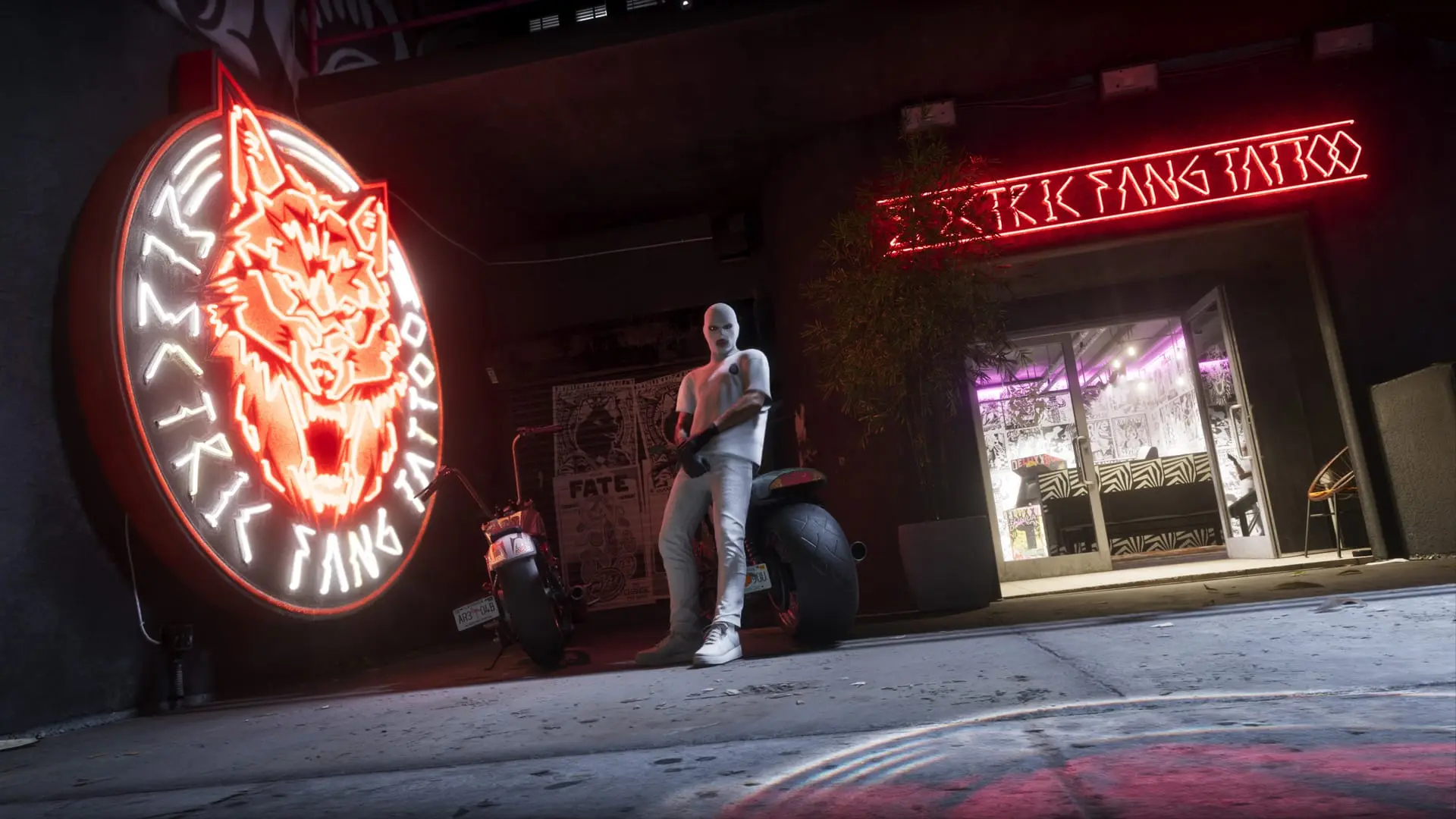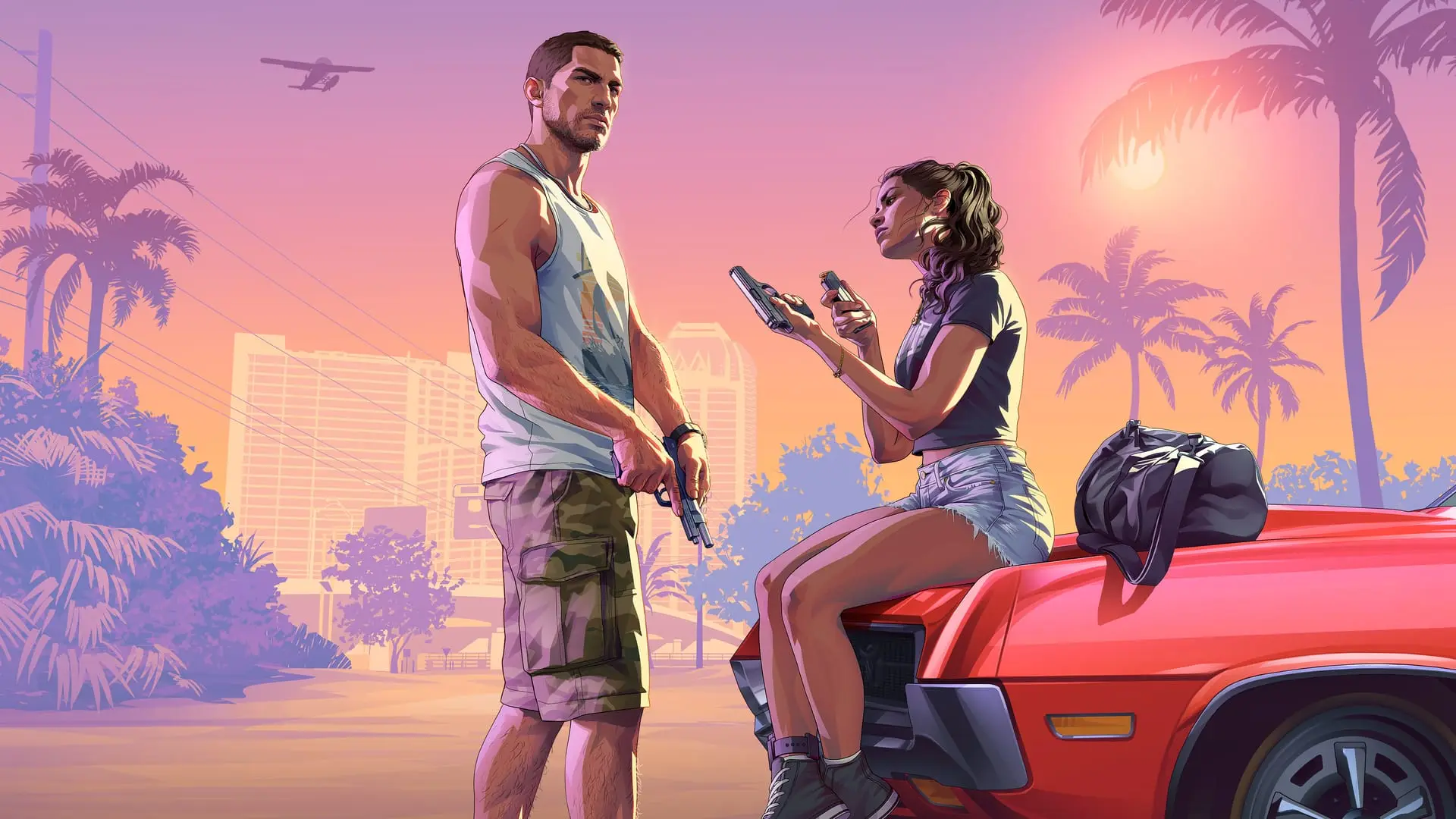
How to fix the GTA 6 weather bug on PS5
GTA 6 stuck on sunny skies? Clearing the PS5 system software cache in Safe Mode is the fix players say brings rain and storms back. Here are the steps.
What changed: Added Rockstar's explanation that weather gets stormier chapter by chapter, confirmation that clearing the cache keeps your saves, and more player reports.
Reported. Established outlets report this. Rockstar hasn't said so.
If the weather in GTA 6 never seems to change, clear your PS5's system software cache from Safe Mode: option 6 (Clear Cache and Rebuild Database), then option 1 (Clear System Software Cache). It costs nothing, takes a few minutes, doesn't touch your saves, and many players report that rain and storms start showing up in Leonida again afterwards.
Before you start
- This works on PS5 and PS5 Pro only.
- You need a cable to plug your DualSense controller into the console, because the controller has to be connected to it in Safe Mode.
- Set aside a few minutes for the cache to clear.
- Nothing is lost: clearing the cache only removes temporary system files, which the console rebuilds. Your installed games, saved data (including your GTA 6 progress), screenshots and account settings stay as they are.
How to clear the PS5 system software cache
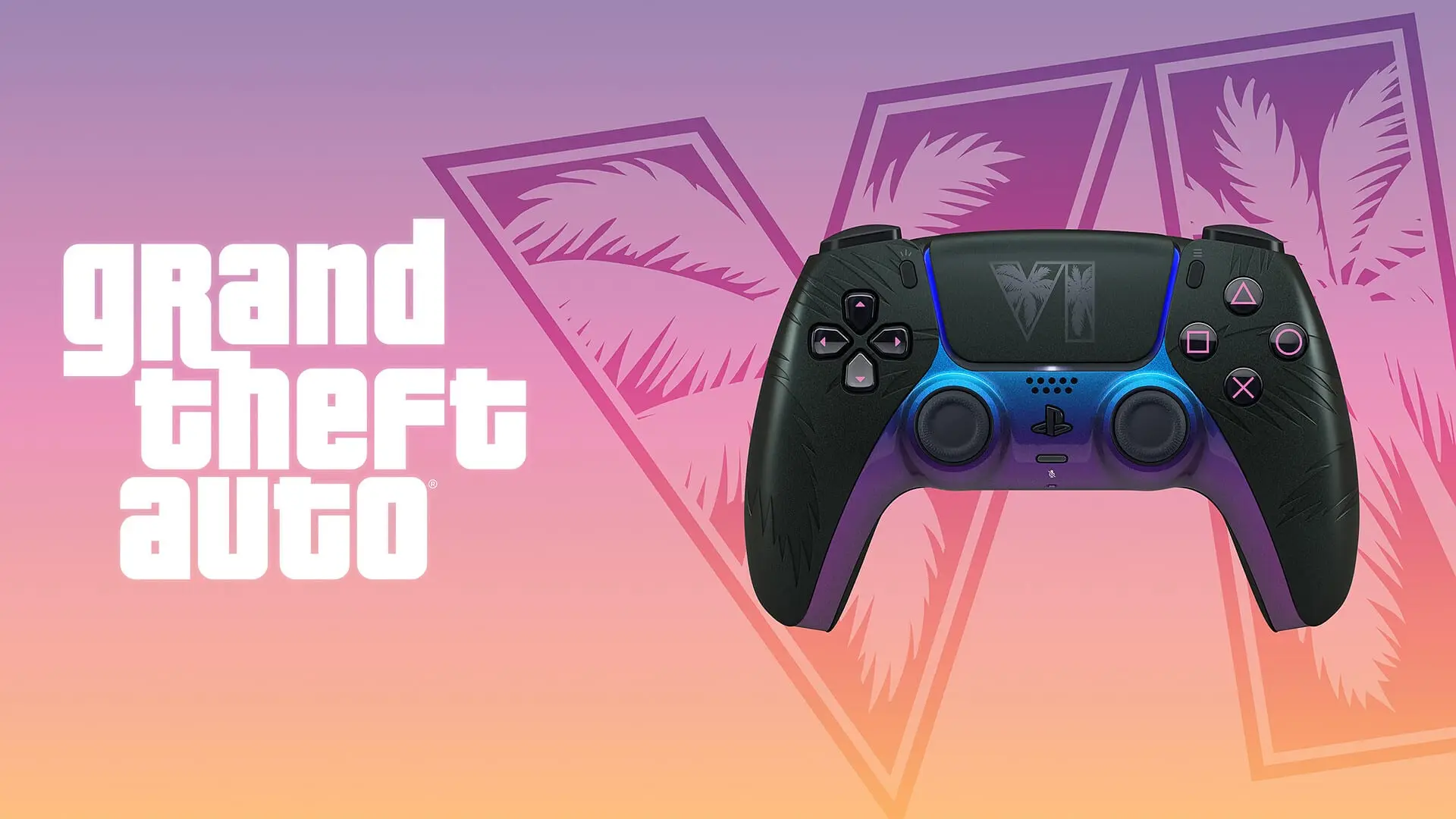 PlayStation
Do these steps in order:
- Turn your PS5 or PS5 Pro fully off (not Rest Mode).
- Press and hold the power button on the console until you hear it beep twice.
- Let go. The console starts in Safe Mode and shows it on screen.
- Plug your DualSense controller into the console with the cable.
- In the Safe Mode menu, scroll down and select option 6: Clear Cache and Rebuild Database.
- In that submenu, choose option 1: Clear System Software Cache.
- When the message "The system software cache will be cleared" appears, select OK.
- Wait for the PS5 to finish clearing the cache. It takes a few minutes.
Once the console restarts, load GTA 6 and play as normal. Players who tried it say the change is easy to notice. Rockstar fan account Gameroll said it had put 56 hours into the game without seeing any dramatic weather, then was "IMMEDIATELY met with this storm" on loading in after the cache clear. Others on X have posted rainy clips and say the weather is more varied.
 Rockstar Games
The weather bug and Rockstar's patch
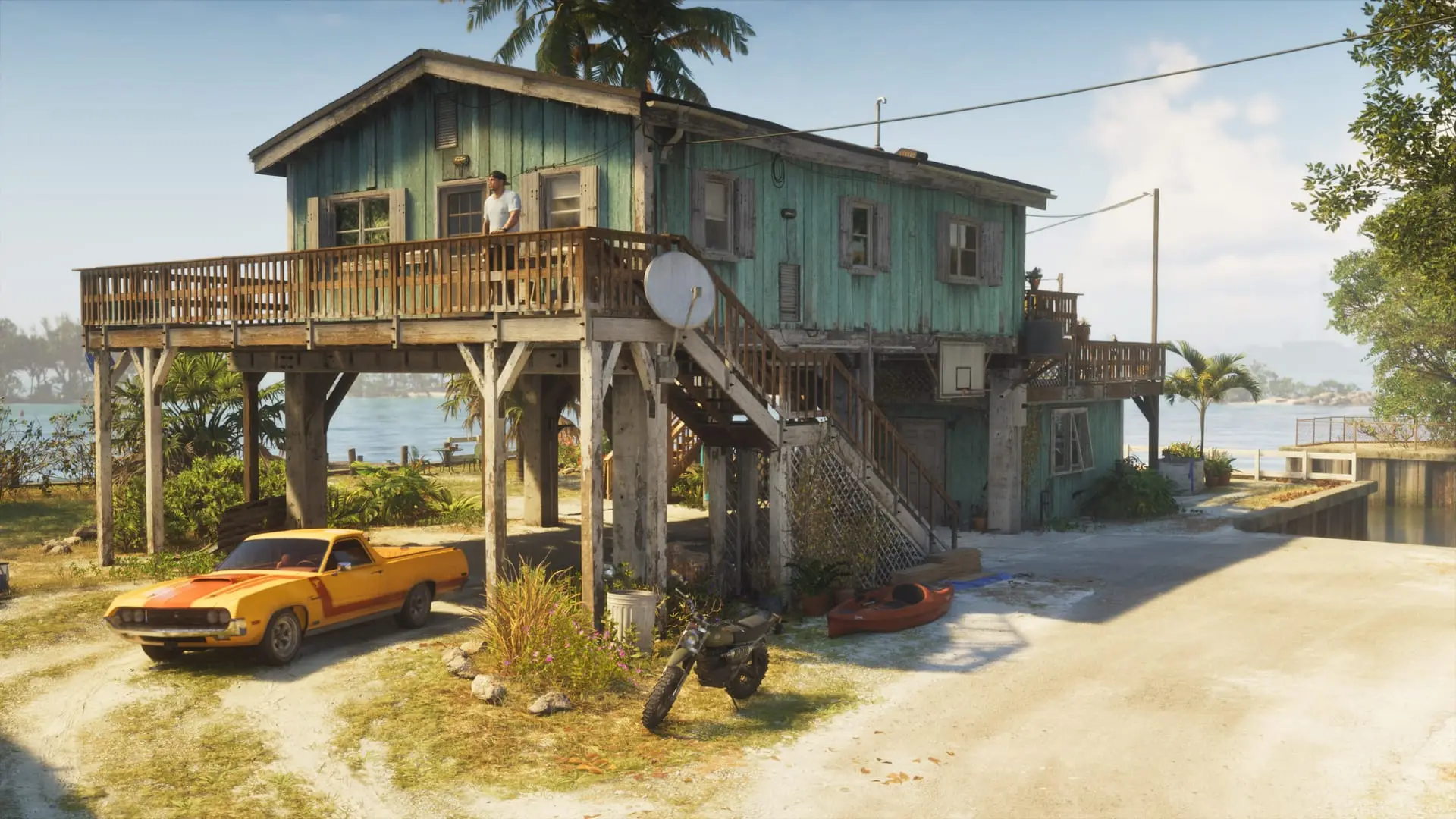
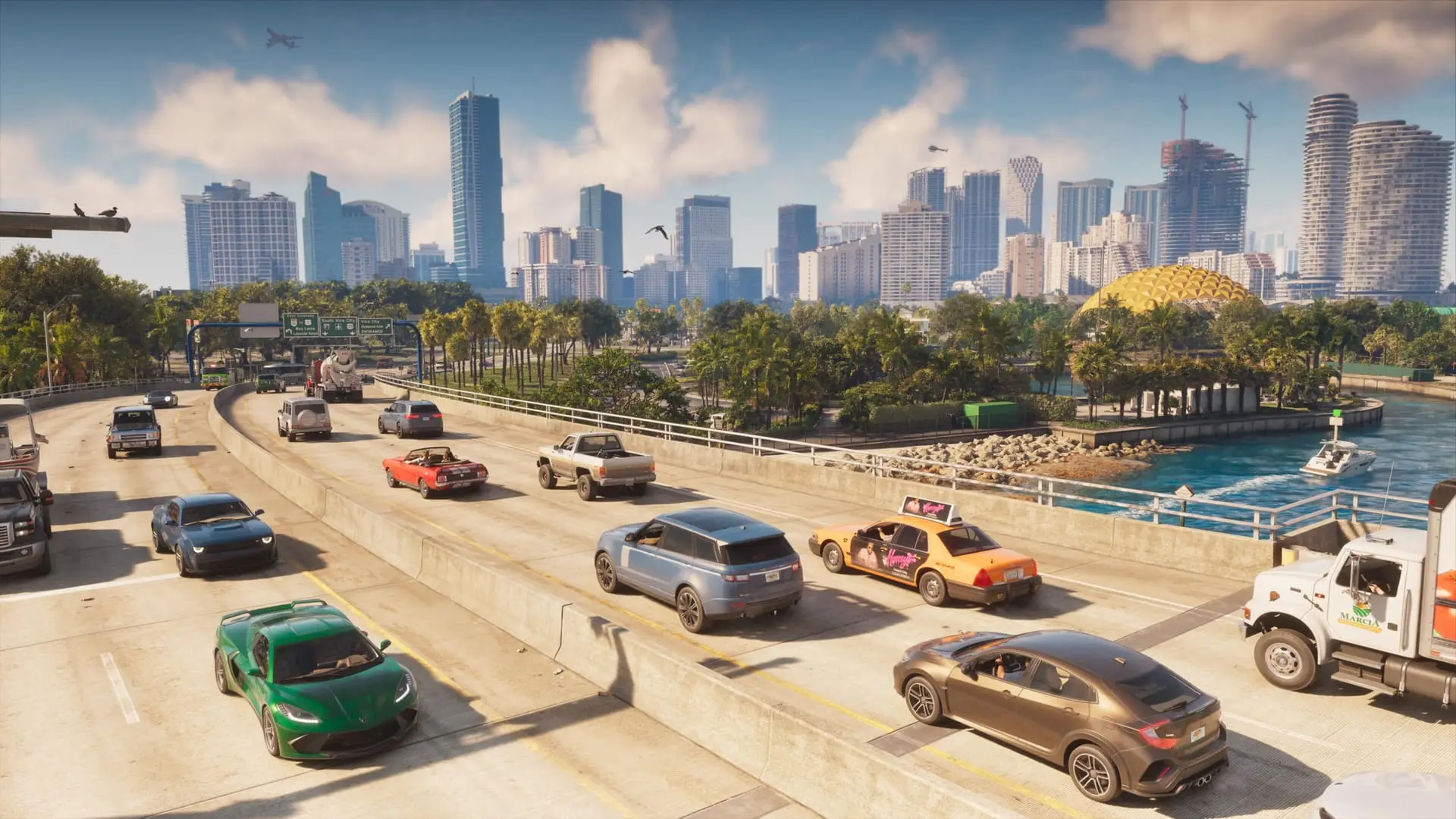
The bug keeps Leonida stuck in the same conditions for long stretches, so the rain and storms the game is supposed to cycle through barely appear. Rockstar had already pushed a small weather fix before launch, and its first post-launch patch, released in late November, again targeted weather not changing for extended periods. Plenty of players still saw little difference after installing it.
The cache clear is a workaround players found and shared on X, and the theory is that it lets the patch actually take effect. Rockstar has not commented on it, so treat it as a player fix rather than an official one. It could also be partly placebo, but the number of players reporting instant storms suggests it does something.
Sunny early chapters are partly by design
Not every clear sky is the bug. Owen Shepherd, Rockstar's vice president of art: lighting and rendering, explained that weather types shift through each day while the overall pattern changes per chapter, "evolving from generally very good weather in the first chapter to much more changeable and stormy in the last chapter." He compared it to Florida's weather moving from winter into summer and autumn.
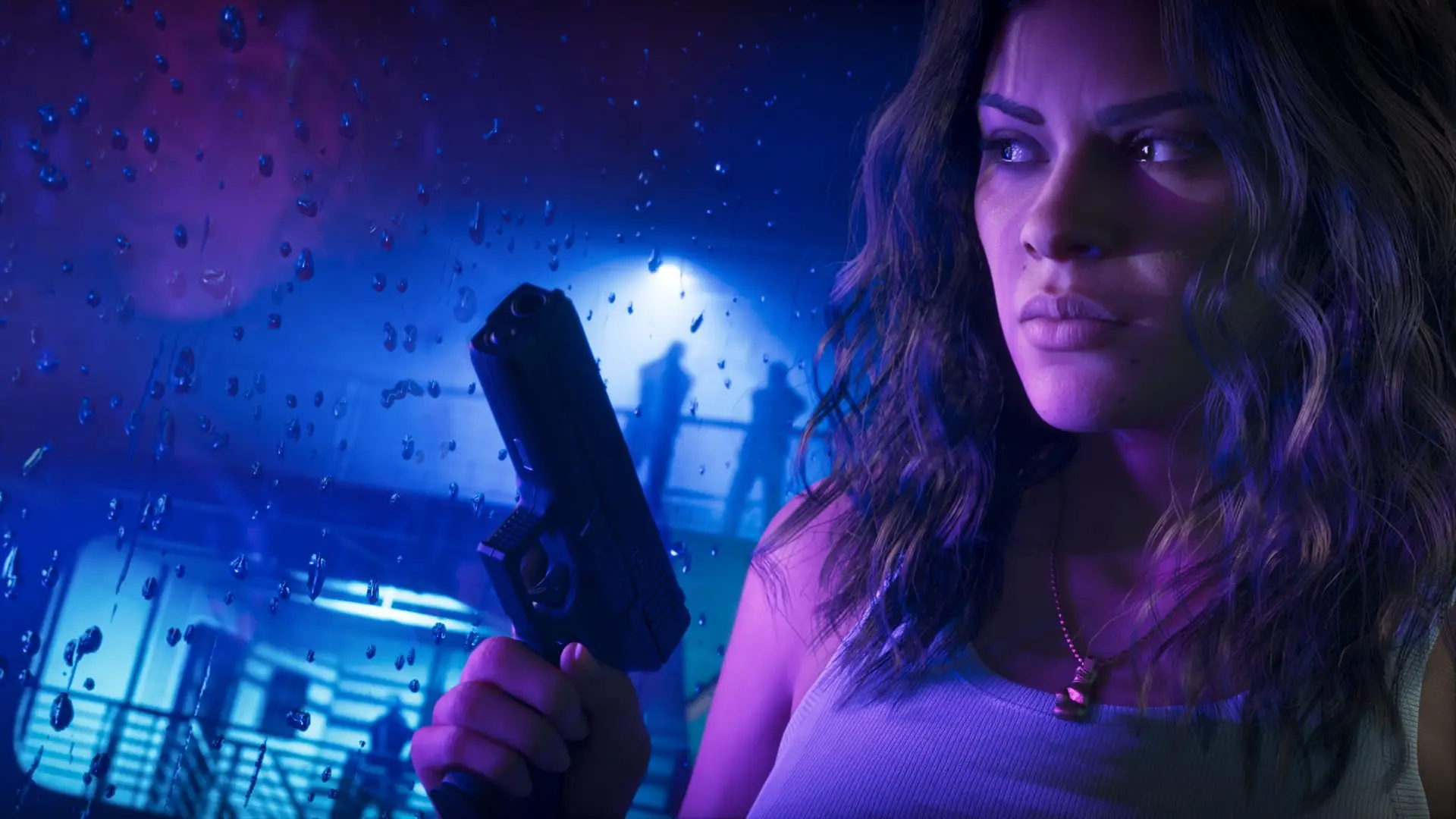
Rain also falls locally rather than across the whole map. In Shepherd's words: "During the first chapters there are pockets of rain but due to the localization of weather it is possible to miss these." So if you are early in the story, mostly fine weather is expected, and driving to another part of Leonida may be enough to find a shower. If you are deep into the game and still never see a storm, the cache clear is worth trying.
 Rockstar Games
Is there a fix on Xbox Series X|S?
Not yet. No equivalent workaround is known for Xbox Series X|S so far, so Xbox players are waiting on another patch from Rockstar for now.
Sources: IGN, Rockstar Intel, Insider Gaming
Written by AI from the sources listed here, then checked automatically for copied wording and for claims stronger than the sources. How we work