GTA 6 PS5 Pro gets extra ray tracing, dataminer claims
A leaked settings list attributed to dataminer Text2 claims GTA 6 on PS5 Pro gets extra ray tracing, while Xbox Series S cuts crowds, traffic, AI and physics.
What changed: Added the full settings list for all four consoles, PS5 and Series X parity, and the Series S's reported FSR 4.1 upscaling to a 1080p target; corrected Series S global illumination to Medium.
Rumour. An unverified leak or claim. Treat it with caution until Rockstar speaks.
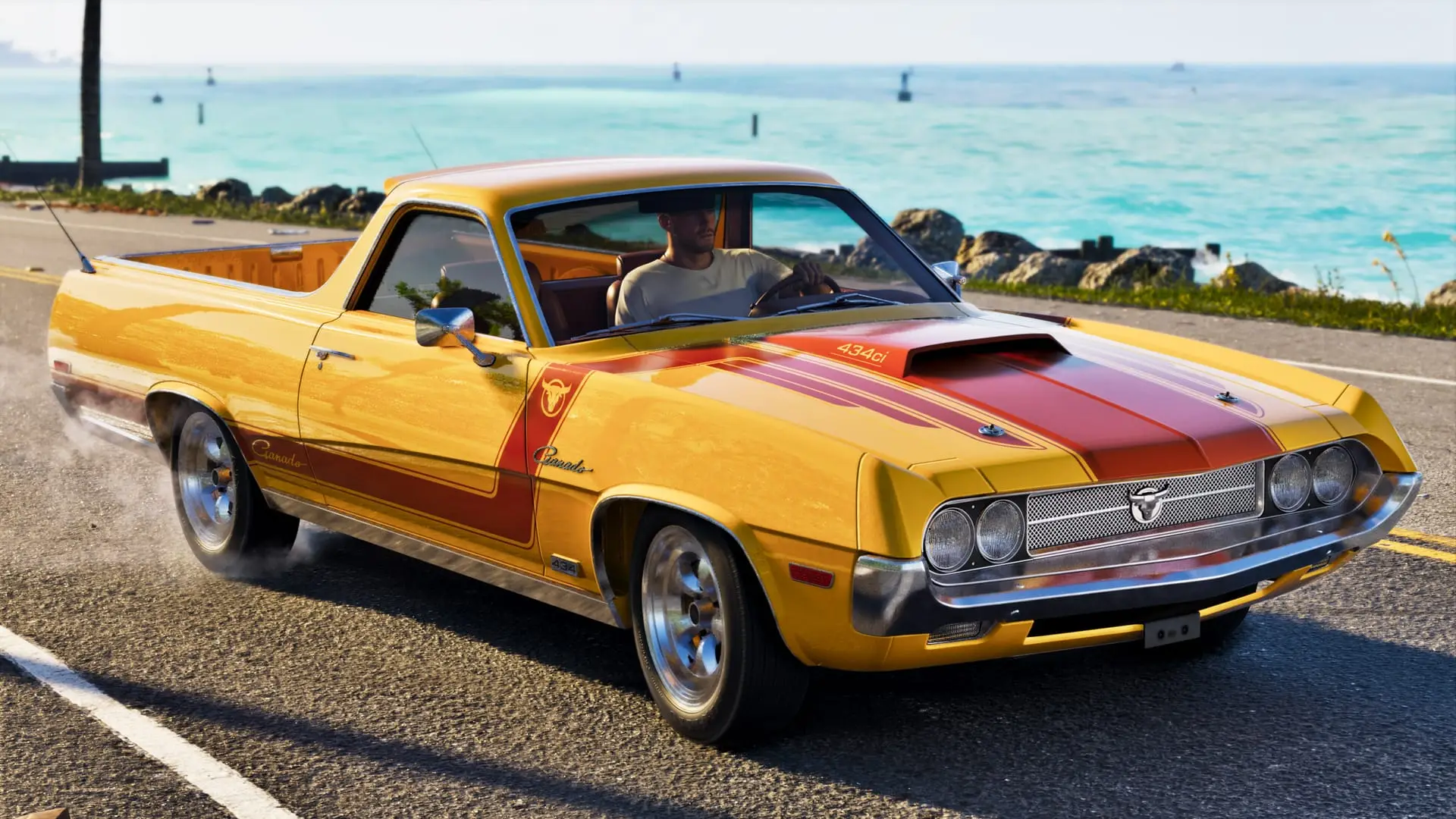
A full list of GTA 6's graphics settings for all four current consoles has been shared by the dataminer Text2, and it puts the PS5 Pro alone on ray-traced shadows. The list is described as Rockstar's own per-console configuration, but Rockstar has not confirmed it, so treat it as unverified. If it holds up, the base PS5 and Xbox Series X run identical settings, the Pro adds a layer of lighting on top, and the Xbox Series S gives up the most, from textures and water to crowds, traffic and AI.
The list also points to a resolution split: the Series S reportedly upscales to a 1080p target using FSR 4.1, the only console of the four to use it, while the PS5, PS5 Pro and Series X target 4K.
PS5 and Xbox Series X: full parity
Every line in the list is the same for the base PS5 and the Series X. That should settle much of the debate over settings between the two since the game launched. Frame rate is a separate matter, though, and the list has no frame rate values at all. For what is known on that front, see our GTA 6 frame rate explainer.
What the PS5 Pro adds
The Pro's extras are concentrated in lighting and shadows:
- Global illumination: High (Medium on every other console)
- BVH quality (the structure ray tracing is built on): Ultra (High on PS5 and Series X, Low on Series S)
- Ray-traced directional shadows: High (absent elsewhere)
- Ray-traced local shadows: High (absent elsewhere)
- Ray-traced LOD light shadows (shadows from distant lights): Enabled (absent elsewhere)
- Alpha shadow quality: High (Medium on PS5 and Series X, Low on Series S)
- Motion blur scale: 1.5 (left at default on the other three)
Two lines look like downgrades at first: the Pro's standard directional and local shadow quality are both set to Low, against High on PS5 and Series X. Because the Pro has ray-traced versions of both switched on, the likeliest reading is that ray tracing handles those shadows instead. Everything outside lighting, from textures to crowds, matches the PS5 and Series X.
Where the Xbox Series S is cut back
The Series S has lower values in almost every category. Here is each setting where it differs, with the value shared by the PS5, PS5 Pro and Series X in the middle column (except where noted).
| Setting | PS5 / Pro / Series X | Series S |
|---|---|---|
| Directional shadow quality | High (Pro: Low, with RT) | Medium |
| Local shadow quality | High (Pro: Low, with RT) | Low |
| Alpha tinted shadows | Enabled | Disabled |
| Grass shadows | Medium | Low |
| Texture quality | High | Medium |
| Texture streaming quality | Medium | Low |
| Manual MipBias | Not set | -1.5 |
| Tessellation | High | Low |
| Imposter quality | Medium | Low |
| Decoration resolution shift | 0 | 1 |
| Vehicle max texture quality | Ultra | Medium |
| Vehicle HD count | 2 | 0 |
| Weapon max texture quality | Medium | Low |
| Grass LOD | Not set | 0.8 |
| Tree quality | Medium | Low |
| Terrain quality | Medium | Low |
| Time cycle quality | Medium | Low |
| Water simulation quality | High | Medium |
| Water surface wave simulation | High | Medium |
| Water tessellation | Not set | Low |
| Volumetrics lighting quality | Medium | Low |
| Particle lighting quality | High | Low |
| Hair quality | High | Medium |
| Hair GPU memory budget | High | Low |
| Hair simulation quality | High | Low |
Thinner crowds and traffic on Series S
The cuts that reach past the picture are in population and simulation. Seven settings sit at High on the PS5, PS5 Pro and Series X and drop to Medium on the Series S:
- Pedestrian density
- Vehicle density
- AI behavior
- AI components
- AI motion
- AI timeslicing
- Physics quality
In practice that would mean fewer people on the streets and lighter traffic on the cheapest Xbox, not just a softer image.
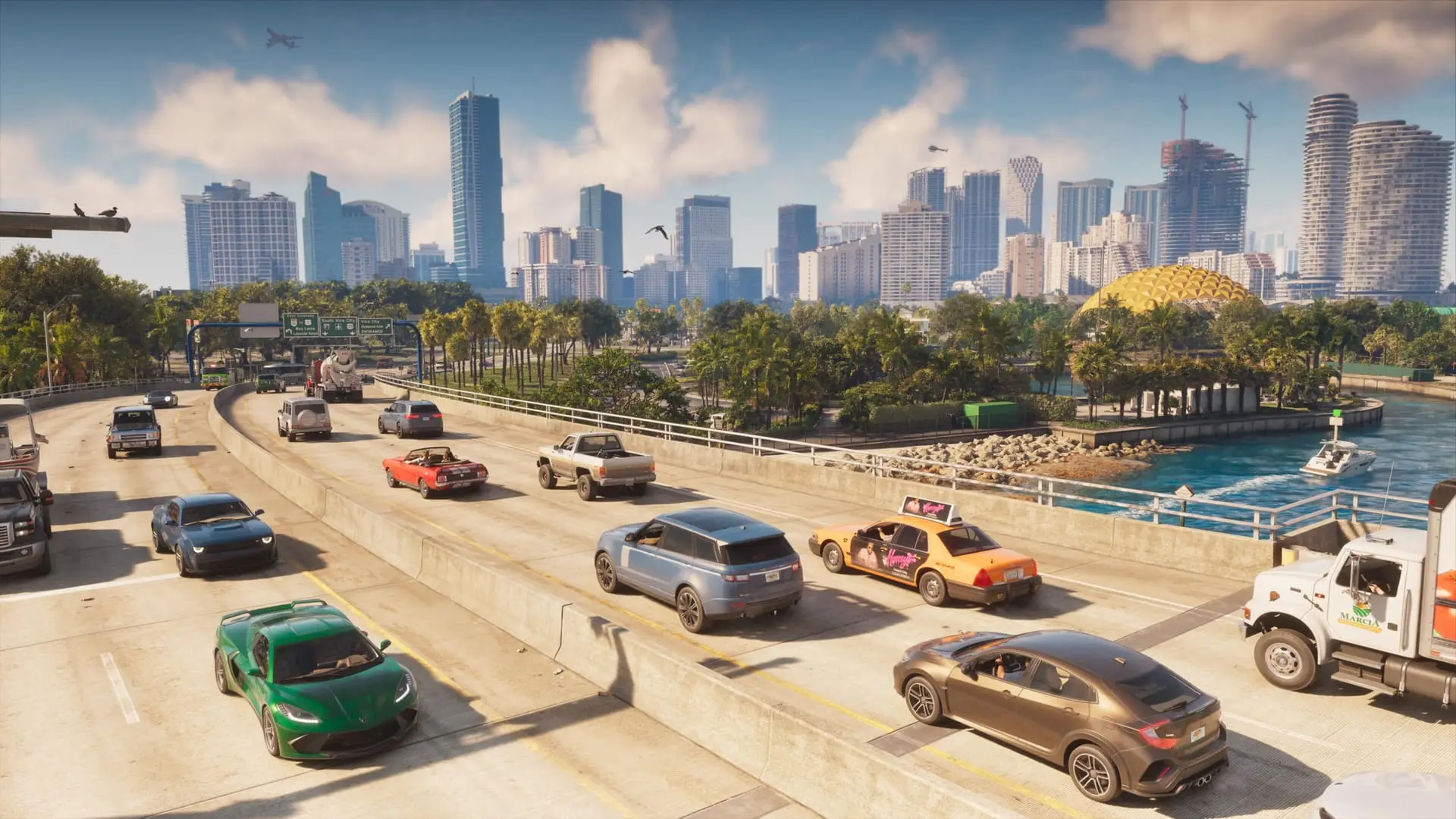 Rockstar Games
Settings shared by all four consoles
A long stretch of the list is the same everywhere: ambient lighting (Medium), lighting quality (Medium), reflection quality (Low), mirror quality (High), particle shadows (Enabled), soft shadows (High), parallax occlusion mapping (Medium), LOD scale (1.0), terrain shadow quality (Medium), water quality (Custom), water lighting (High), screen-space water reflections (Enabled), deep surface quality (High), volumetrics quality (Custom), scattering volume quality (Medium), particle quality (Medium) and subsurface scattering (Medium).
Sources: Critical Hits, Rockstar Intel
Written by AI from the sources listed here, then checked automatically for copied wording and for claims stronger than the sources. How we work