Xbox is banning GTA 6 players over auto-uploaded clips
Xbox scans auto-uploaded GTA 6 captures for nudity, drugs, hate speech and violence, and is reportedly banning players. How to switch uploads off.
What changed: Added the reported two-day minimum ban, that bans appear not to be appealable, player reports of bans over beach scenes, and the exact setting names.
Reported. Established outlets report this. Rockstar hasn't said so.
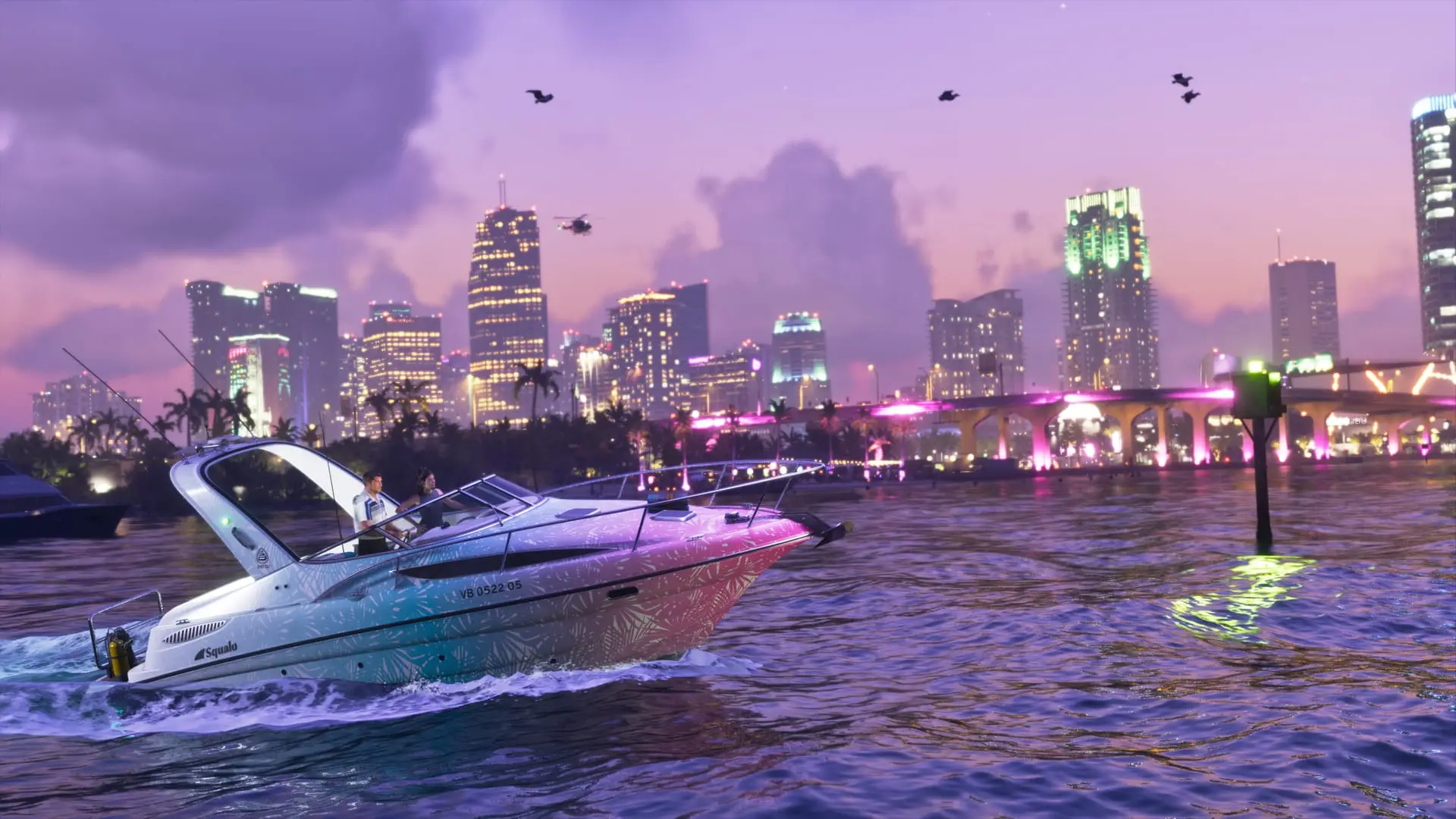
Some GTA 6 players on Xbox are being banned from Xbox Live over screenshots and clips they may never have meant to share. Captures uploaded to Xbox's servers are being flagged for breaking its family and online safety guidelines, according to Pure Xbox and Game Rant, and in many cases the upload happened automatically because of a setting that is switched on by default. Microsoft hasn't commented.
A two-day ban, reportedly with no appeal
A flagged upload reportedly earns a ban from online play on Xbox Live of at least two days. Those bans appear not to be appealable, so affected players have to sit out the full two days. The bans have nothing to do with the New Zealand fix that some players online had pointed to before launch.
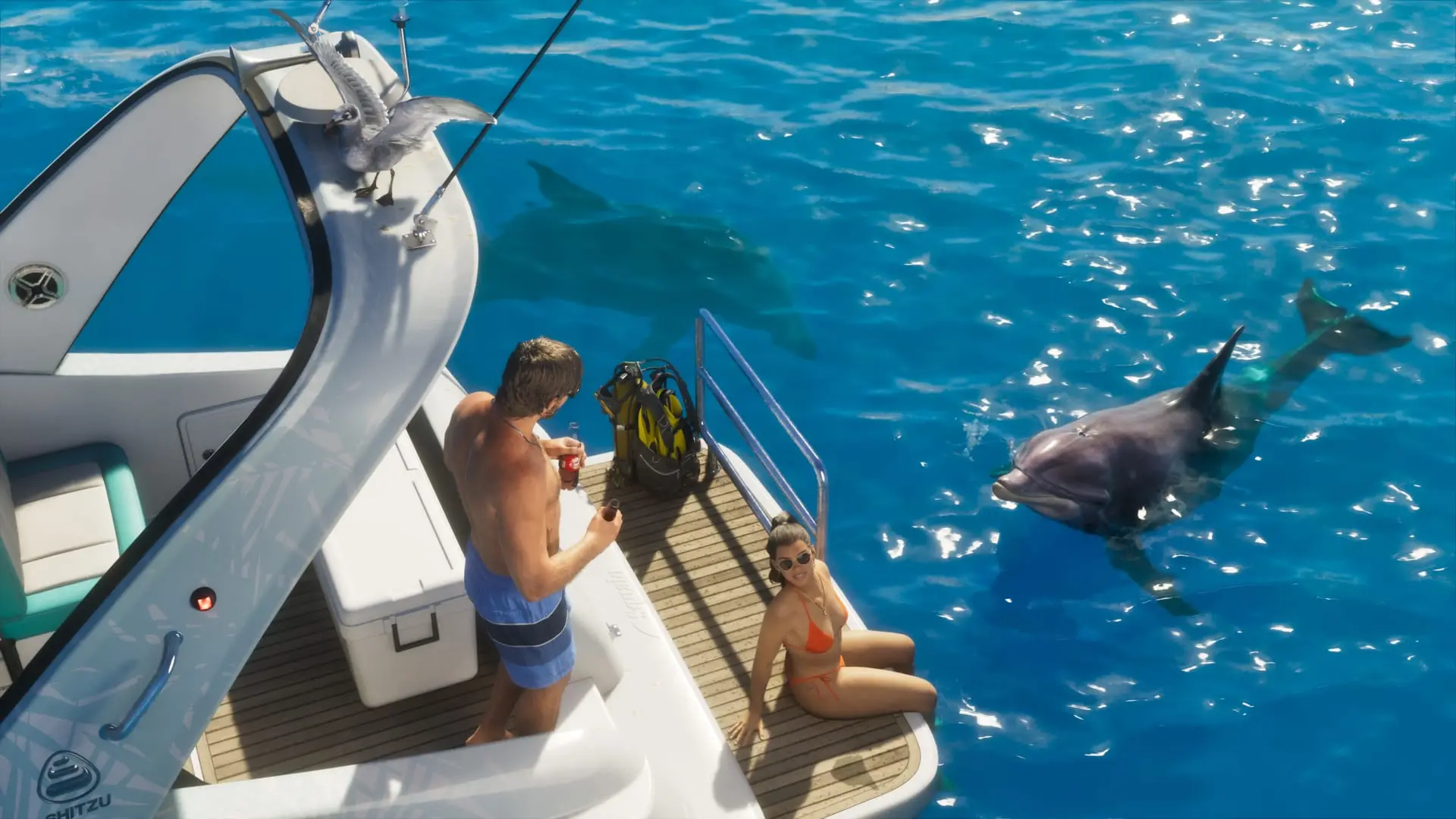
Players also say it doesn't take much to trigger one. Some report being banned for captures of nothing more extreme than their character standing on one of the game's beaches.
Why GTA 6 captures get flagged
Once a capture reaches Xbox Live, it is scanned for offensive imagery. It isn't clear whether a person or an AI system does the checking. The categories include:
- Hate speech
- Drug misuse
- Excessive violence
- Nudity and sexual content
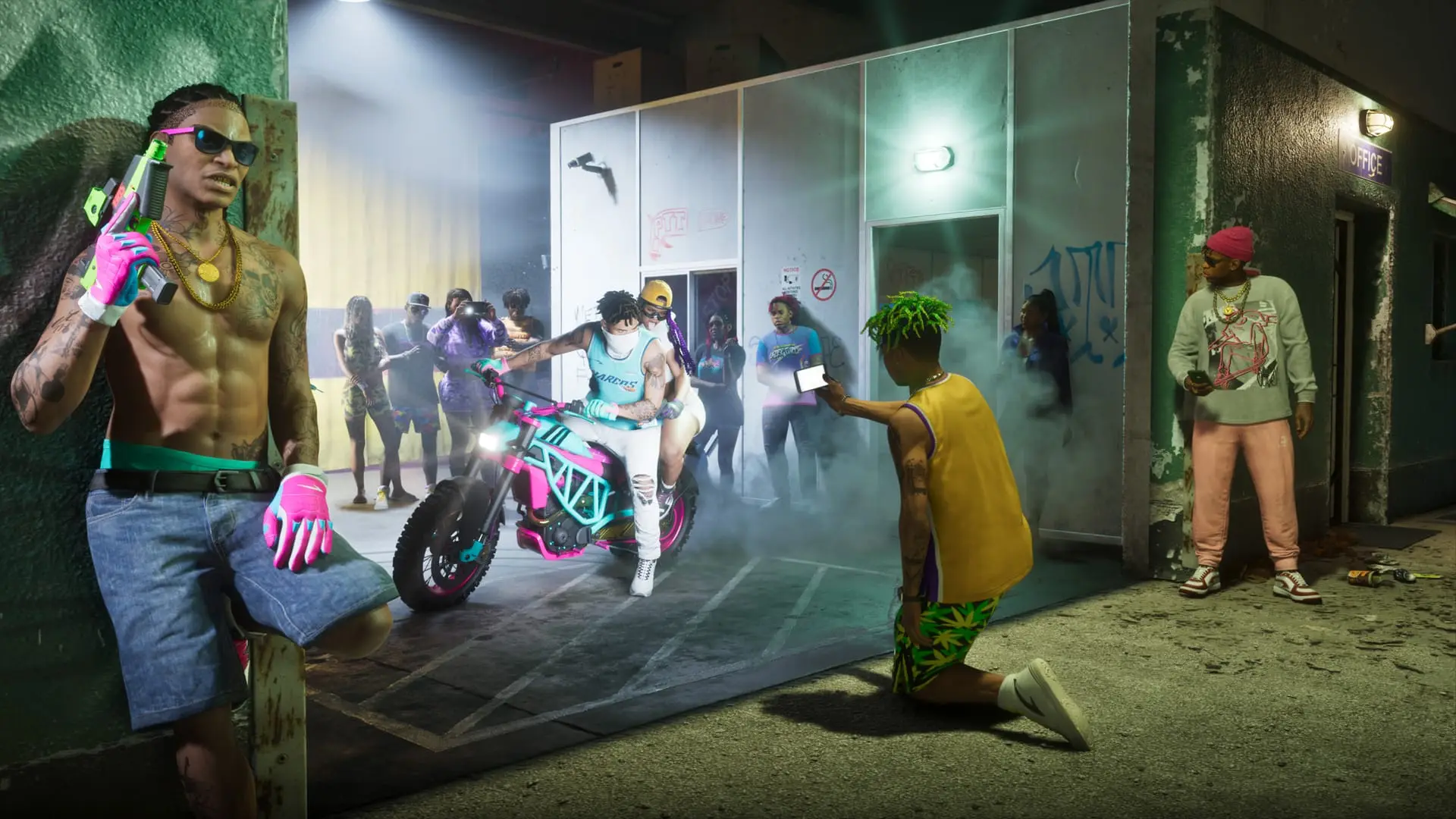
That is a rough fit for an M-rated game like GTA 6, where ordinary play regularly hits at least one of those categories: shootouts, constant drug content, sexually suggestive story scenes, private moments between Jason and Lucia, and the game's nudity, sex scenes and strip clubs. Plenty of story missions carry the same risk. A clip you saved of a chaotic moment, or one the console recorded in the background, gets judged by the same rules as something you posted on purpose. The scan has no way of knowing it came from a mature game you chose to play.
How to turn off automatic uploads
The fix takes a few seconds on Xbox Series X and Series S:
- Open Settings on your console.
- Go to Preferences.
- Open Captures & Shares.
- Make sure the upload option says Don't Upload, not Automatically Upload.
You can still record and save clips and screenshots on the console. They just won't go to Xbox Live unless you upload one yourself, so check anything you do share manually before sending it up.
Written by AI from the sources listed here, then checked automatically for copied wording and for claims stronger than the sources. How we work