How to auto-drive in GTA 6: the cinematic camera trick
GTA 6 has a hidden auto-drive. Set a waypoint, switch to the cinematic camera and hold B. Here are the steps, the speed controls and how it works on boats.
Reported. Established outlets report this. Rockstar hasn't said so.
GTA 6 can drive Jason or Lucia to a waypoint for you, but the game never tells you how. Auto-drive is built into the cinematic camera: get in a vehicle, mark a destination on the map, switch to cinematic view and hold B. It works on roads and on water.
How to turn on auto-drive
- Get in a vehicle. Any one will do, your own or one you just stole. For a long trip a personal vehicle is the better pick, and if the police are after you, lose them before you hand over the wheel.
- Set a waypoint. Open the map and mark where you want to go.
- Switch to cinematic view. Press down on the D-pad to open the camera options, then choose "Cinematic".
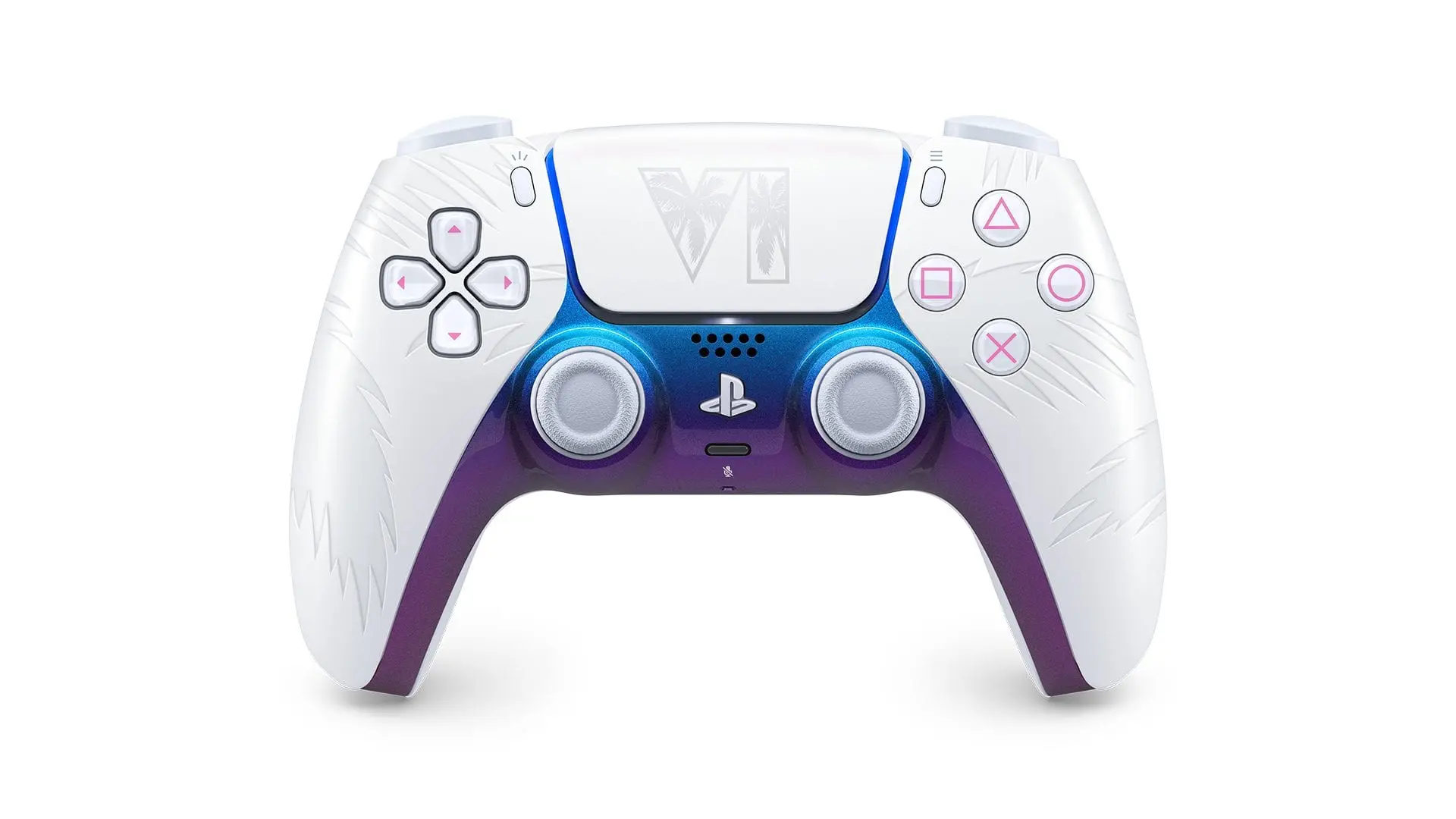
- Hold B. Once the cinematic camera is on, holding B (Circle on PS5) starts auto-drive and the car heads for your waypoint by itself.
If auto-drive won't start, check the basics: you need a waypoint on the map and the cinematic camera switched on. Without both, holding the button does nothing.
Auto-drive controls
| Action | Input |
|---|---|
| Open camera options | Press down on the D-pad |
| Start auto-drive (in cinematic view) | Hold B (Circle on PS5) |
| Change driving speed | LT / L2 and RT / R2 |
| Stop auto-drive | Hold down on the D-pad |
The triggers let you speed up or slow down while the car drives itself, which helps if you want a slow sightseeing trip or a quicker run to a mission. When you want to drive again, holding down on the D-pad ends auto-drive. For more on how the triggers feel on a DualSense, see our piece on GTA 6's built-in cruising stop.
Heat and traffic can still slow you down
Auto-drive won't keep you out of trouble. If your route runs through parts of the map where you have Heat, you can get spotted while the car is driving itself, so pick a waypoint and route that go around those areas. Our guide to Leonida's six regions can help you plan a route.
Traffic accidents and other obstacles on the road can also hold you up. That means auto-drive isn't always the quickest way from A to B. It's best for when you want to take your hands off the controls, not for when you're in a hurry.
Auto-drive on boats
It works on water too. On a lake or out on the ocean, set a waypoint, switch the boat to the cinematic camera and hold B, exactly as you would in a car. For the full list of what you can drive, sail and fly, see our GTA 6 cars and vehicles guide.
Sources: Eurogamer, Insider Gaming
Written by AI from the sources listed here, then checked automatically for copied wording and for claims stronger than the sources. How we work