How to have Jason or Lucia drive for you in GTA 6
Let Jason or Lucia take the wheel in GTA 6: the partner menu buttons, how to make them drive faster or pull over, and how it compares to auto drive.
Reported. Established outlets report this. Rockstar hasn't said so.

Once you can switch freely between Jason and Lucia, get them together, hold D-Pad Right and pick "You Drive" (X on PS5, A on Xbox), then take the passenger seat with a destination marked on the map. Your partner drives you there for free, and outside solo missions they never refuse.
The game never explains this, so here is the whole thing: two ways to set it up, how to speed your driver up, how to stop, and when auto drive is the better pick.
What you need first
- Free character switching unlocked. Partner driving only opens up after you can swap between Jason and Lucia at will. See our GTA 6 characters guide for more on the pair.
- Not on a solo mission. Your partner won't drive during solo missions.
- A vehicle with a passenger seat. Cars, motorcycles and boats all work.
Method 1: Meet Up and switch
This example puts Lucia behind the wheel with Jason as passenger. Swap the names for the reverse.
- Summon your car to where you are.
- Hold D-Pad Right to open the partner interaction menu.
- Press Triangle (PS5) or Y (Xbox) to choose "Meet Up" and bring both characters together.
- Switch to Lucia, the character you want driving.
- Get in the driver's seat. Jason climbs into the passenger seat.
- Open the map and mark a destination.
- Switch to Jason in the passenger seat.
Lucia sets off for the marker straight away.
Method 2: the You Drive option
- Make sure Jason and Lucia are together.
- Hold D-Pad Right.
- Press X (PS5) or A (Xbox) to select "You Drive".
- Your partner gets into the driver's seat and waits. Get in the passenger side.
- Mark a destination on the map.
Whichever method you use, you don't touch the controls after that. You can change where you're going at any point with a custom map marker or by setting a mission or activity as your destination, and the driver turns around and heads for the new spot right away.
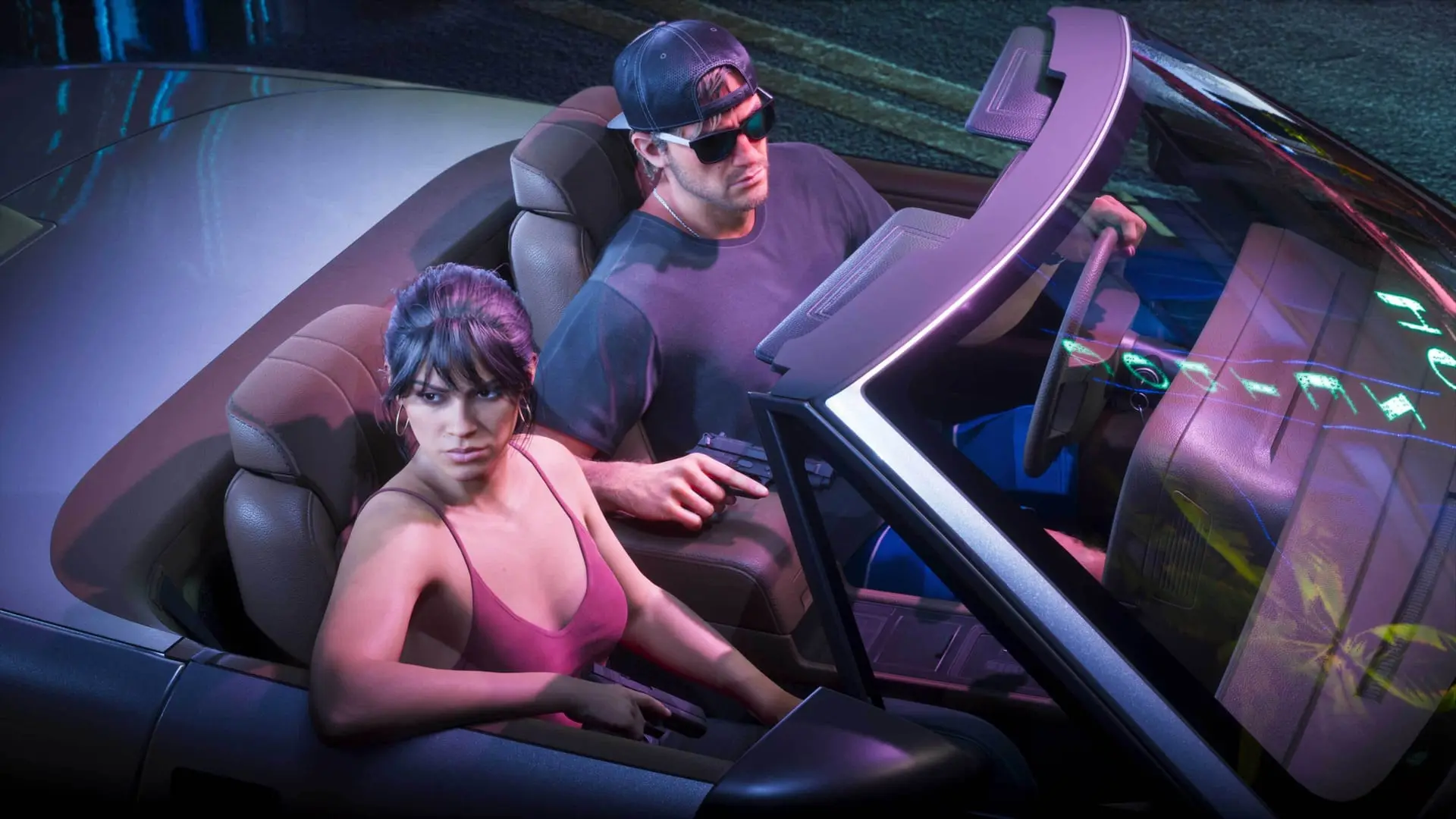 Rockstar Games
Making your partner drive faster
From the passenger seat, hold D-Pad Right and press Square (PS5) or X (Xbox). Your partner then pushes the vehicle as fast as it will go and ignores the rules of the road. Game Rant's tester found this mode often beat driving the car yourself, with few crashes along the way.
How to stop the car
- Hold D-Pad Right and press X (PS5) or A (Xbox) to ask your partner to pull over.
- Or switch back to the character driving and stop the vehicle yourself.
Watch out on boats
Partner driving works on water, but the AI doesn't steer around other vessels and will often ram any ship in its path. Keep an eye on the route if you're crossing busy water.
Partner driving or auto drive?
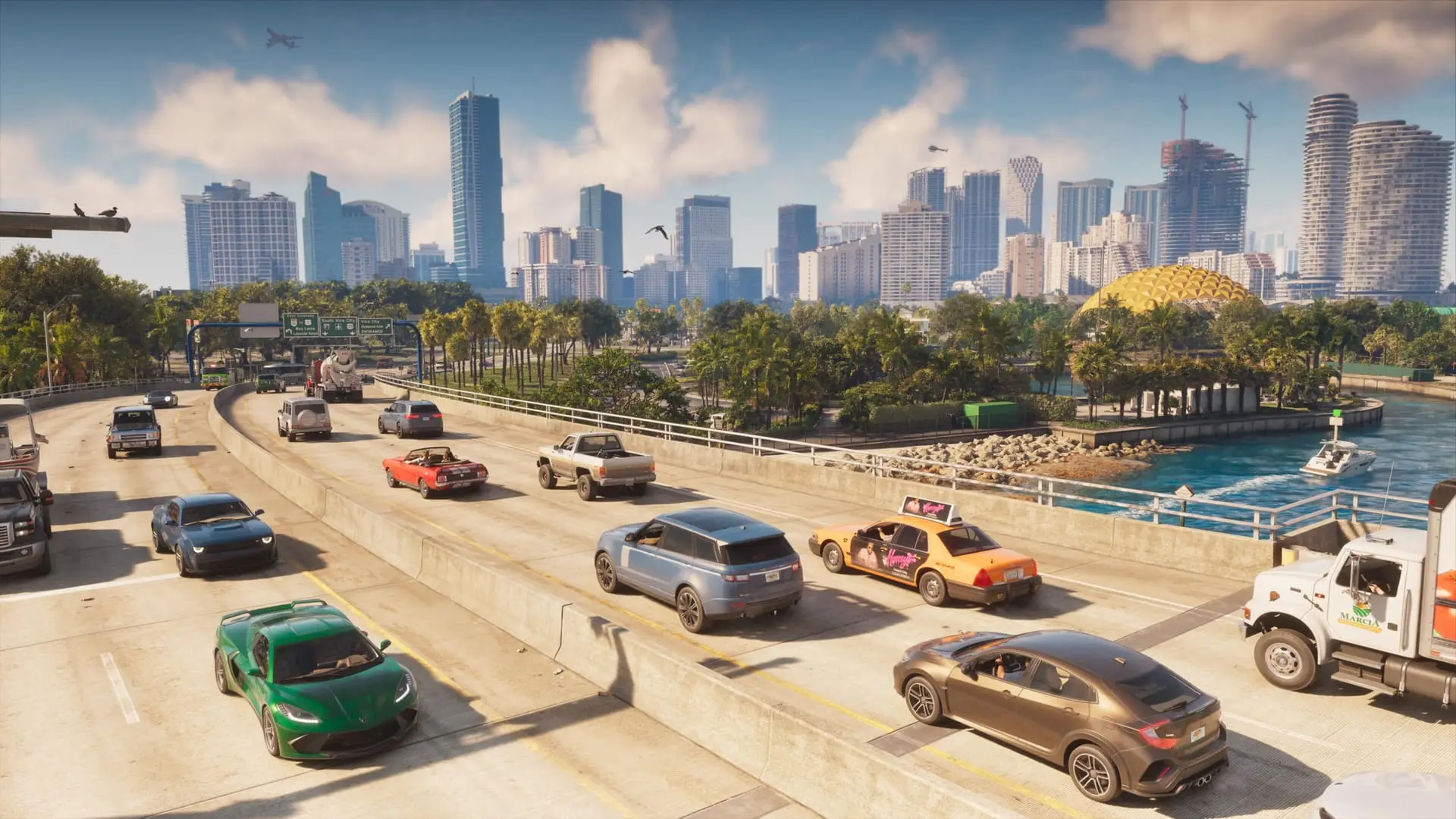
GTA 6 also has a built-in auto drive, available from the start of the game. Both are free and neither is fast travel. The big difference: auto drive locks you into cinematic mode, where the only thing you can do is listen to the radio. As a passenger you can still use your phone (Snapmatic included), hear Jason and Lucia react to what they pass, and play the radio. Auto drive is the one to use before you've unlocked free switching, or when you want cinematic camera shots.
To use auto drive:
- Get into a vehicle and drive it.
- Open the map, pick a spot and press X (PS5) or A (Xbox) to set a destination.
- Get onto a public road.
- Hold Down on the D-pad and, while holding it, press Options (PS5) or Menu (Xbox) to enter Cinematic Mode.
- Hold the button shown on the Enable Auto Drive prompt in the bottom-right corner.
If the prompt is greyed out, you're not on a public road yet.
While it runs:
| Action | Control |
|---|---|
| Change speed (1, 2 or 3; 2 is default) | L2 / R2 (LT / RT on Xbox) |
| Move the camera | Right stick |
| Switch to the next camera view | R3 / RS |
| Turn auto drive off | Hold the same button you used to turn it on |
At every speed your character obeys traffic laws and sits in traffic, so it is slow. Pressing other buttons to take back control can have side effects, like your character jumping out of the vehicle. You can change the map marker mid-trip to reroute. To use auto drive away from paved roads, pause and go to Settings > Gameplay, then set Auto Drive to Unrestricted; it still works best on roads. Avoid it during police chases.
If you'd rather get somewhere quickly than enjoy the ride, see how to fast travel with stolen cars in GTA 6.
Sources: GamesRadar+, Game Rant, GTABase
Written by AI from the sources listed here, then checked automatically for copied wording and for claims stronger than the sources. How we work