How to fix the GTA 6 graphics downgrade on PS5
The PS5 HDR and 1080p reset players say restores GTA 6 visuals after the first patch, step by step, plus the safe mode cache clear for the weather bug.
Reported. Established outlets report this. Rockstar hasn't said so.
If GTA 6 has looked flatter on your PS5 since the November 23 patch, players are passing around a display reset. Close the game, turn HDR off, set the console to 1080p and restart the PS5. Then switch HDR and your usual resolution back on before you load the game. It's free, takes a couple of minutes and leaves your save alone. It's a player workaround, though, not an official fix, and it doesn't work for everyone.
What the downgrade looks like
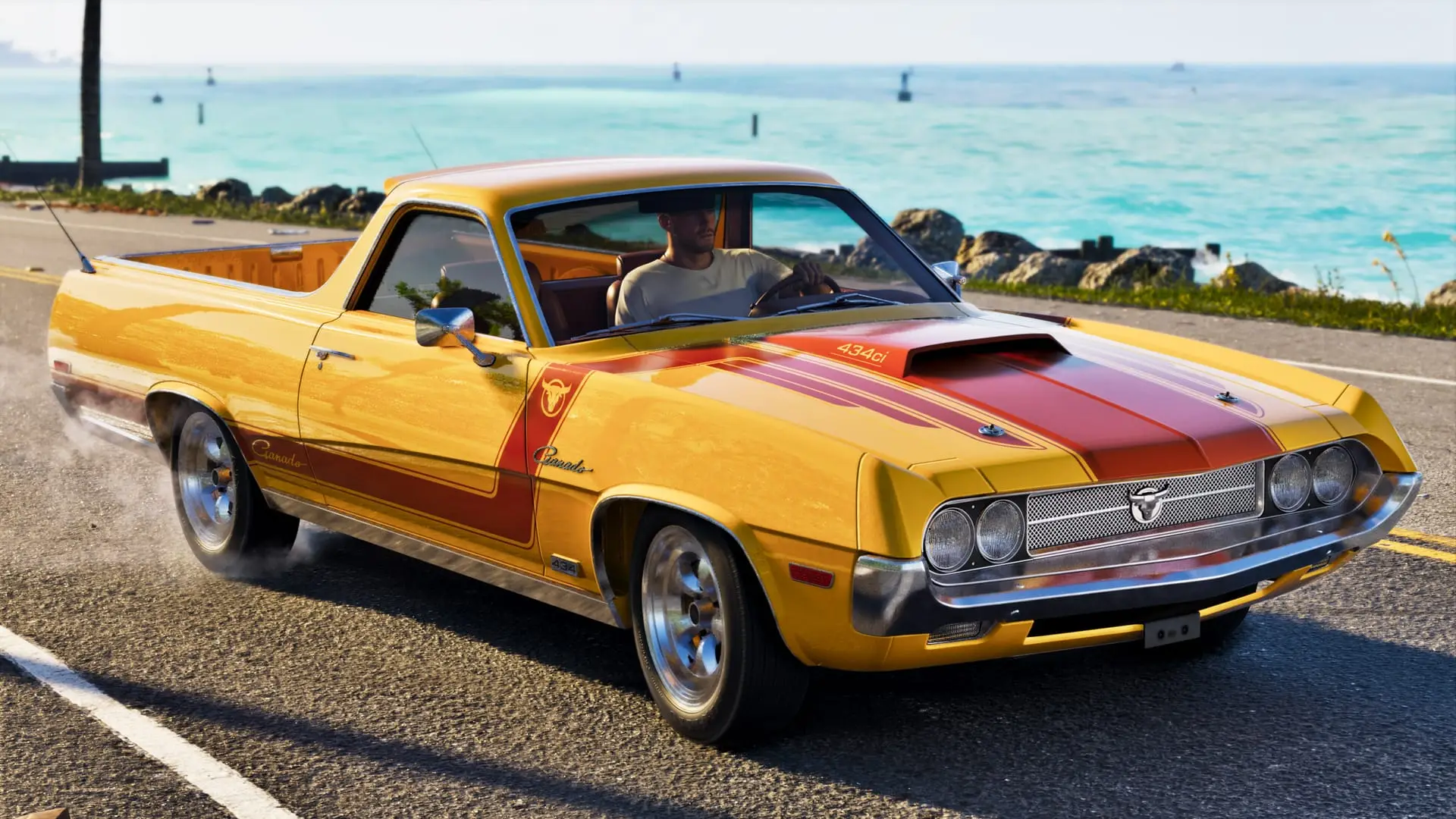
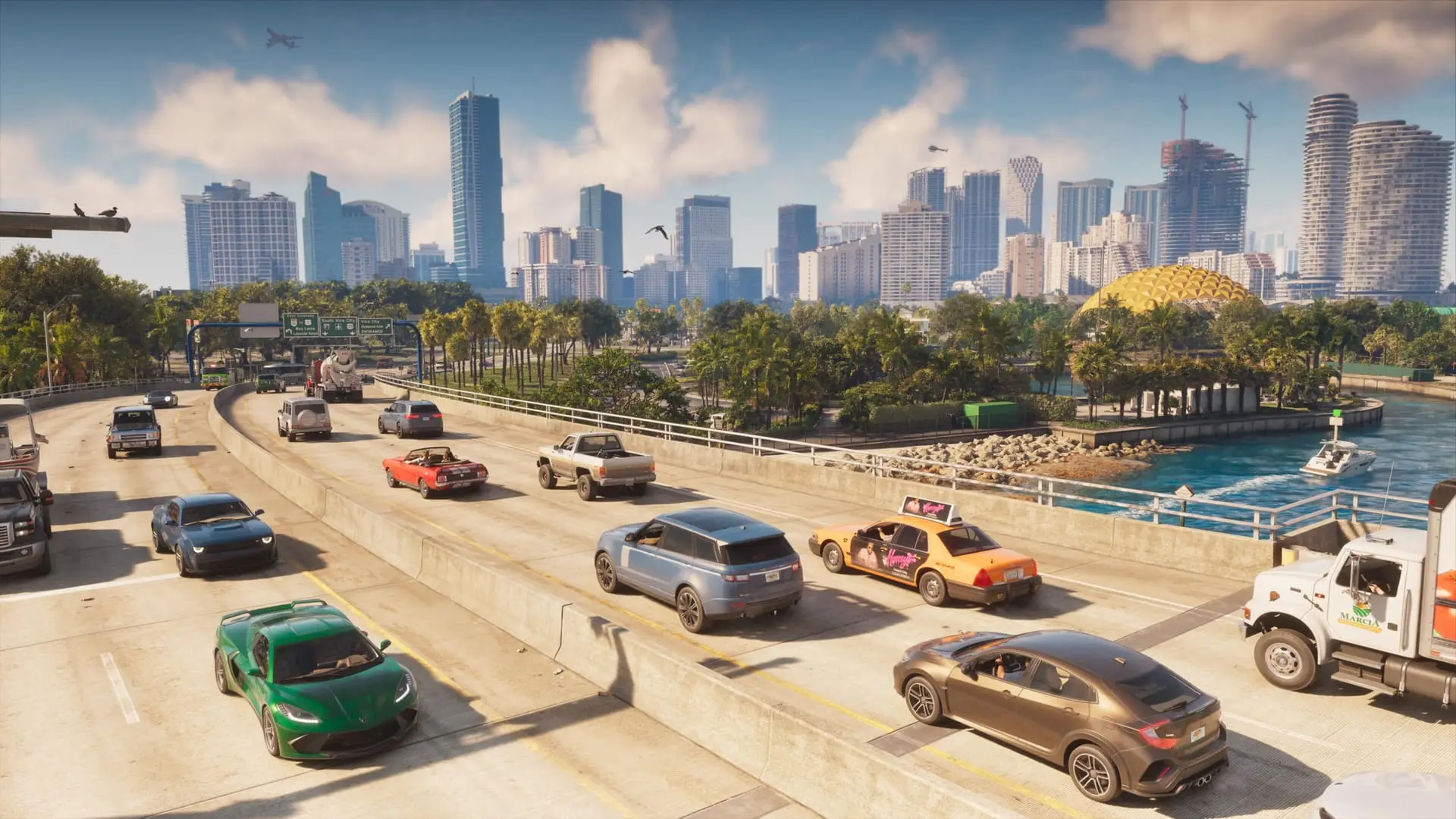
Rockstar's first patch came out on November 23, four days after launch. It fixed crashes and weather that wouldn't change, among other problems. The patch notes list no graphics changes. Even so, a PS5 Pro owner on Reddit says the game looks worse since the update:
- Lighting, textures and hair look "completely different"
- Clouds "often look really low-resolution"
- Rain that used to look "absolutely stunning" now looks "strangely washed out and hazy"
Plenty of players in the same thread say their game looks exactly as it did on launch day. Rockstar hasn't commented, so it isn't clear whether the patch changed anything visually. There is a precedent: in 2015 Rockstar admitted that a GTA 5 update had hurt the game's graphics on PS4 and Xbox One, and it patched the problem.
How to restore GTA 6 visuals on PS5
- Close GTA 6 completely. Don't just suspend it.
- Open your PS5 display settings and turn HDR off.
- In the same settings, set the resolution to 1080p.
- Restart the console.
- Once it's back on, turn HDR on again.
- Set the resolution back to what it was before.
- Load GTA 6.
The player who first shared the trick says the game looks like it did at launch again, "with all the colors, lighting, shadows, textures and overall visual quality fully restored." Another player on X says it "restored the depth of the shadows, improved the lighting and brought back the quality of the reflections."
Check your TV's HDMI setting
If the picture still looks soft, check your TV. One commenter found their TV was automatically setting its HDMI port to a lower HDMI version than it supports. That made the PS5 drop to 1080p whenever HDR was on. The menu for this differs between TV brands, so look in your TV's own settings for the HDMI version or mode of the port your PS5 is plugged into.
Does it work on PS5 Pro, base PS5 and Xbox?
The original complaint came from a PS5 Pro owner. Several players say the reset worked for them, including some on a base PS5 and on Xbox Series X. Others say it made no difference. No one has posted Xbox menu steps yet. For how each console is meant to perform, see our frame rate guide for PS5, PS5 Pro and Series S.
Clearing the cache, and the fix for missing weather
Rockstar Support told the Reddit poster to clear the console's cache. They say it didn't help their graphics, so try the display reset above first. Clearing the cache is the fix players use for a different problem: weather that stays the same after the patch. Several players say storms showed up as soon as they loaded back in. One with 56 hours played says they hadn't seen any dramatic weather until then. This fix is for PS5 only, and nobody has found an Xbox version yet.
 PlayStation
You need a cable to connect the DualSense, because safe mode won't work with a wireless controller.
- Turn your PS5 or PS5 Pro fully off, not into rest mode.
- Press and hold the power button until the console beeps twice. It starts in safe mode.
- Connect your DualSense to the console with the cable.
- Select option 6, Clear Cache and Rebuild Database.
- Select option 1, Clear System Software Cache.
- When the message "The system software cache will be cleared" appears, select OK.
- Wait a few minutes while the console clears the cache and restarts.
This removes only temporary system files. Your installed games, saved data, screenshots and account settings are kept.
Not every sunny stretch is a bug. Owen Shepherd, Rockstar's vice president of art for lighting and rendering, says the weather changes throughout each day, and the overall pattern changes from chapter to chapter. It starts with mostly good weather in the first chapter and turns much more changeable and stormy by the last. Weather is also local, he added, so "it is possible to miss" the pockets of rain in the early chapters.
Sources: IGN, GamesRadar+, Dexerto, Rockstar Intel
Written by AI from the sources listed here, then checked automatically for copied wording and for claims stronger than the sources. How we work